CONCEPT16:9
Cinematic backgrounds
Generate a background, place your subject above it, then match the light with a Curves adjustment layer.
See the prompt +
Foggy pine forest at dawn, empty center, soft light from the left, no people, no text
PhotoCraft is a free, open-source Photoshop-style editor; it can't generate images, so create backgrounds, objects and textures here and finish them in PhotoCraft.
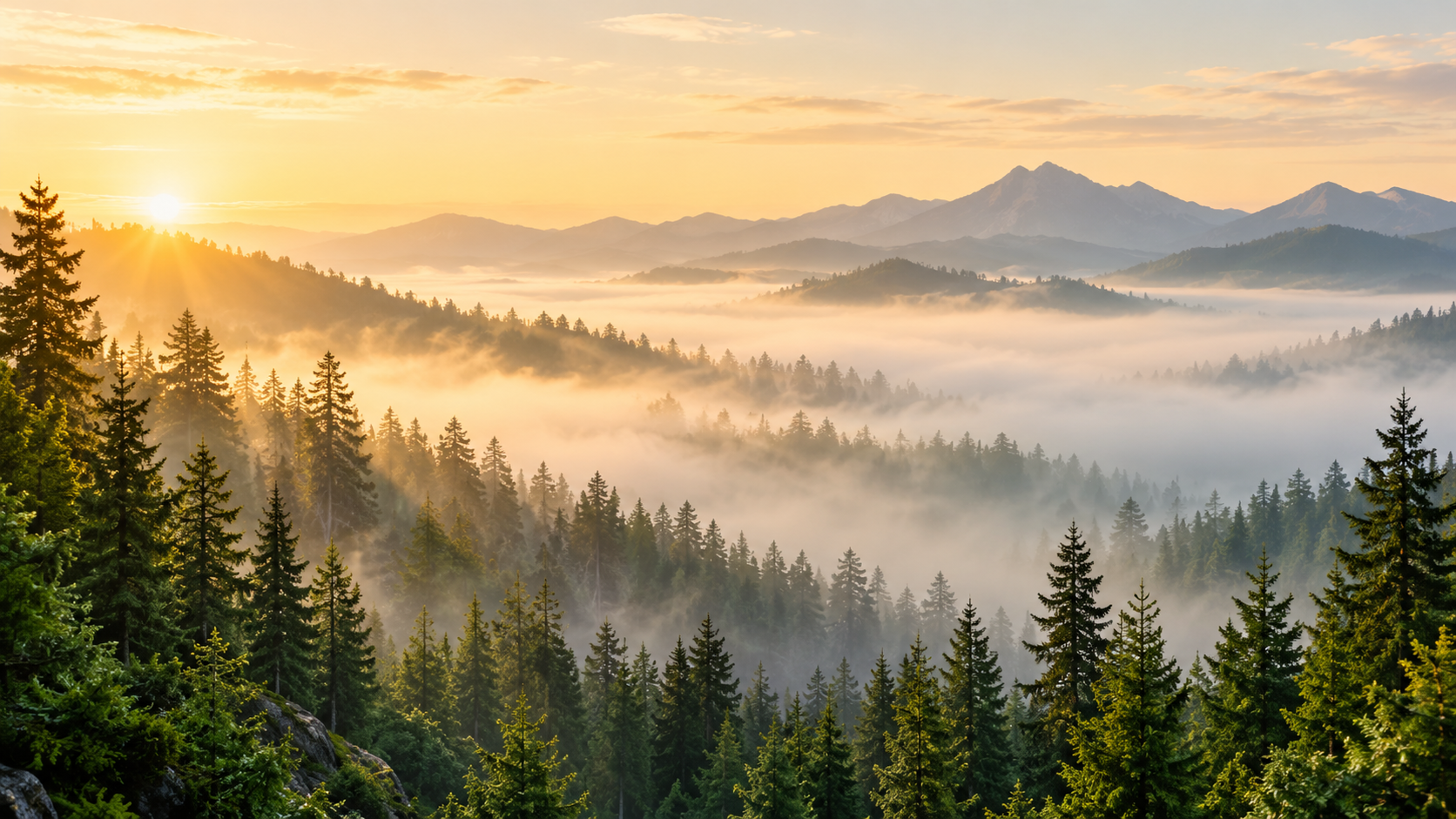 BACKGROUND PLATE · CONCEPT
 Concept preview. Generate a background to use in your composition.
View this generation in history →Generate the pixels PhotoCraft can't create — backgrounds, props and textures — then mask, grade and add type over them in PhotoCraft.
Generate a background, place your subject above it, then match the light with a Curves adjustment layer.
Foggy pine forest at dawn, empty center, soft light from the left, no people, no text
Remove the background, place the transparent PNG, then add a Drop Shadow and a separate title layer.
White ceramic coffee cup on a plain white background, studio light, centered
Place beneath your type and try Multiply or Soft Light. Keep the texture on its own editable layer.
Seamless warm beige paper texture with subtle fibers
Mask the sky into your composition and use Hue/Saturation to bring the foreground into the same palette.
Dramatic orange sunset sky with scattered clouds, no ground
Concept artwork. Choose an example to start your own image.
Generate a layer-ready image here, download the PNG, place it as a new layer in PhotoCraft, then mask and adjust it.
Match the aspect ratio to your canvas. Describe the light, texture and empty space you need.
Download your image. For an object, remove the background first to get a transparent PNG.
Open the PNG, copy it and paste into the PSD as a new layer. Keep your subject above the background.
Use Select and Mask for edges and Curves to match light. Save the layered PSD as a copy.
PhotoCraft is a free, open-source image editor from the ArtCraft team that rebuilds Photoshop's layers, masks and PSD support in pure Rust.
It runs on Windows, macOS, Linux and FreeBSD, with a self-hostable browser build. Dual MIT / Apache-2.0 licensing allows personal and commercial use. It is early alpha; keep copies of important files.
The mobile apps “PhotoCraft – AI Photo Editor” and “PhotoCraft AI: Edit & Art” have different developers.
Generate assets for PhotoCraft →Not yet — PhotoCraft has no generative fill or text-to-image. Create those pixels with an AI image generator and finish them in PhotoCraft. Generation here runs in the cloud, so you do not need a powerful GPU.
Select Subject and Remove in PhotoCraft are local editing tools, not generative AI.
Get v0.9.0 from GitHub or the ArtCraft Launcher. Last checked .
Windows 10+ · x64, ARM64 or x86 · MSI installer or portable zip
Check the code signature and SHA256SUMS.txt. macOS 11+ builds are universal and notarized. The official web build is a zip to host yourself, not an online editor hosted here.
PhotoCraft matches Photoshop's menus and PSD files for free, but it is early alpha and lacks generative AI and plug-ins.
| Feature | PhotoCraft | Photoshop | GIMP | Photopea |
|---|---|---|---|---|
| Pricing | Free, open source | Subscription | Free, open source | Free with ads |
| Layered PSD | PSD / PSB | Native | Partial | PSD |
| Runs as | Native + self-hosted web | Desktop / web / mobile | Desktop | Browser |
| Generative AI | Not built in | Built in | Plug-ins | Replace tool |
| Agent control | CLI + MCP | Scripting | Script-Fu / Python | Scripting |
| Maturity | Early alpha | Industry standard | Mature | Mature |
Yes — photocraft-cli runs any of 500+ editor commands headlessly and starts an MCP server that an agent can drive.
ai-generator generate-image --prompt "Foggy pine forest at dawn, no people" --jsonUse the returned task ID to retrieve your generated PNG with the CLI.
photocraft-cli mcpConnect your agent to MCP, import the PNG, add masks and Curves, then export. Use run for headless commands or batch for a folder; the desktop bridge operates a running app.
Retrieve the generated PNG, then import it into the editor to add layers and masks.
Set up the AI Generator CLI →The details, before you create.
Yes. The editor is free and open source under MIT OR Apache-2.0. AI generation here uses credits. Credit packs start at $9.90 for 250 credits — a one-time purchase with no subscription, and purchased credits never expire.
Yes, layered PSD and PSB files. Its published test reports matching renders for 307 of 309 re-saved test files. It is early alpha: keep your original and save important edits as a copy.
The official WebAssembly build can run in a browser with WebGPU or WebGL2 and keeps images on your device. It is distributed as a self-hostable zip, rather than an official hosted editor. This page generates assets; it does not host the PhotoCraft editor.
Use the official GitHub releases or ArtCraft Launcher. Windows builds are code-signed, macOS builds are signed and notarized, and release checksums are in SHA256SUMS.txt. Similar-name mobile apps are separate products.
As last checked on 2026-10-17: v0.9.0, released 2026-10-14, with Photoshop Actions (.atn), printing and DPX support. Check the official releases for subsequent updates.
Use Windows 10+ or macOS 11+, update the app and graphics drivers, and try launching with --safe-gpu for the CPU canvas. On Linux Wayland, use File › Open instead of dragging files onto the window.
Export the finished composition as PNG, choose Image to Video here, upload the PNG and describe the motion. Keep movement small for more stable faces and lettering.
Credit packs start at $9.90 for 250 credits — a one-time purchase with no subscription, and purchased credits never expire.
Ready for the next layer? Open the workbench ↑ · Compare credit packs →
AI Generator is independent and not affiliated with PhotoCraft or the ArtCraft team.