AI Effects for Photos and Videos
AI effects are ready-made prompts and settings that turn one photo into a styled image or a short video. Pick an effect below, newest first, upload your photo, and the effect page fills in the rest.
Updated
Newest AI effects this month
Added or updated in October 2026. Each one starts from a single photo.
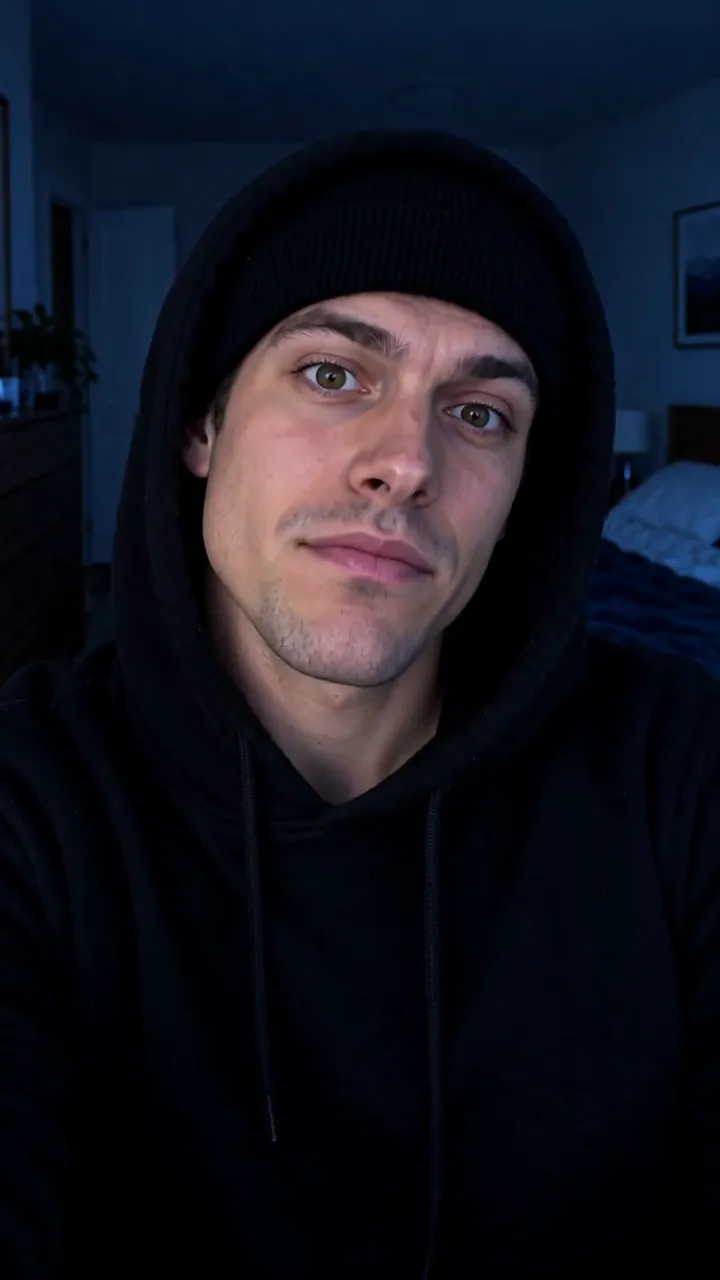
Skull Cap AI
Goofy in a bright room, then hood up over a black skull cap and a cold stare. Video effect · Open →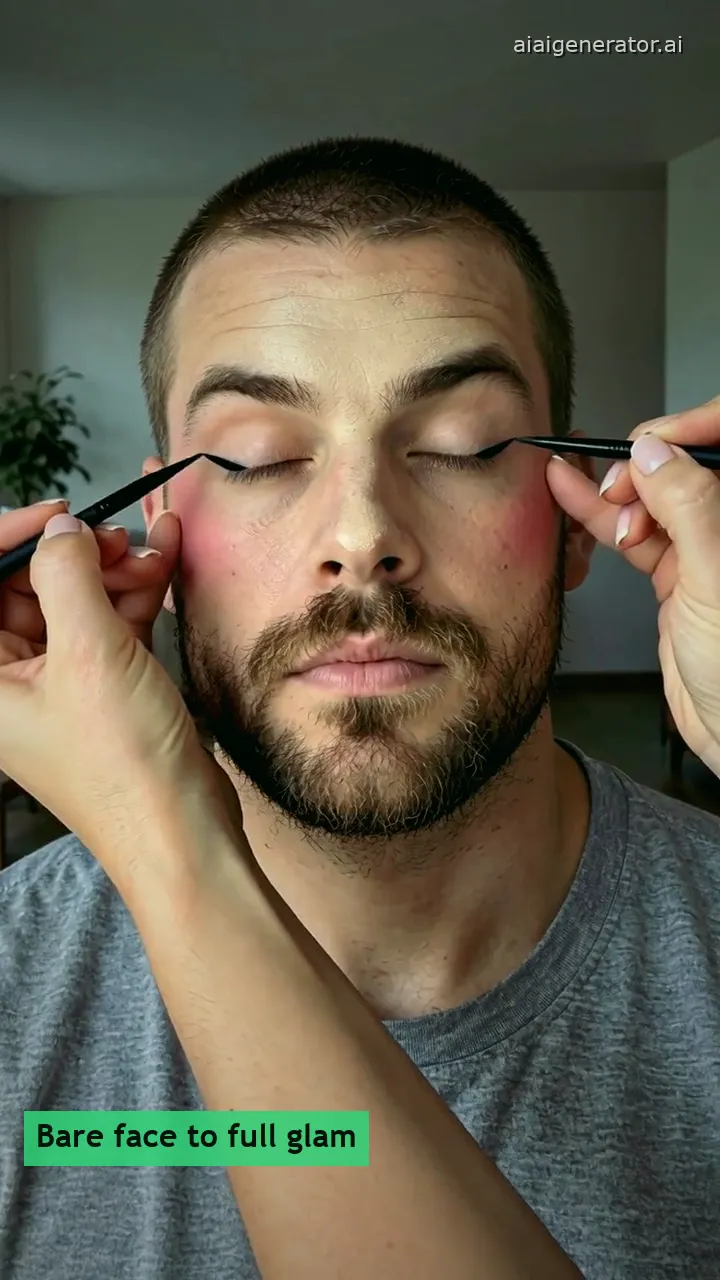
Boyfriend Makeup Prank Filter
His bare face to Soft Glam, Red Lips or Bold Liner, one brush at a time. Video effect · Open →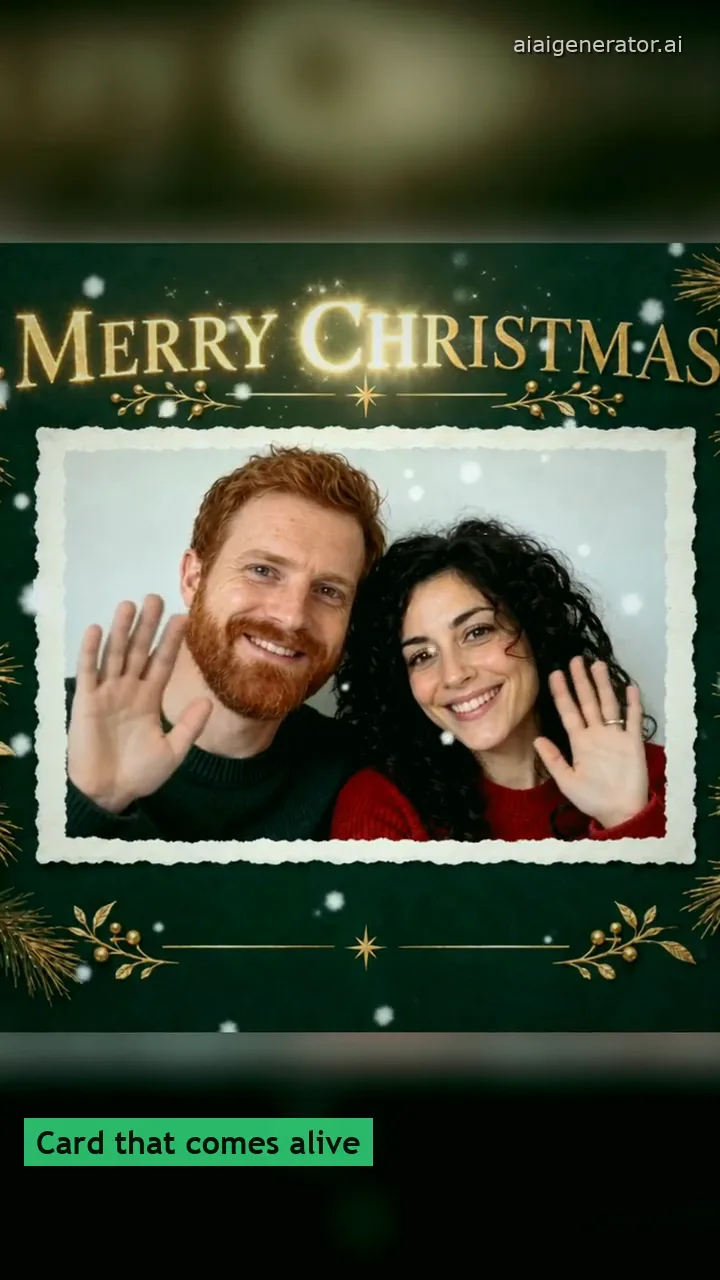
AI Christmas Card
Your photo as a fireside, doorstep or illustrated Christmas card that can snow and wave. Video effect · Open →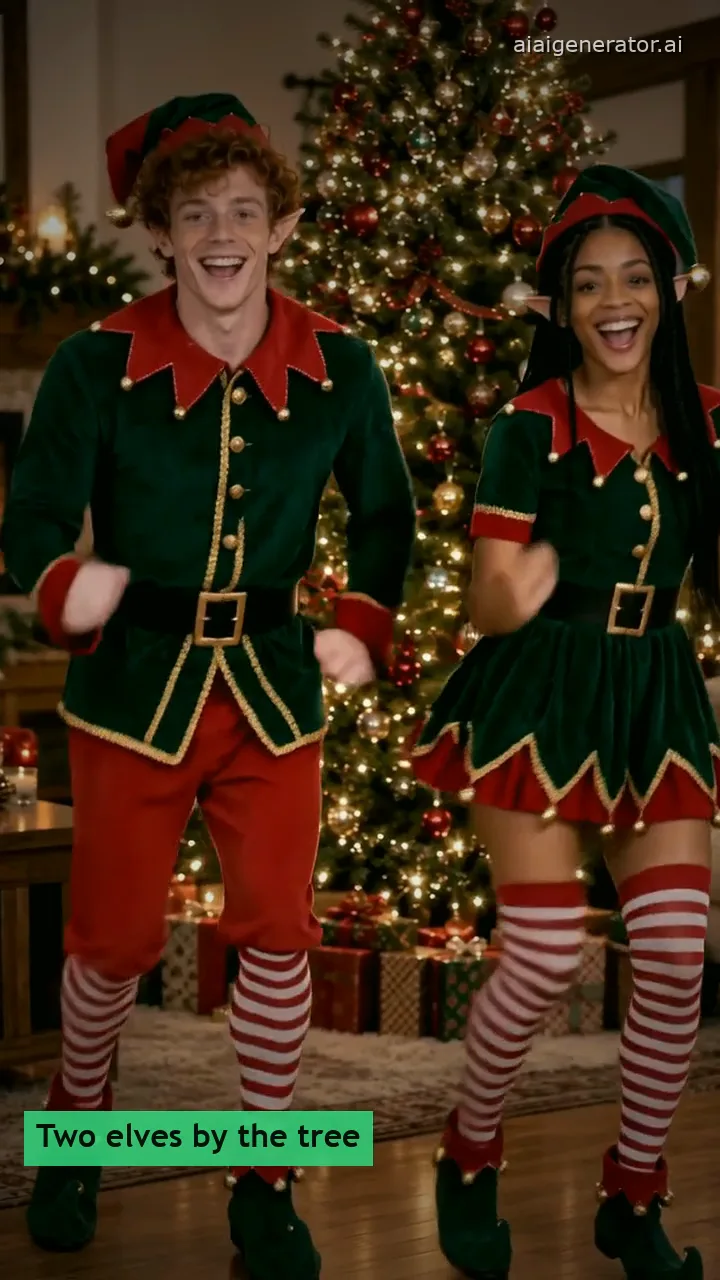
AI Elf Dance Video
Up to four friends or coworkers as dancing elves, by the tree, at the office or with your pet. Video effect · Open →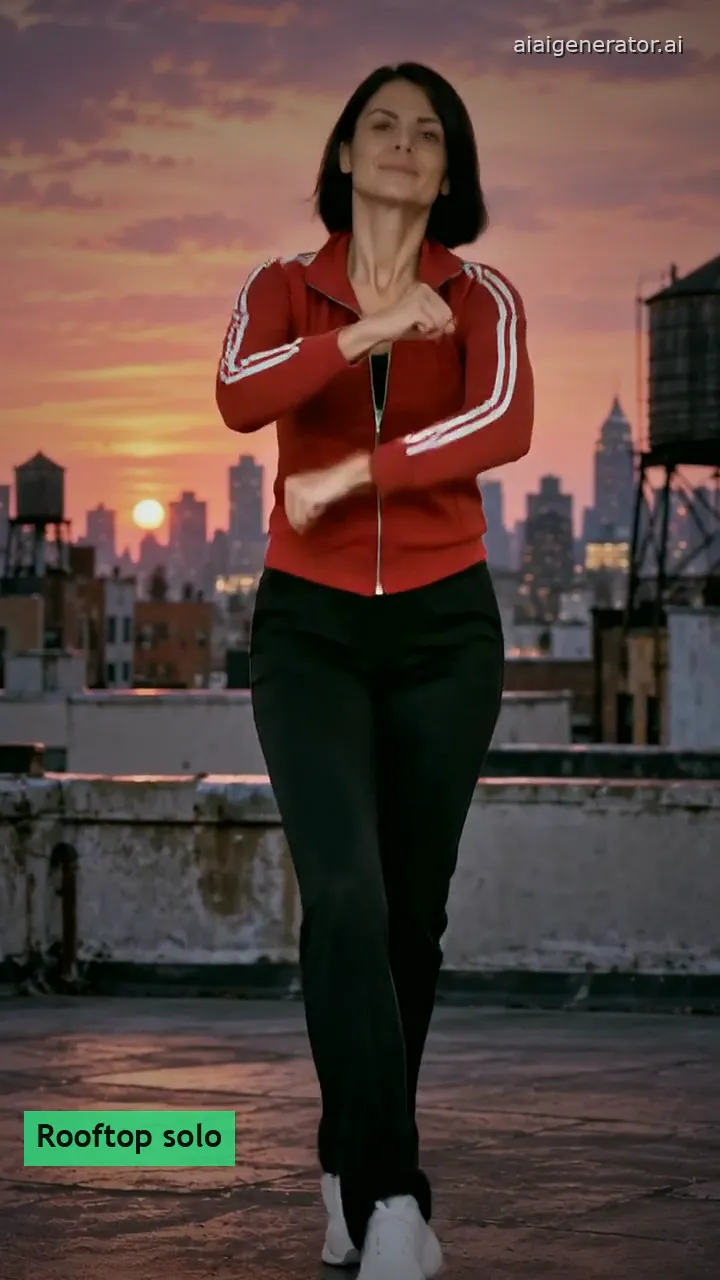
Gangnam Style AI Dance
Your photo or your pet in the horse trot and the lasso, with an original beat. Video effect · Open →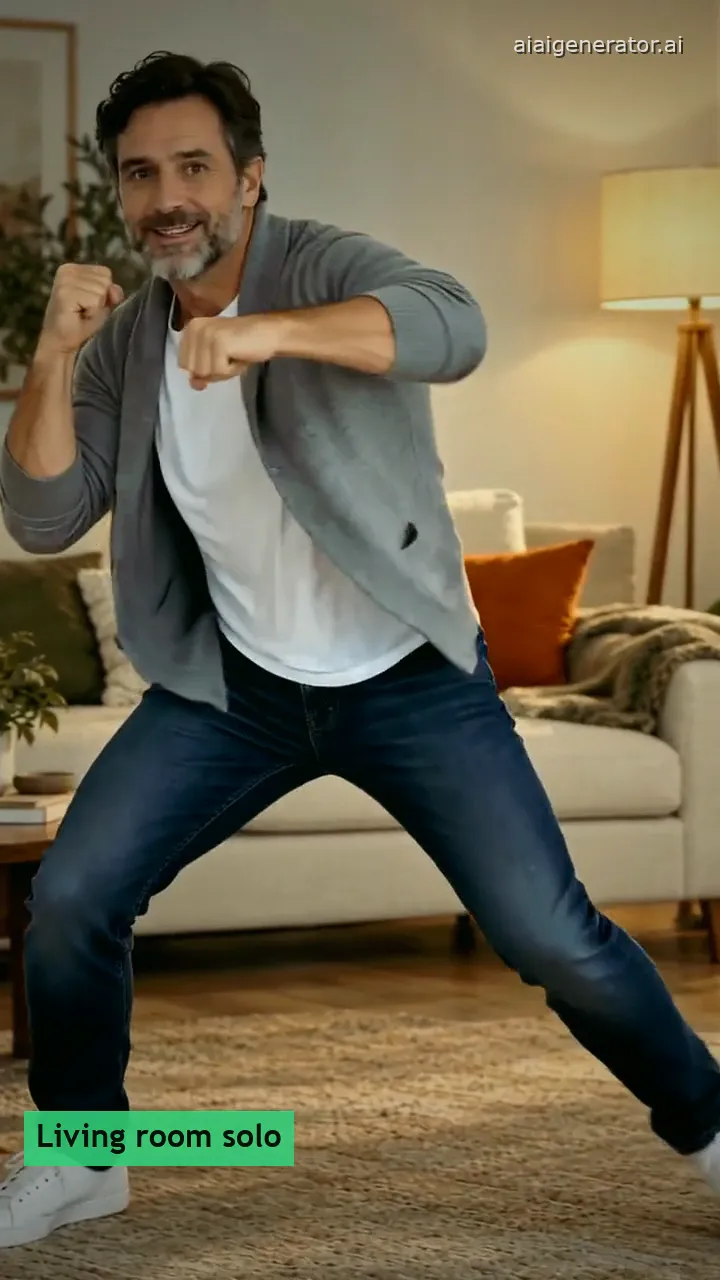
I'm Not Yo B No More AI Dance
Your full-body photo doing the seven moves, from fists up to the wide squat. Video effect · Open →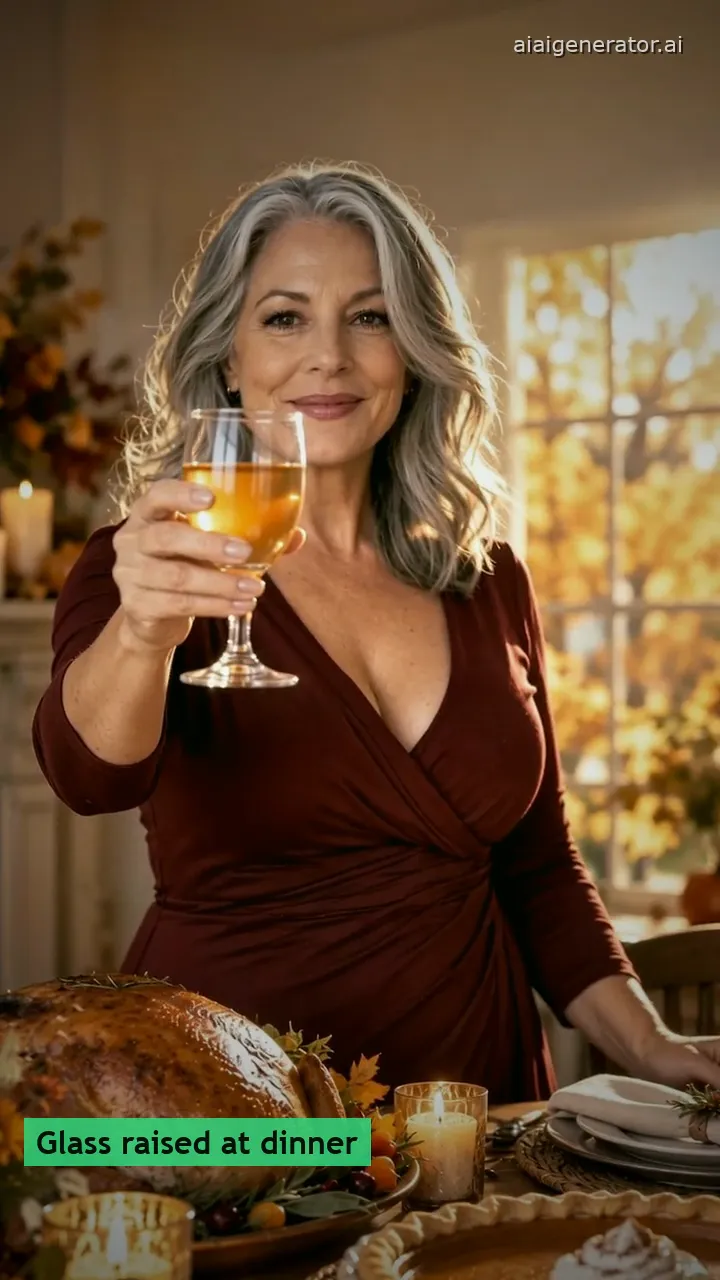
Animated Thanksgiving Card
Your photo raising a glass at the Thanksgiving table, ending on your greeting. Video effect · Open →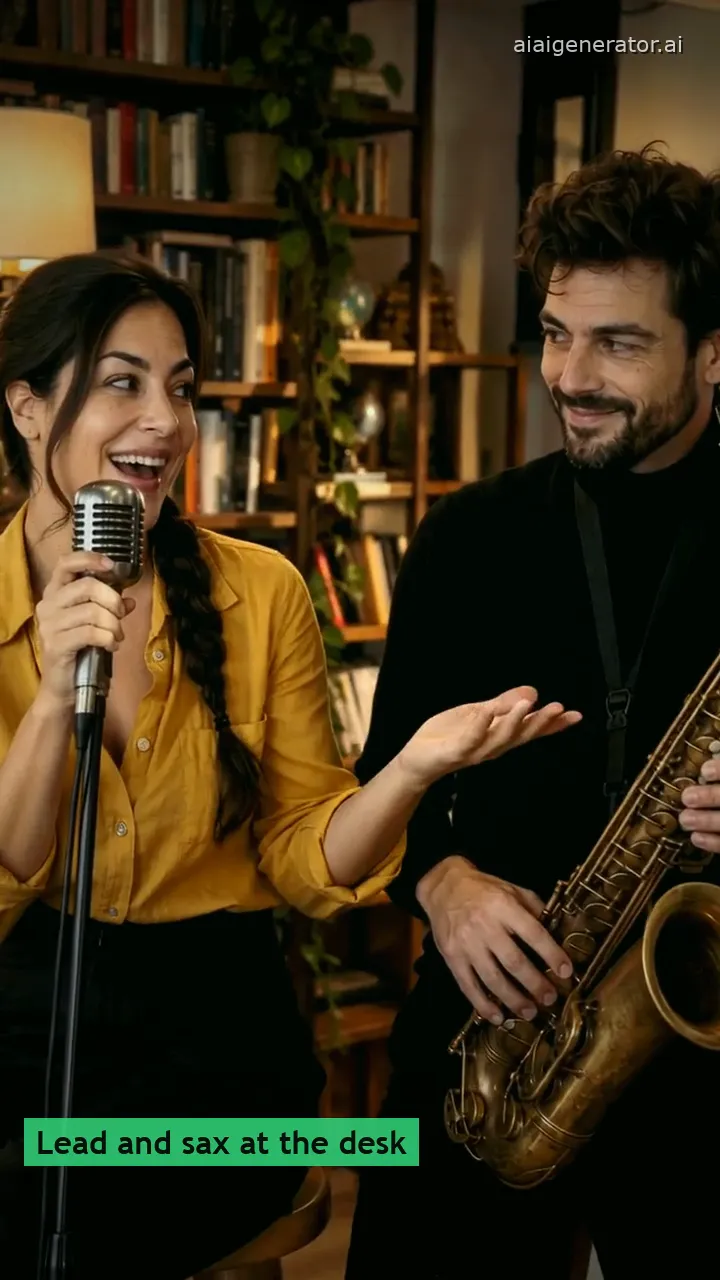
Tiny Desk AI Video
Your photo singing lead at a desk concert: the big note, the laugh, the sax solo. Video effect · Open →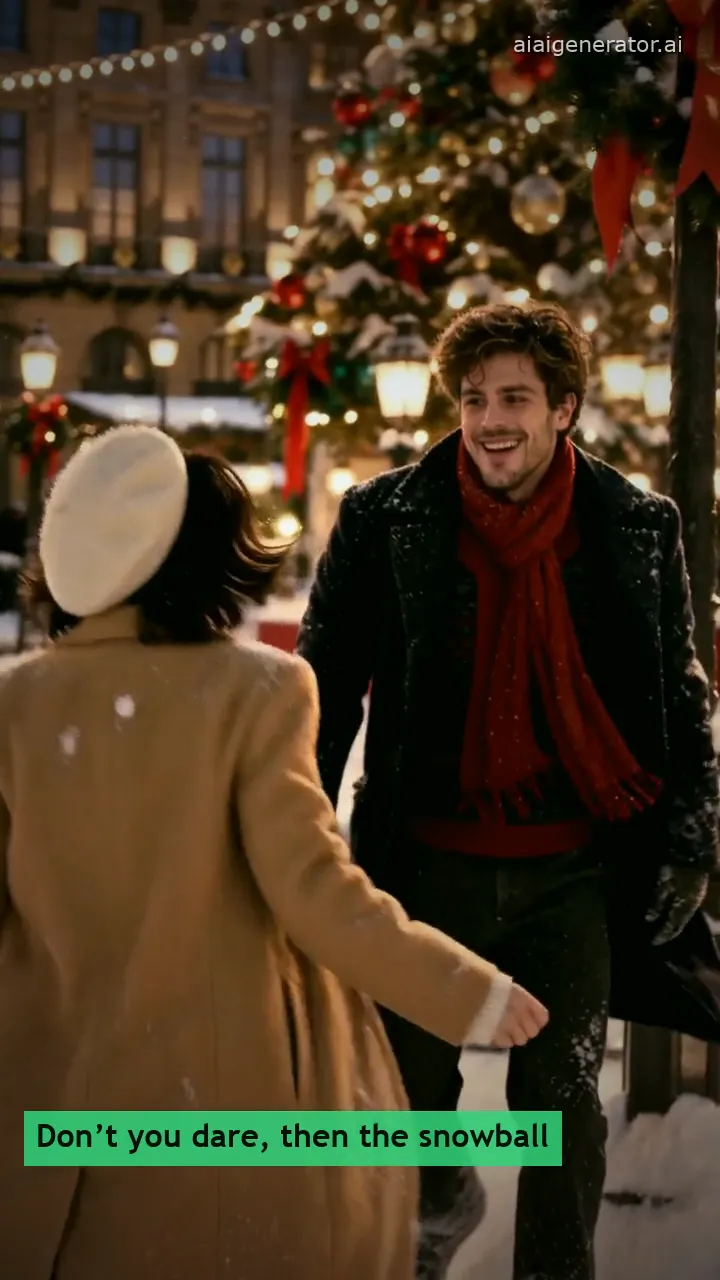
Don’t You Dare Christmas
Your photo in a 90s snowy-square rom-com, with your partner or an AI one. Video effect · Open →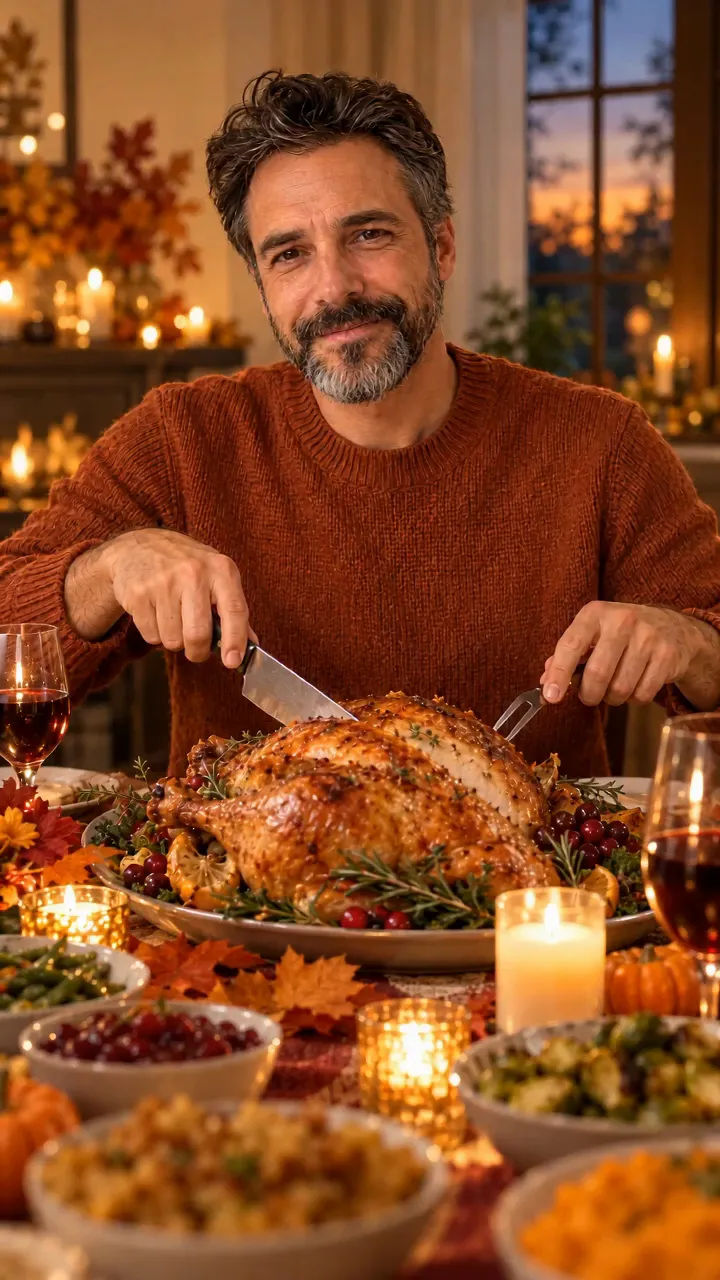
Funny Thanksgiving Video
Your photo at the Thanksgiving table: the pop into a turkey, the escape, the thief dog. Video effect · Open →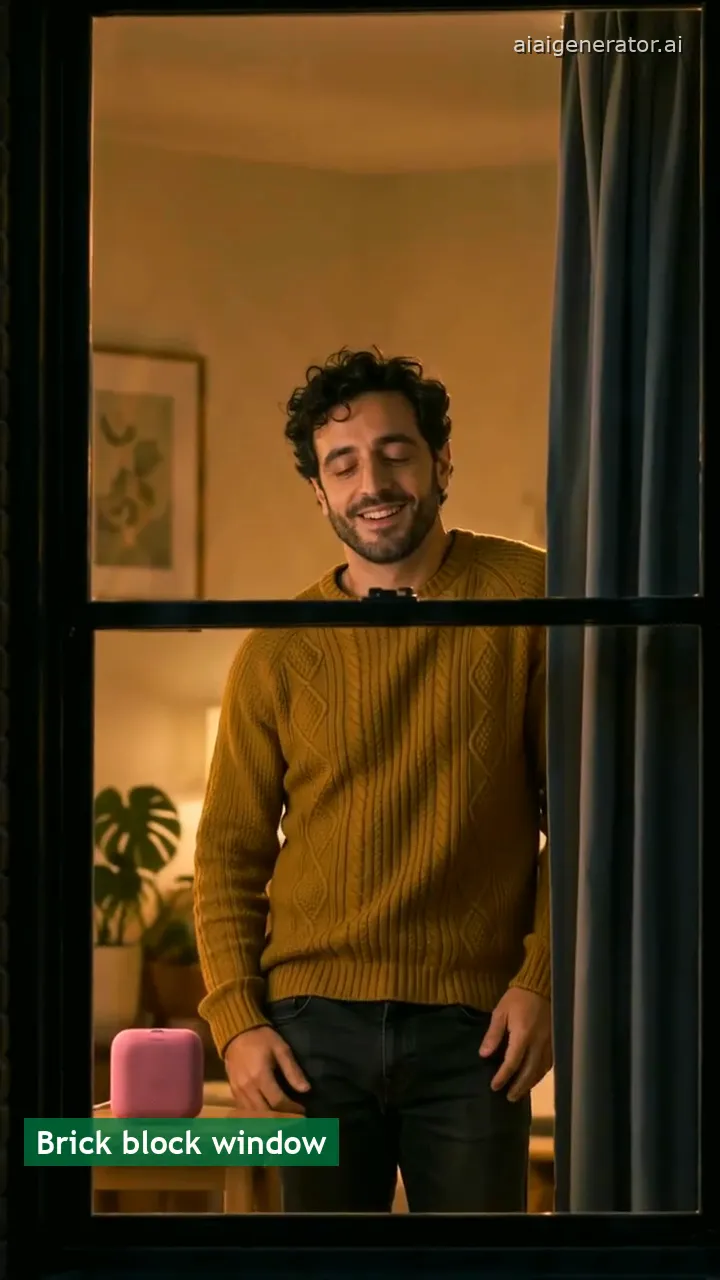
Window Dance Trend
Your photo in the one lit window: push-in, dance, caught smile, curtain. Video effect · Open →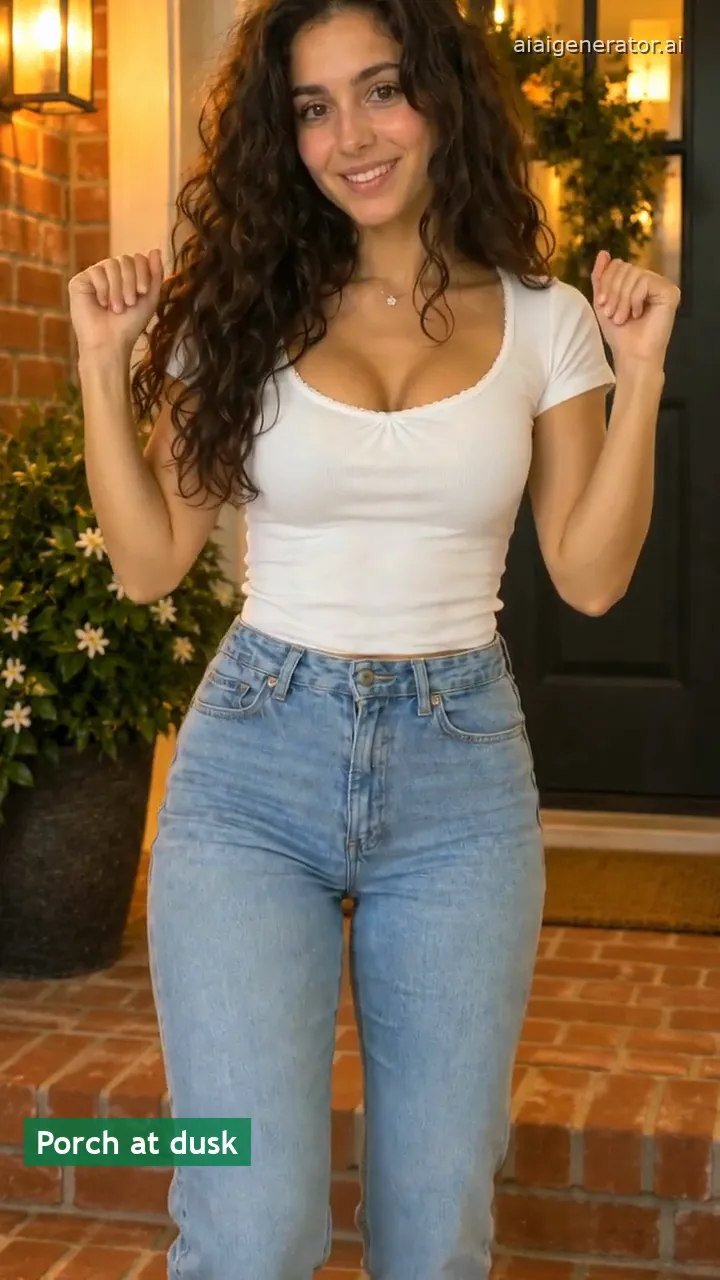
Puerto Rican Mami Dance
One photo does the seven moves, chest to knees, on a porch at dusk. Video effect · Open →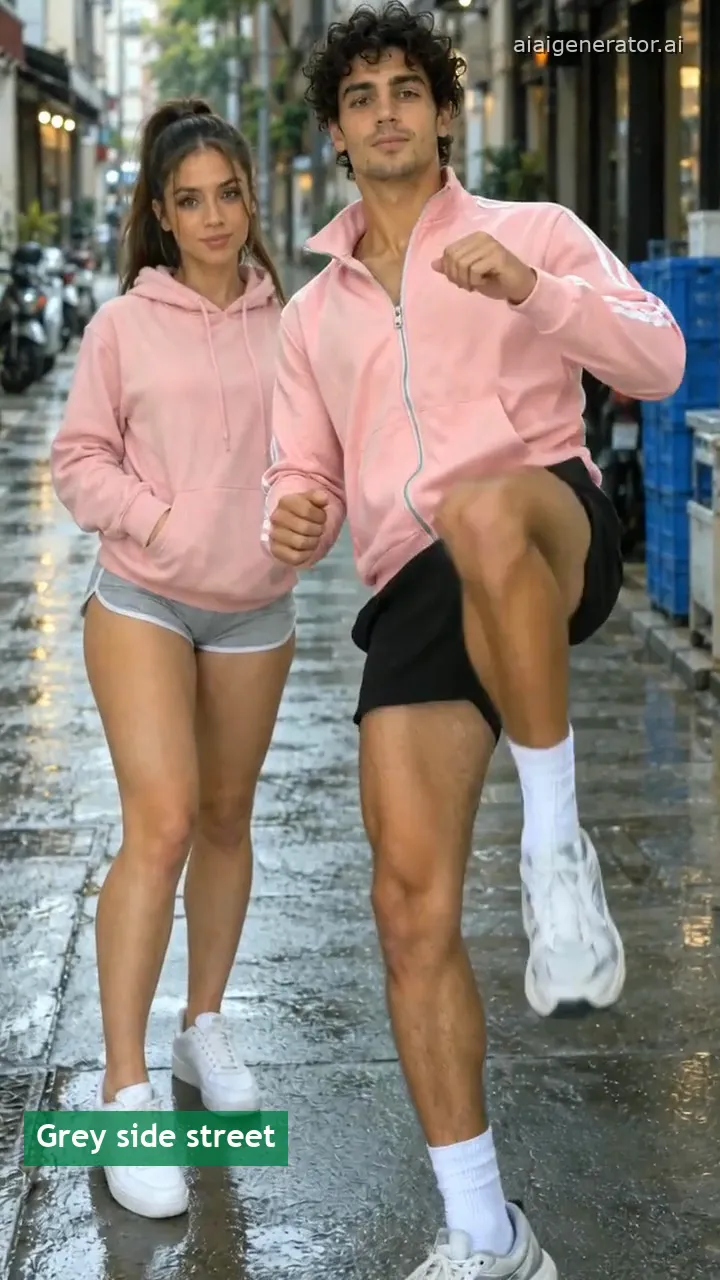
Bing Bing Bing Kicking
Two friends or two pets trade side kicks at the camera on a grey street. Video effect · Open →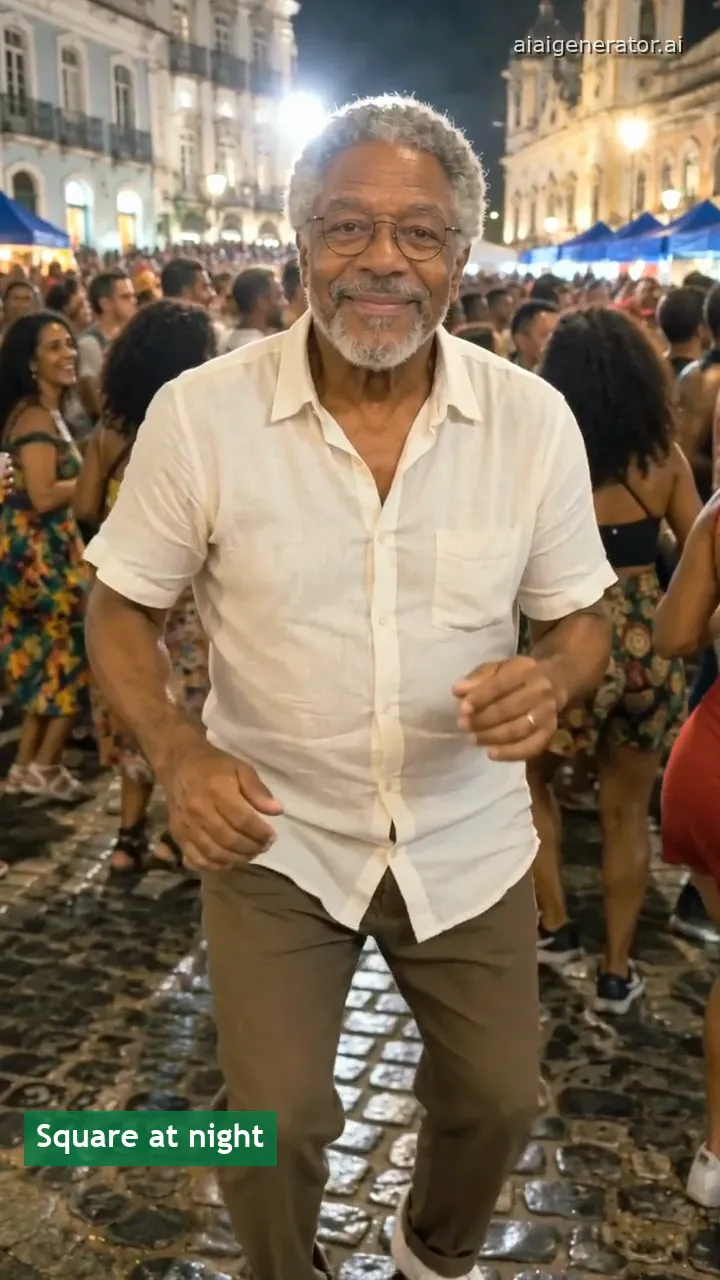
Baile Charme Dance
Your photo dances charme steps at the front of the Rio night crowd. Video effect · Open →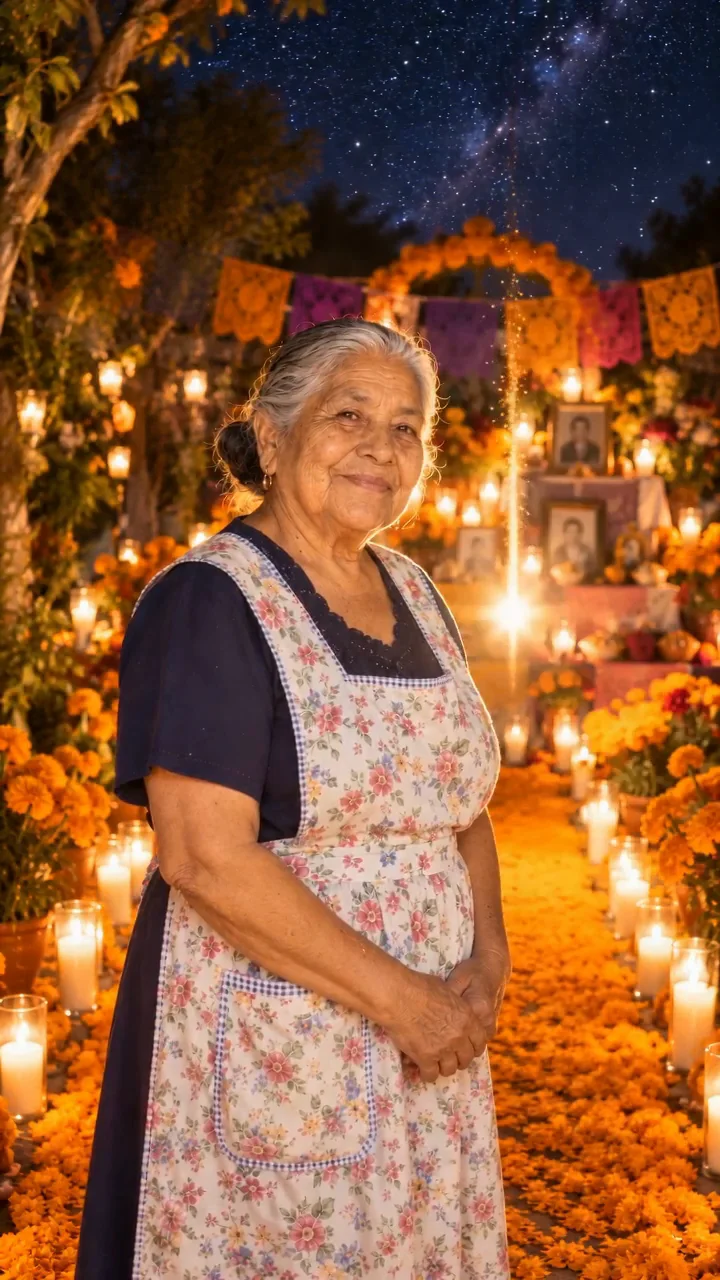
Day of the Dead AI Video
One photo of someone you miss walks home on the marigold path. Video effect · Open →
Check One Check Two AI
Your photo becomes a night-crowd mic-check clip. Video effect · Open →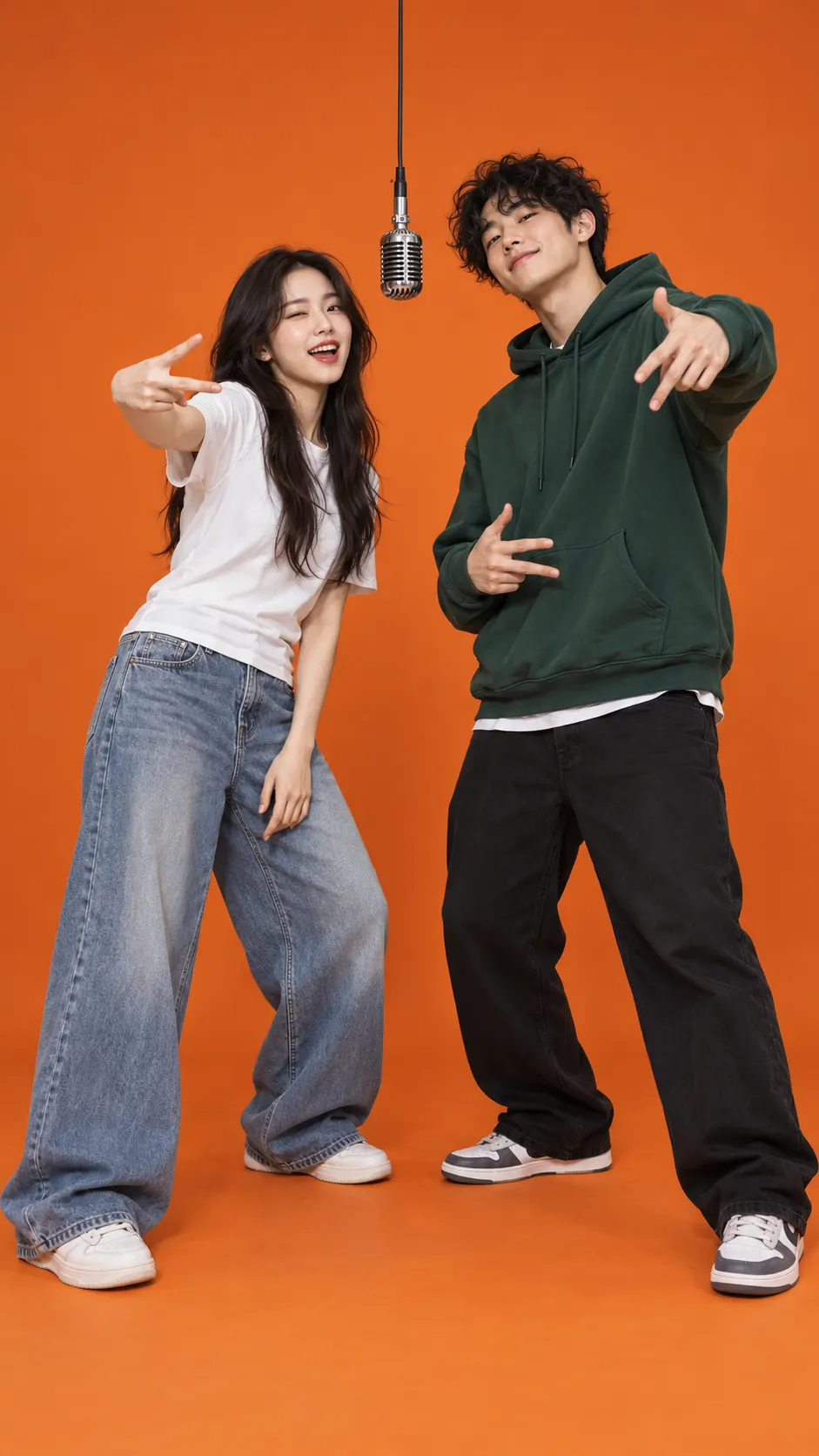
Hotel Lobby AI
Two photos become an orange-booth duet video. Video effect · Open →
PhotoCraft
Generate a layer-ready PNG, then place it in a Photoshop-style editor. Photo effect · Open →All AI photo and video effects
The rest of the collection, newest first.
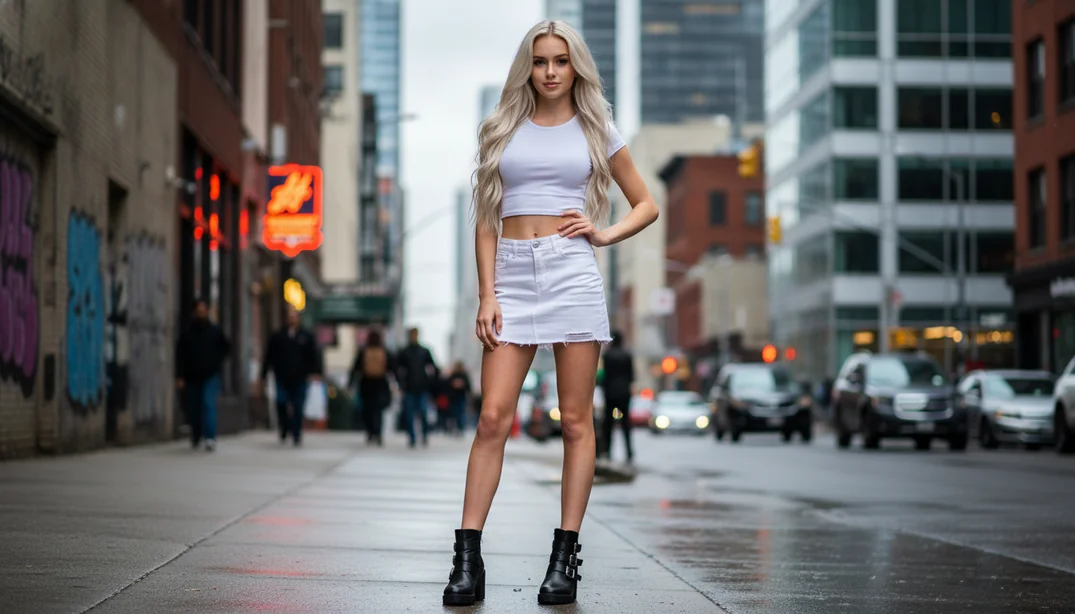
Swing Dance
The person in your photo dances with hip sways and arm moves. Video effect · Open →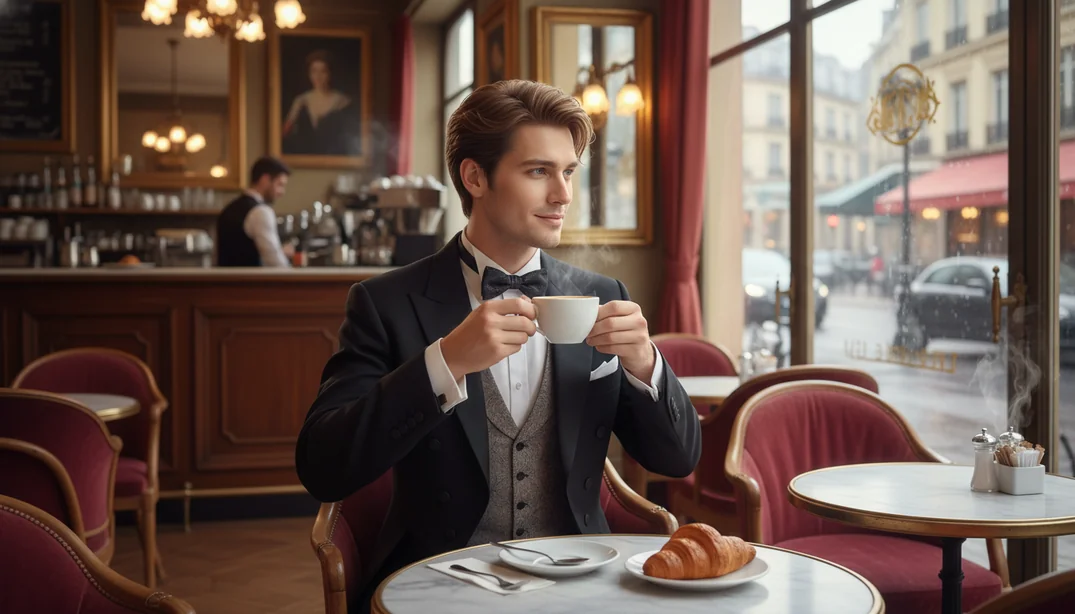
AI Piano Playing
The person walks to a piano, sits down and starts to play. Video effect · Open →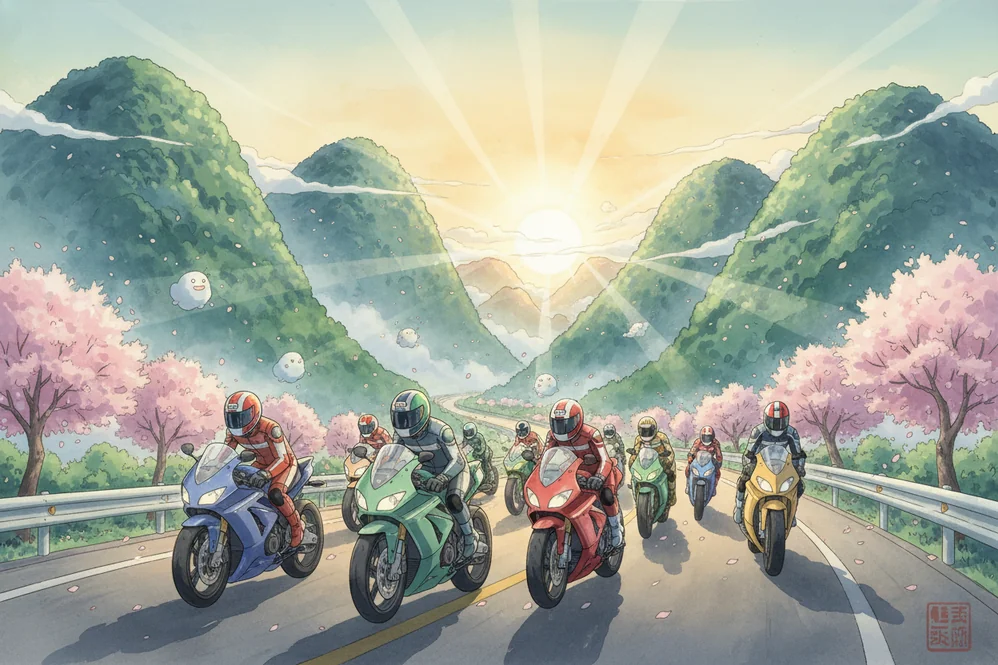
Ghibli Style
Turn a photo into soft hand-painted anime artwork. Photo effect · Open →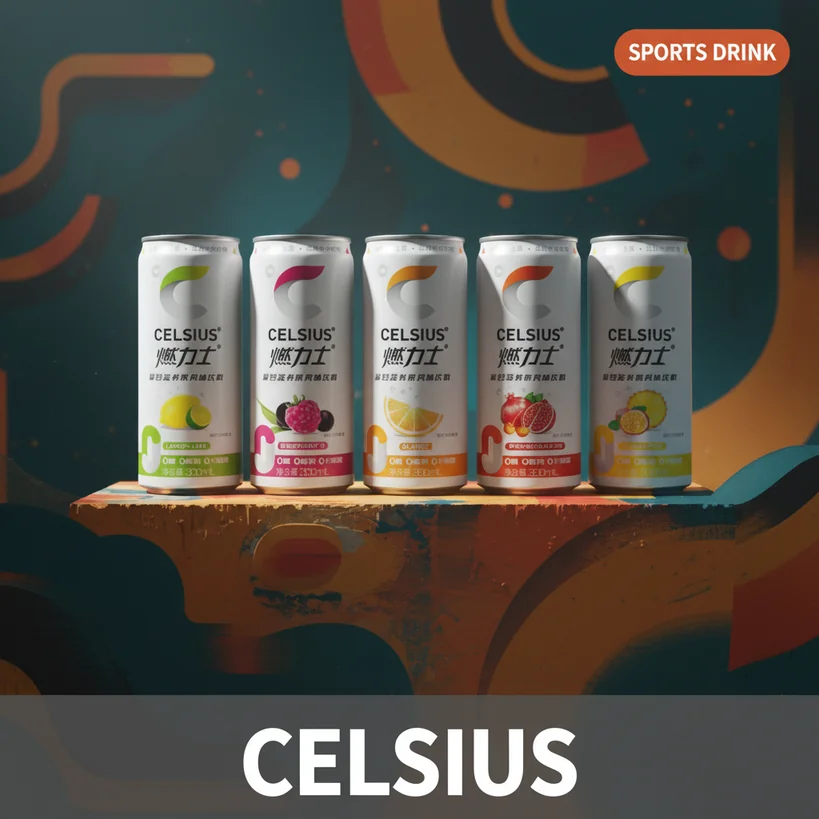
AI Product Image
Place a product in a marketing scene with a tagline. Photo effect · Open →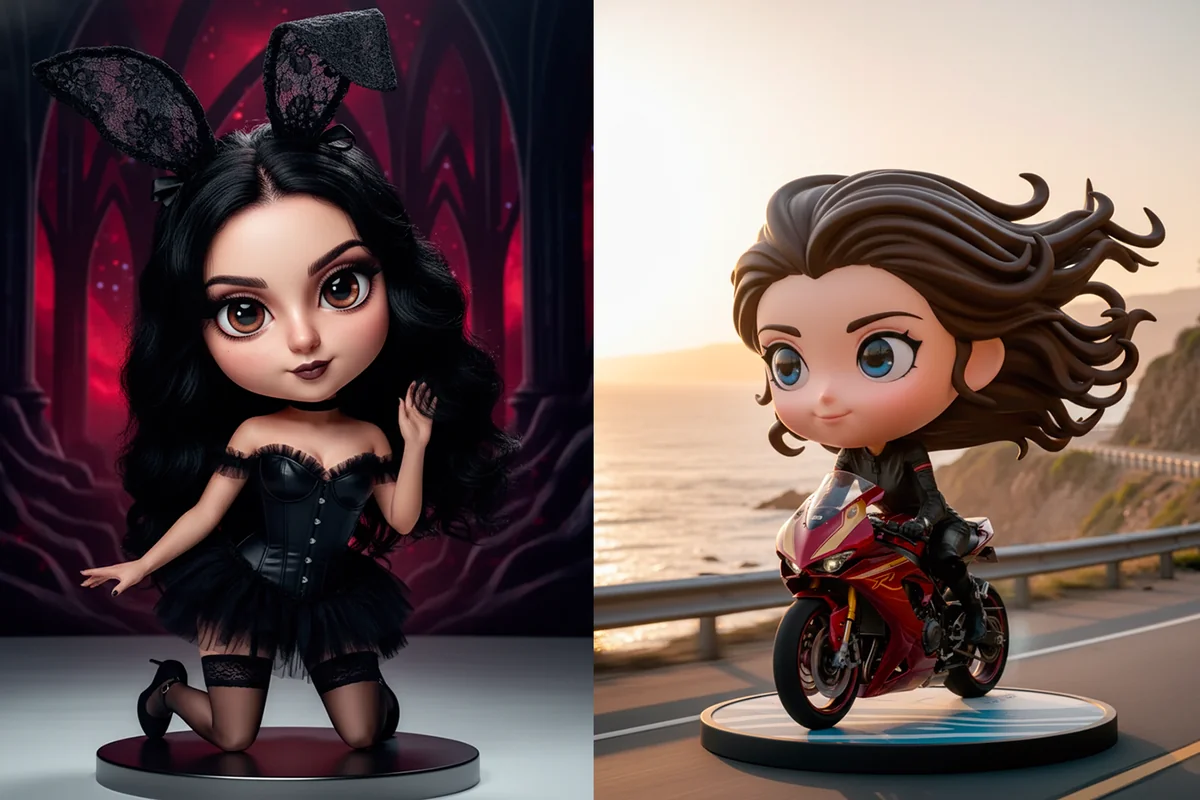
AI Q Doll Creator
Turn a photo into a 3D chibi collectible doll. Photo effect · Open →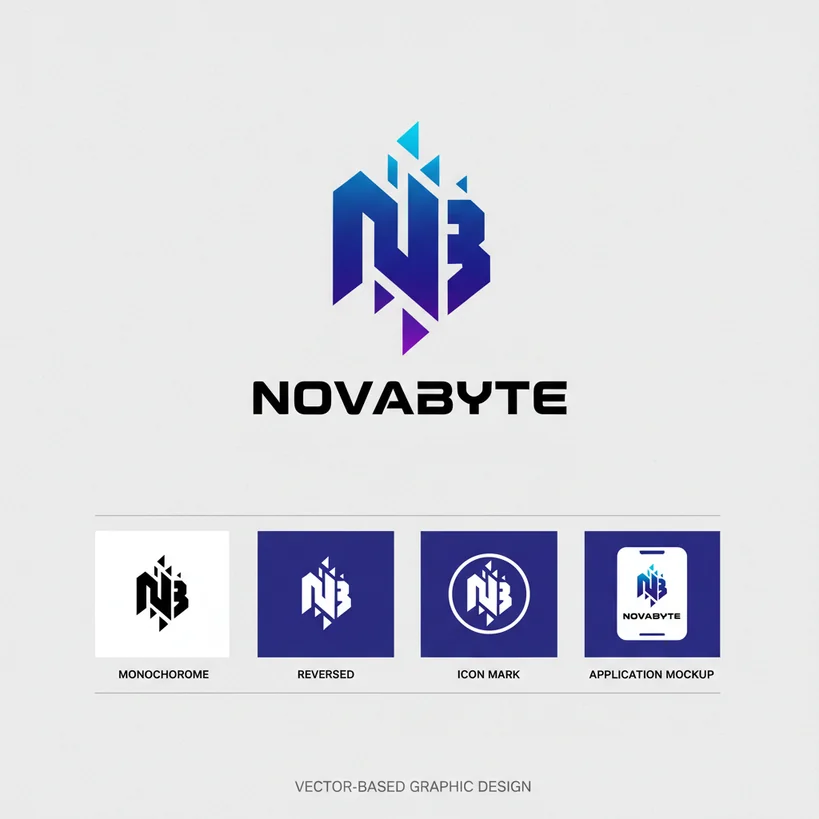
AI Logo Design
Draft logo ideas from a name and a style. Photo effect · Open →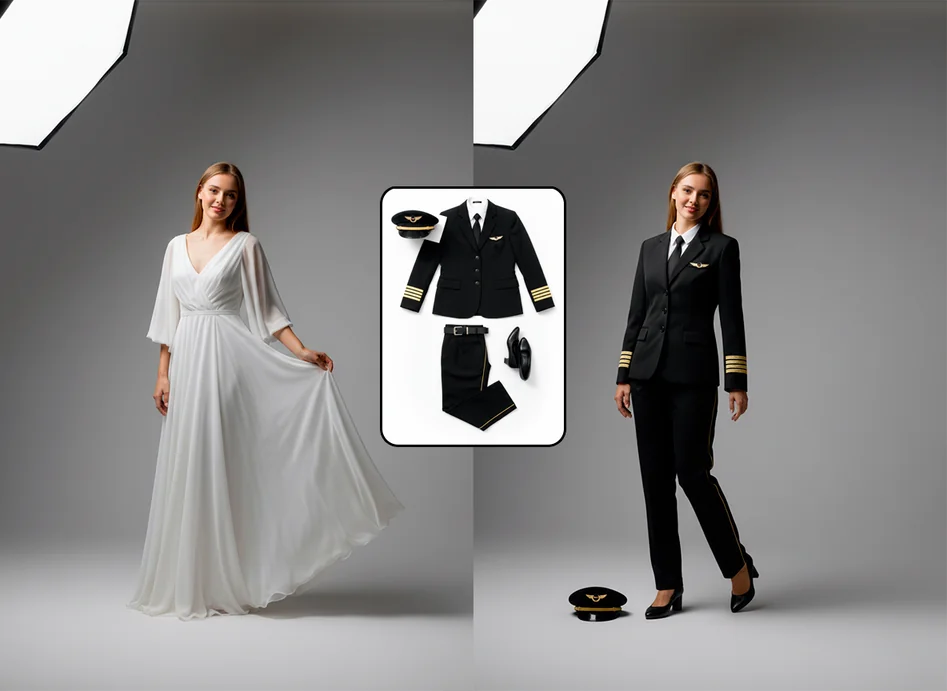
AI Clothes Changer
Change the outfit of the person in a photo. Photo effect · Open →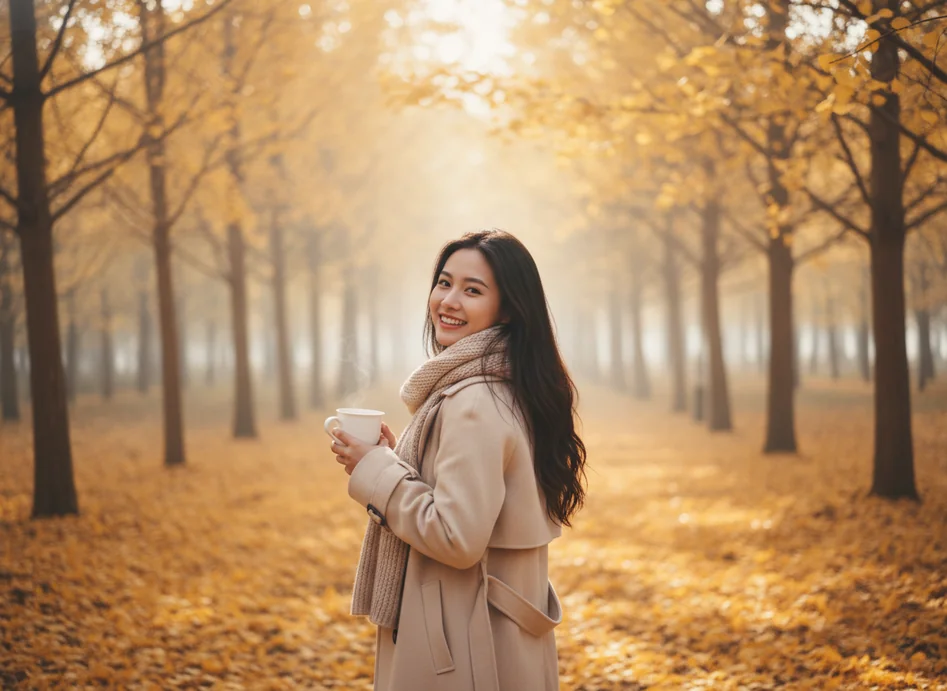
AI Background Remover
Cut the subject out of a photo. Photo effect · Open →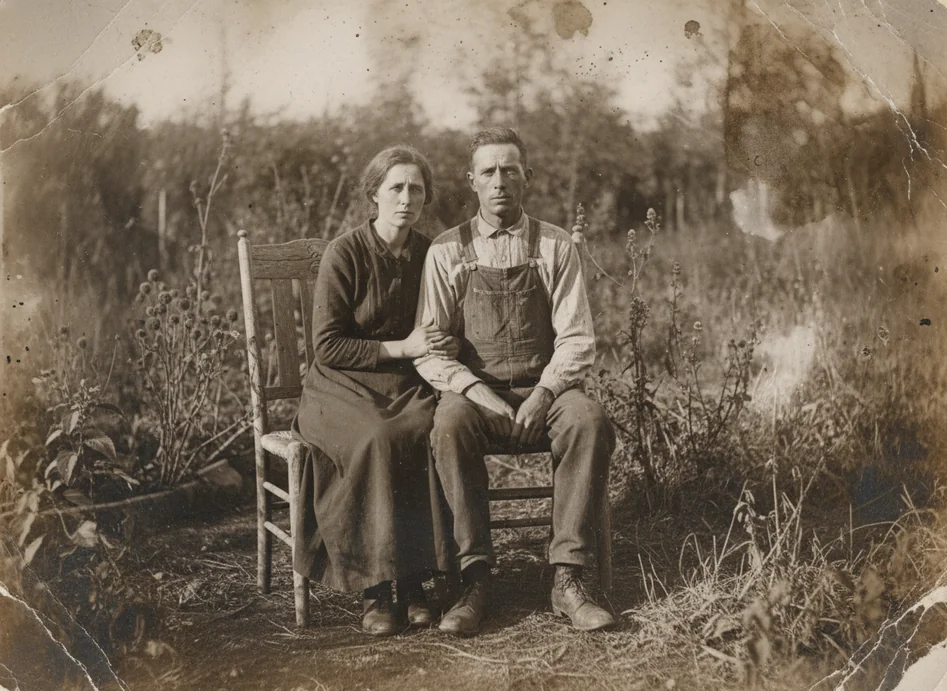
AI Photo Restoration
Repair scratches and fading on old photos. Photo effect · Open →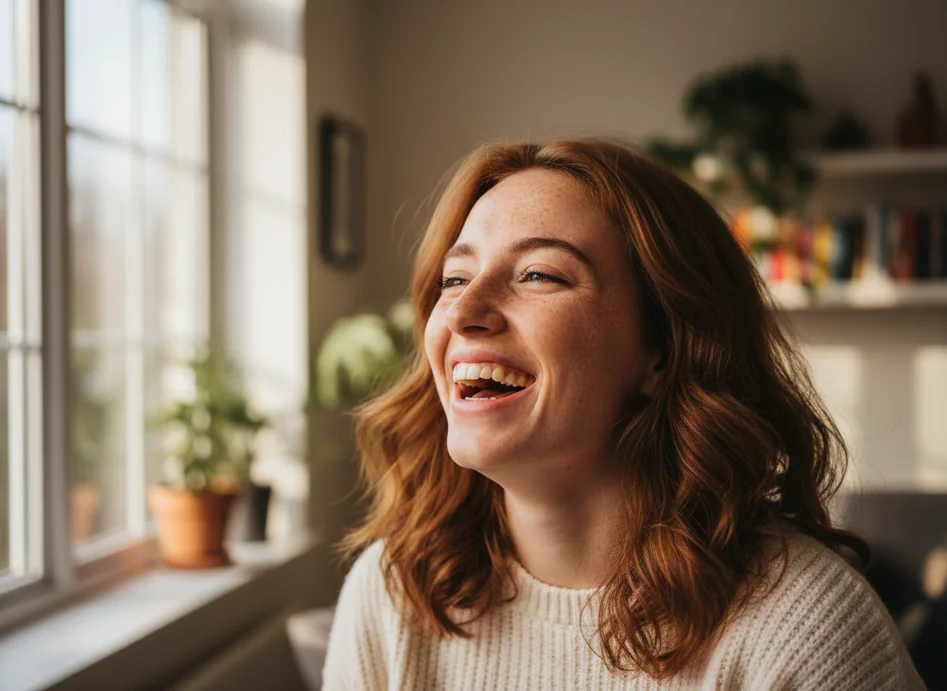
Vintage Film
Give a photo a warm retro film look. Photo effect · Open →What are AI video effects?
An AI video effect is a preset that animates a photo in a fixed style: a duet in an orange booth, a mic check in a night crowd, a walk along a marigold path. The effect page already holds the prompt, the model and the ratio, so you only add the photo.
Photo effects work the same way but return a still image, such as a background removed, an old photo repaired or a product placed in a marketing scene.
How to make an AI effect video from one photo
- 1
Pick an effect
Open an effect from the list above. The newest ones show their sample clips at the top of the page.
- 2
Upload one clear photo
A sharp, front-facing photo with the face or subject large in the frame gives the most faithful result.
- 3
Check the still, then animate
Most video effects first build a still for you to approve, then animate it. The credits for each step show before you generate.
Animate a photo with your own prompt →Edit a photo with your own prompt →