AI Generator for Images and Video
AI Generator is a browser AI generator that runs GPT Image 2.5, Seedance 2.5, Veo 3.1, MiniMax H3 and other image and video models from one workspace, with the credits for each run shown before you generate.
This session
My creationsYour results appear here. Every result is also saved in My creations; if a run fails, the credits go back to your balance.
New on AI Generator
Effects →- NEW All I Want for Christmas Dance Two photos put you and your best friend in matching plaid pajamas by the tree, swinging hand in hand to a sped-up beat. Start the pajama dance →
- NEW Mini Tricycle Crash One photo sits you on a tiny red trike at the top of a dirt hill, then the ride: down the ruts, off the bump and a soft tumble by the tree. Ride the tiny trike →
- NEW Baby Dancing AI One photo of your own child becomes a toddler dance: a wave, a shrug, bouncy knees, a clap and a laughing run at the camera. Make my baby dance →
- Gangsta's Paradise AI One or two photos put you on a candle-lit cathedral stage: you rap the verse, a robed choir sways behind and a friend takes the chorus. Take the stage →
-
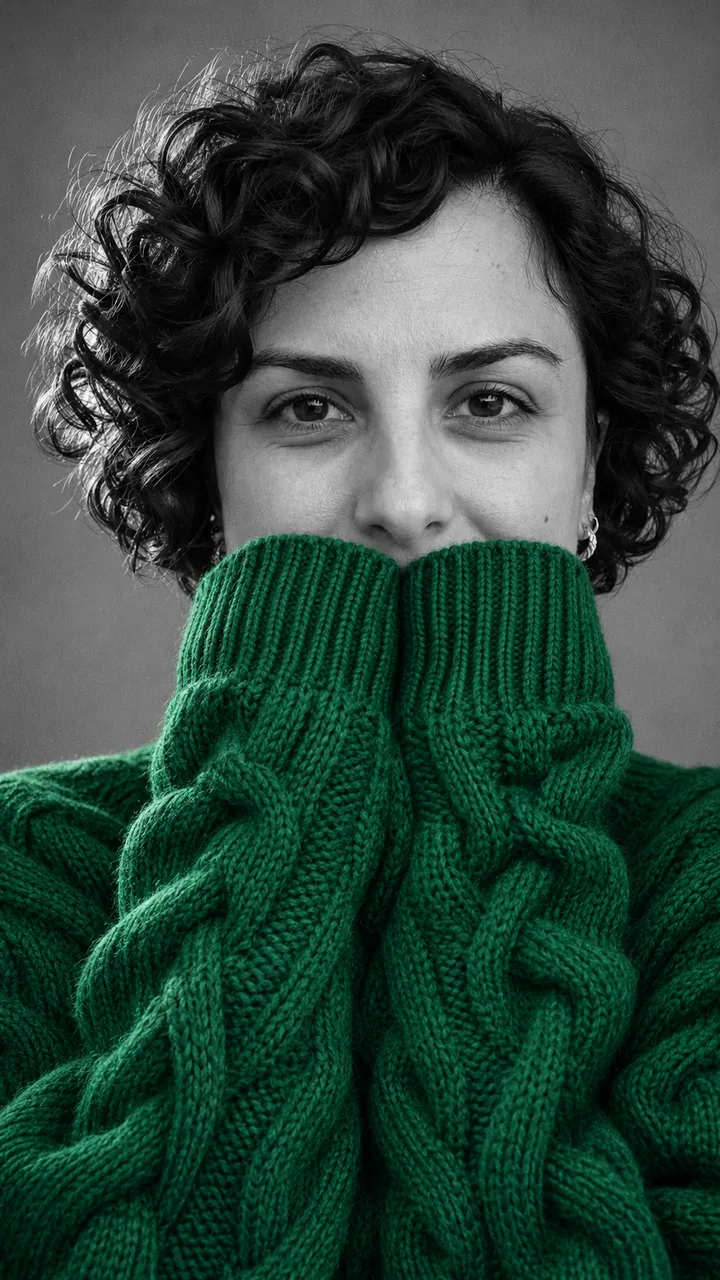 ChatGPT Sweater Portrait One selfie becomes a black-and-white portrait where only the oversized sweater keeps its color, sleeves pulled up over the mouth. Pick my sweater color →
- Grinch Pet One photo of your dog or cat becomes a green furry Santa grump with a red hat, a little suit and a slow sly grin. Make my pet the grump →
- Christmas Princess Carriage One selfie puts you in a red satin gown beside a lit carriage, stepping into the snow and turning once. Step out of the carriage →
- Kiat Jud Dai Kitten Parade One photo of your cat becomes five look-alike kittens on a night road, walking past the lens one by one until the last one licks it. Line up my cat →
- Thanksgiving Dance The 2026 Thanksgiving bend from one photo: you in a fall living room doing arm crosses, a low dip and a grin at the camera. Do the bend →
- Suave Cat Dance Your cat stands up in a studded belt and does the Suave routine: paws up, a hip wiggle, a sway. Add a second or third cat. Make my cat dance →
- Tus Ojos Me Reflejan One selfie becomes a sideways pillow close-up with a hand on your cheek, then the camera moves in until your eye fills the screen. Make my close-up →
- Pet Rock Dance One pet photo: your dog or cat stands up in a black hoodie, headbangs to a rock beat and grins at the lens. Make it headbang →
- Counting Money Meme One selfie: you in a navy suit behind a desk of prop cash, flipping the stack and fanning it at the lens. Be the boss →
- I Need a Girl Dance Two photos: one of you says the opener, the other throws the peace sign, then you both bounce under the street lamps. Use this duo →
- Devil Wears Prada Trend One selfie: devil horns in your bedroom, the doors slide shut, then a hard cut to a night street in black leather. Make the cut →
- Bicep Heart Trend One photo: you flex, curl your hand on the bicep and hold the heart, at home, in the gym or on the beach. Make the heart →
- Snatch Back Splash One photo: you lose the ball at the arc, rip it back and splash the three while the front row jumps up. Take the shot →
- Pet Photo to Video AI One pet photo: your dog runs to the camera or your cat stretches, yawns and blinks. Animate my pet →
- Cruise Ship Dance One photo: you tug your collar, slide across a sunny deck and drop into a deep lunge. Hit the deck →
- Personalized Santa Video One room photo: Santa by your tree, thanking them for the cookies. Bring Santa home →
- Car Alarm Dance One pet photo: your dog or cat dances by a red car on every alarm beep. Make your pet dance →
- I Just Beat The Case One photo: push out of the doors, finger guns, then skip-kick down the walkway. Make the walk-out →
- Stadium Calm Down One photo: turn your back on a roaring stadium and press your palms down. Make the calm down →
- AI Music Video Generator Make or bring a song, build a still for each section, then animate clips to join to the track. Make a music video →
- AI Dance Video Generator One full-body photo, pick a dance, check the still, then animate a vertical clip. Make a dance video →
-
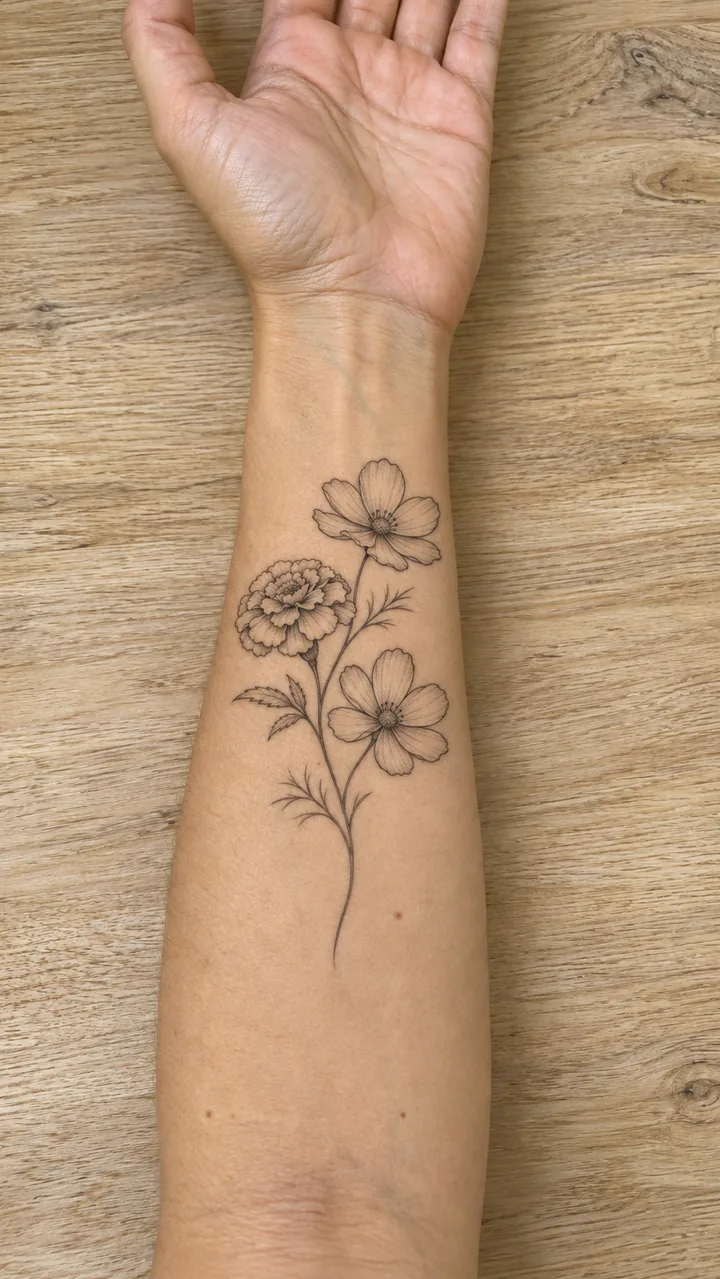 AI Tattoo Generator Write the idea, pick a style, get a black-ink design, then see it on your arm. Design a tattoo →
-
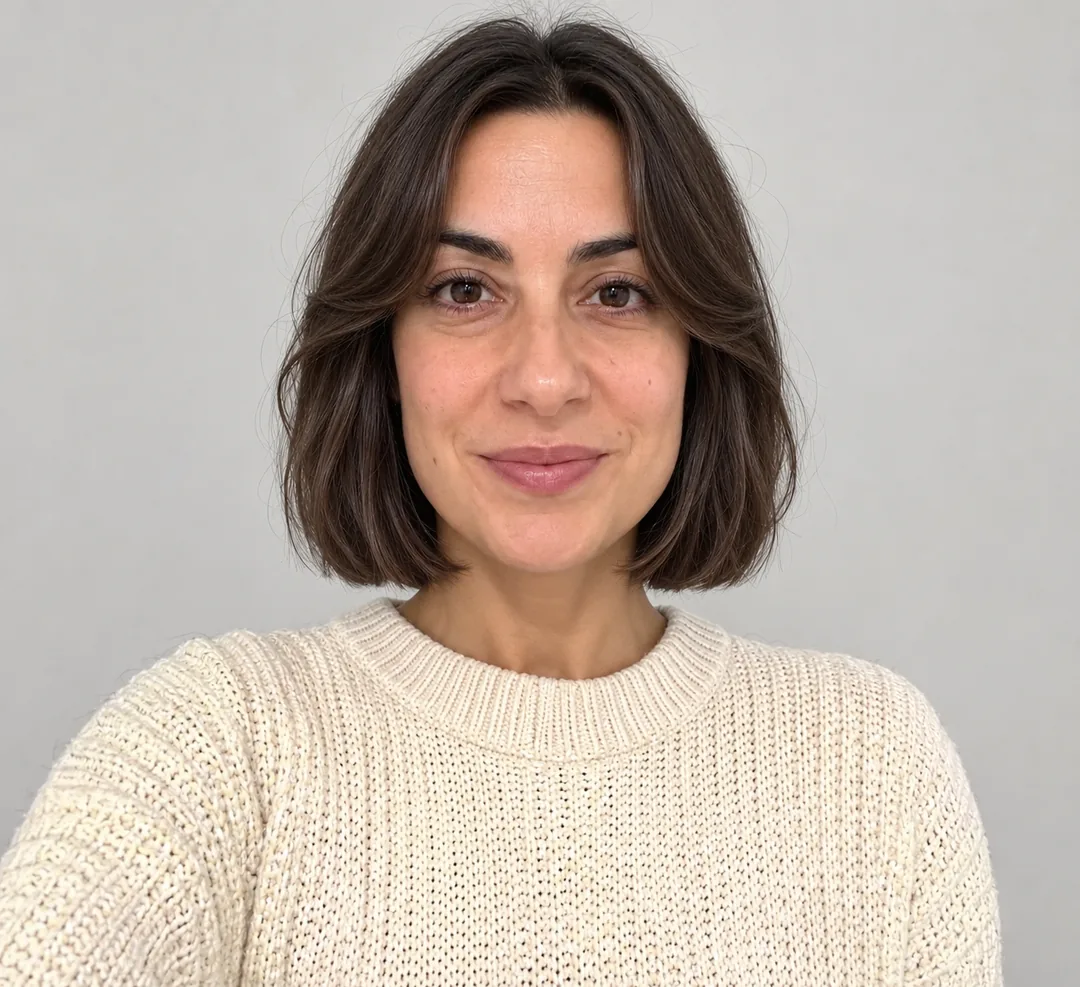 AI Hairstyle Changer One front photo, one chip: long hair to a chin bob, or waves to a low fade crop. Try a new cut →
- Closing Door Prank One pet photo sprints down the hallway and skids through the door just before it shuts. Beat the door →
- First Time in a Fancy Cafe One photo up on the steel disc, until a regular sits down the right way. Take the wrong seat →
- Mr and Mrs Stretchy One photo turns into a lanky clay you who floods the counter with milk. Make your clay self →
- Strike A Pole One pet photo stands up, grabs the lamp post and swings round it. Make your pet dance →
- Fuzzy Dream Dance One full-body photo wakes up, bounces and drops into the deep squat. Make the dance →
- AI Dog Making Coffee One photo of your dog or cat scoops, pours and spills the milk. Make the coffee →
- Skull Cap AI One goofy selfie turns into a hood-up, cold-stare glow-up. Make the glow-up →
- Boyfriend Makeup Prank Filter One photo of him gets full glam, brush by brush. Pick his look →
- AI Christmas Card One photo becomes a Christmas card in three looks, with your face kept. Make the card →
- AI Elf Dance Video Up to four photos line up as elves and dance by the tree. Make the dance →
- Gangnam Style AI Dance One photo of you or your pet does the horse trot and swings the lasso. Make the dance →
- I'm Not Yo B No More AI Dance One head-to-feet photo stomps, lunges and squats through the seven moves. Make the dance →
- Animated Thanksgiving Card One photo at the candlelit table: raise a glass and end on your own greeting. Make the card →
- Tiny Desk AI Video One photo on lead at a desk concert, with your friend on sax. Make the clip →
- Don’t You Dare Christmas One photo in a 90s Christmas rom-com: a snowball, a chase and a truce. Make the clip →
- Funny Thanksgiving Video One photo sits down to dinner, pops into a turkey, and the dog steals the roast. Make the clip →
- Window Dance Trend One photo lands in the one lit window, dances, then pulls the curtain. Make the clip →
- Puerto Rican Mami Dance One photo does the seven moves on a porch at dusk. Try the dance →
- Bing Bing Bing Kicking Two of you, or two pets, trade kicks at the camera. Make the kicks →
- Baile Charme Dance Your photo dances charme at the front of the Rio night crowd. Try the dance →
- Day of the Dead AI Video One photo of someone you miss walks home on the marigold path. Make the video →
- Check One Check Two AI Turn your photo into a night-crowd mic-check clip. Try the filter →
-
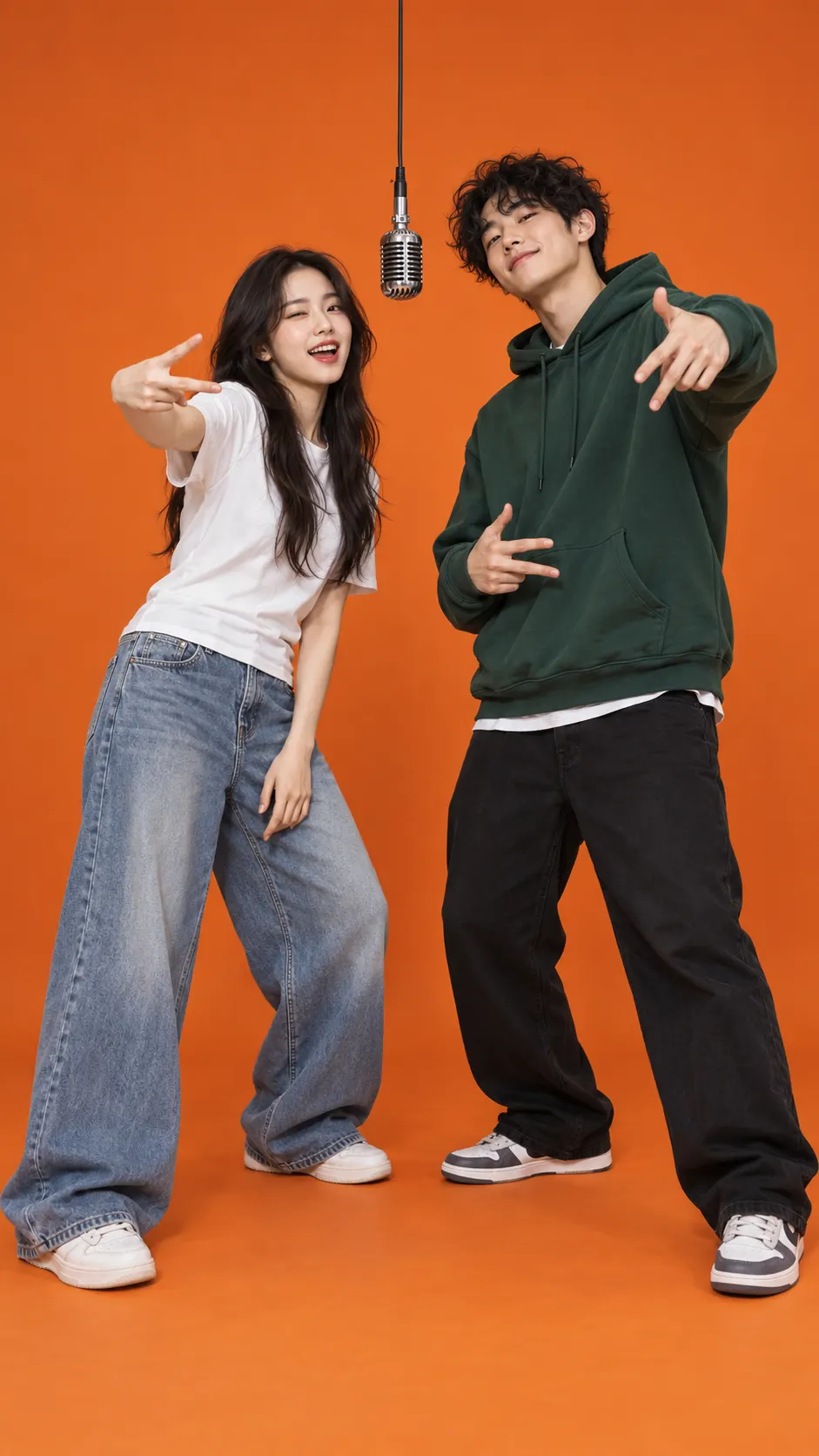 Hotel Lobby AI Two photos become an orange-booth duet video. Make a duet →
-
 PhotoCraft Layers Layers for your edits
- Effects→
Models in the workspace
AI Generator at a glance
- Tools
- Text to Image, Image to Image, Text to Video and Image to Video, plus Music, Effects, PhotoCraft and a command-line CLI
- Models
- 8 image models and 8 video models
- Defaults
- GPT Image 2.5 Flare for images, Seedance 2 Mini for video
- Output
- Images at 1K, 2K or 4K with GPT Image 2.5; video at 480p to 1080p and 4 to 30 seconds with Seedance 2.5, or 768P and 2K with MiniMax H3
- Billing
- One-time credit packs. No subscription. Purchased credits never expire. The credits a run needs are shown before you generate.
Which AI models does this AI generator include?
This AI generator groups 8 image models and 8 video models by task, so you pick the job first and the model second. GPT Image 2.5 Flare and Seedance 2 Mini are the defaults.
| Task | Model | Input | Output |
|---|---|---|---|
| Images from a prompt | GPT Image 2.5 Flare (default), GPT Image 2.5 Sunburst | Prompt plus up to 16 reference images | 1K, 2K or 4K; transparent background at 1K |
| Scenes built from several photos | Grok Imagine Image 2.0 | Prompt plus up to 5 reference images | Still image |
| Edits and restyles | GPT Image 2.5, Nano Banana Pro, Seedream V4, Flux Kontext | Photo plus an instruction | Edited image |
| Long video scenes | Seedance 2.5 (high quality) | Prompt, start image, video or audio references | 480p to 1080p, 4 to 30 seconds |
| Everyday video clips | Seedance 2 Mini (default) | Prompt or start image | 480p or 720p, 4 to 15 seconds |
| Sharp short shots | MiniMax H3 | Prompt, start and end frames | 768P or 2K, 4 to 15 seconds |
| Clips guided by references | Wan 3.0 Video and Wan 3.0 Video Prime | Prompt, images, a document or a web page | 480P to 1080P, 2 to 30 seconds |
| Short cinematic clips | Veo 3.1 | Prompt, start image and end image | Up to 8 seconds |
Image to image and image to video in one AI generator
If you already have a photo, start from it: Image to Image changes only what you ask, and Image to Video turns the same photo into a moving clip. A result from one can open in the other as the starting frame, without leaving the AI generator.
One AI generator or each model's own site?
Try models side by side in one multi-model AI generator first. Go to a model's own site once you have settled on that one model and need a control only its maker offers.
| One multi-model workspace | Each model's own site | |
|---|---|---|
| Switching models | Same prompt box, pick another model from the menu | A separate account and app for each model |
| Credits | One credit balance, shown before each run | A separate plan or balance with each maker |
| Exclusive features | The settings each model exposes to partners: size, length, ratio, references | Every control the maker builds, such as its own editors and project tools |
How to pick a model for your first AI generation
Match the job to a model and start the AI generator with the settings below; change one setting at a time if the first result misses.
| Task | Model | Settings to start with |
|---|---|---|
| Product photo | GPT Image 2.5 Flare | 2K, 3:4, plain background, put the label text in quotes |
| Portrait restyle | GPT Image 2.5 Flare in Image to Image | 1K, say what must stay: face, hair, expression |
| Poster with text | GPT Image 2.5 Flare or Sunburst | 2K, 2:3, write the exact title and date in quotes |
| Vertical short video | Seedance 2.5 | Portrait 9:16, 720p, 5 to 10 seconds |
| Product spin video | Seedance 2.5 or MiniMax H3 | Start from a product photo, slow orbit, 5 to 6 seconds |
What people make with this AI generator
Every example below was made with the models in this AI generator; each card lists the input, the model and the settings used.
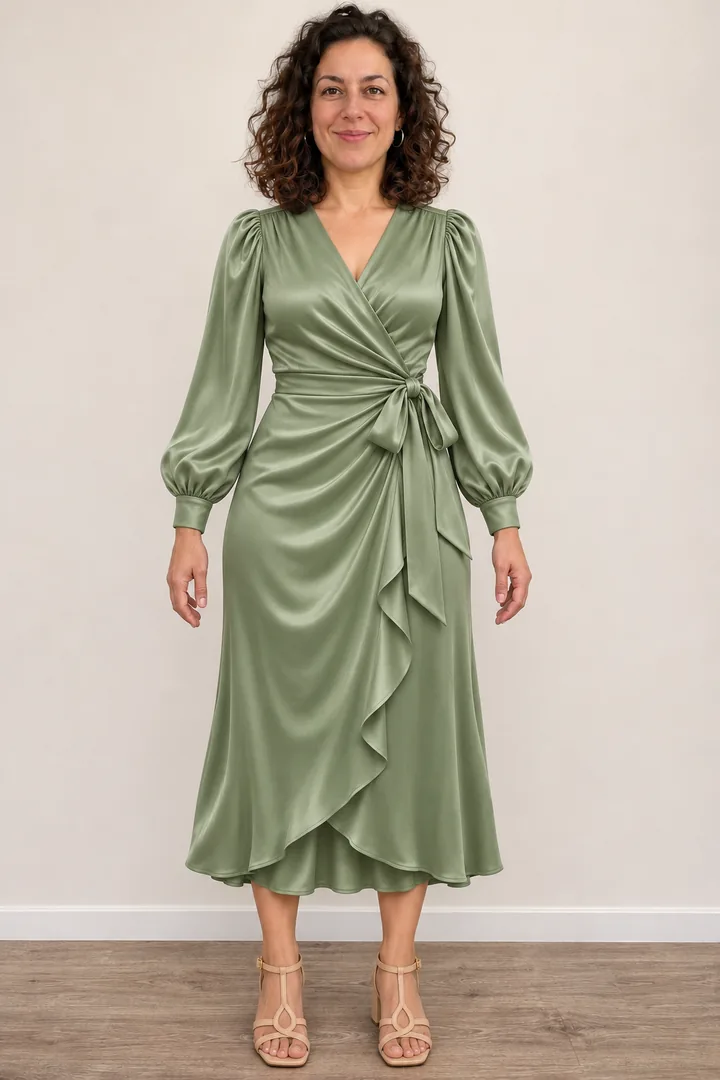
- Input
- One photo + one outfit photo
- Model
- GPT Image 2.5 Flare
- Settings
- Image to Image, Look: Wedding Guest, keep face and pose
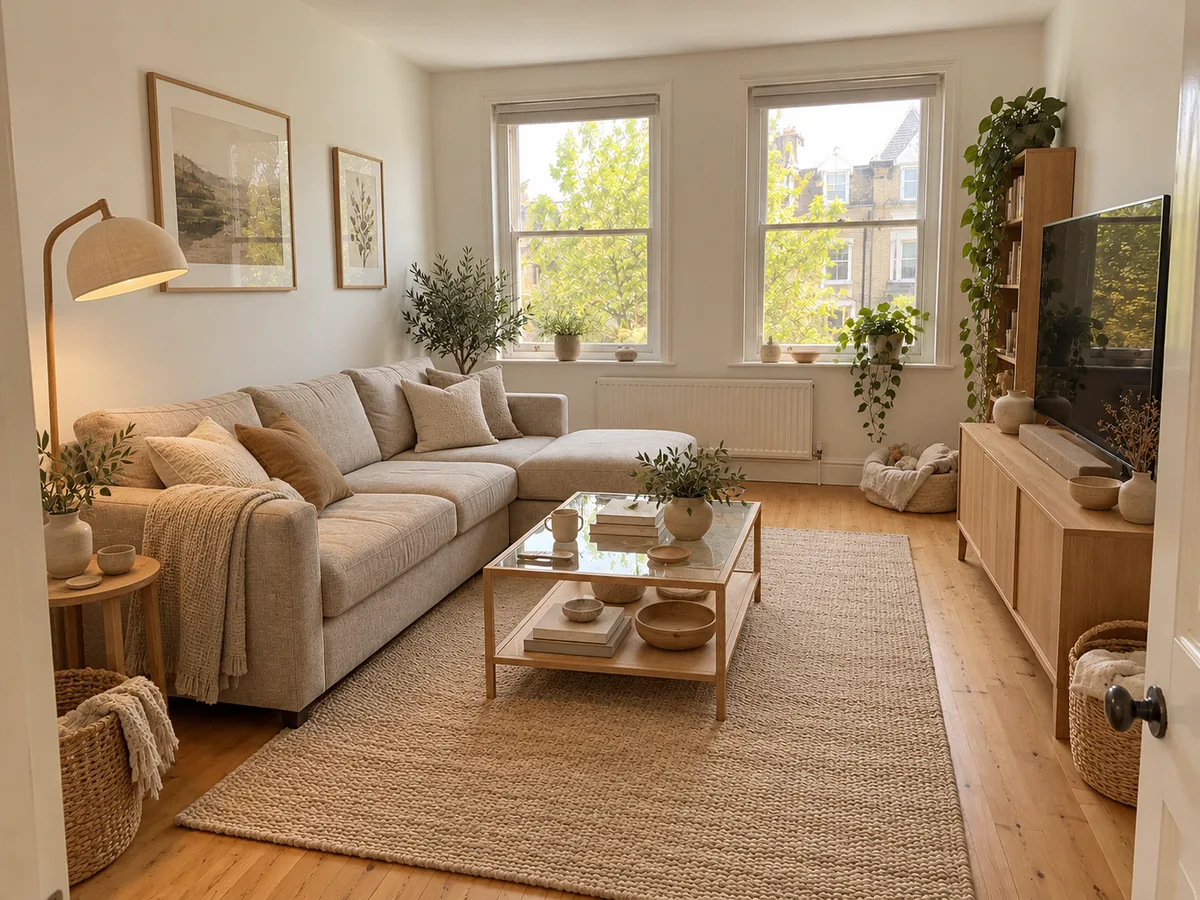
- Input
- One living room photo
- Model
- GPT Image 2.5 Flare
- Settings
- Image to Image, keep walls, windows and furniture
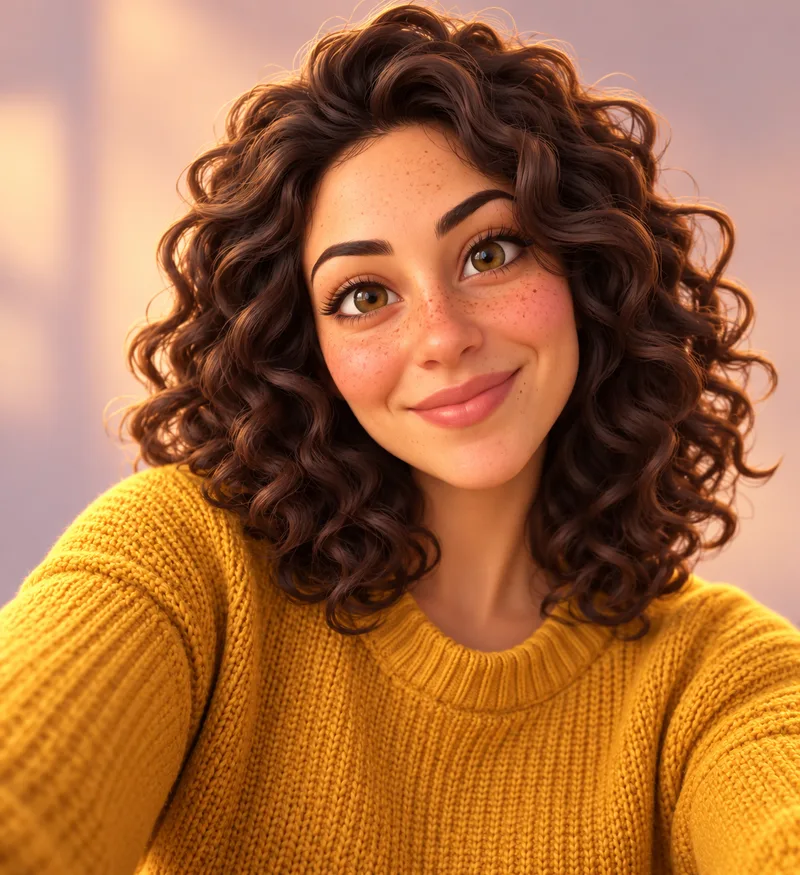
- Input
- One selfie
- Model
- GPT Image 2.5 Flare
- Settings
- Image to Image, keep face shape, hair and sweater
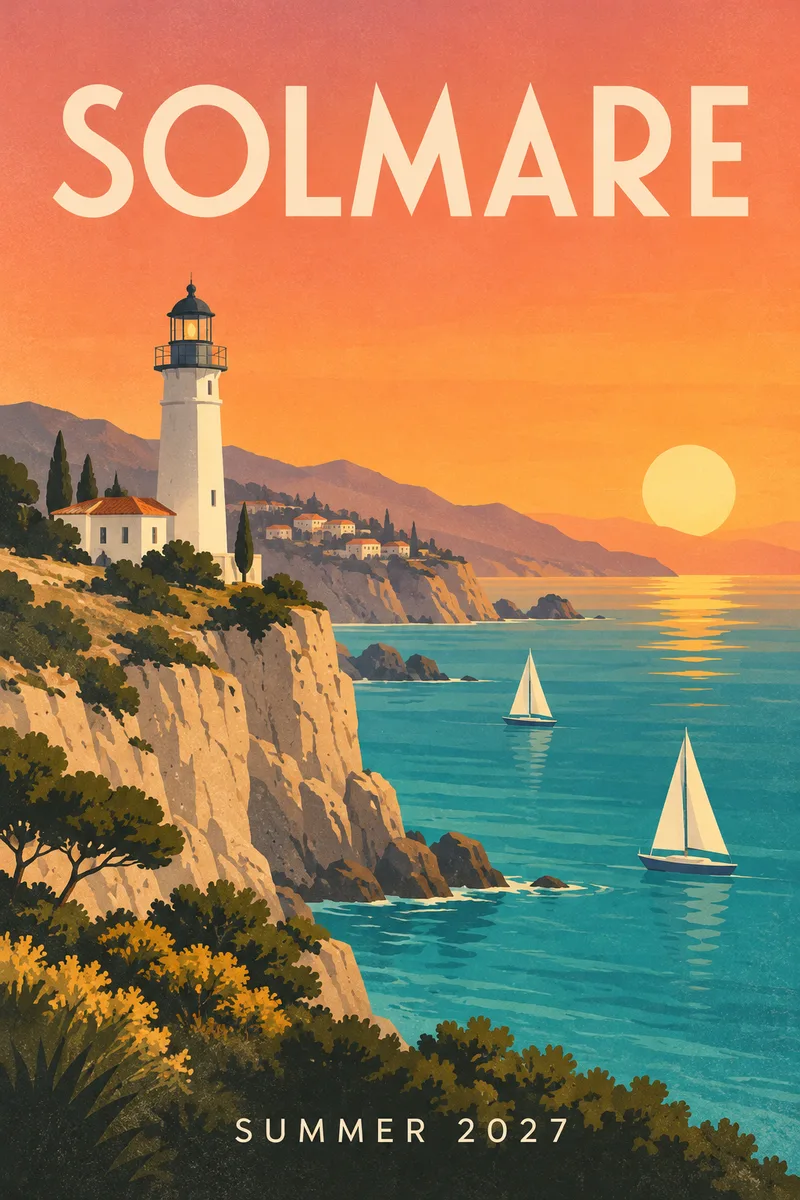
- Input
- Prompt only
- Model
- GPT Image 2.5 Flare
- Settings
- Text to Image, 2:3, title and date in quotes
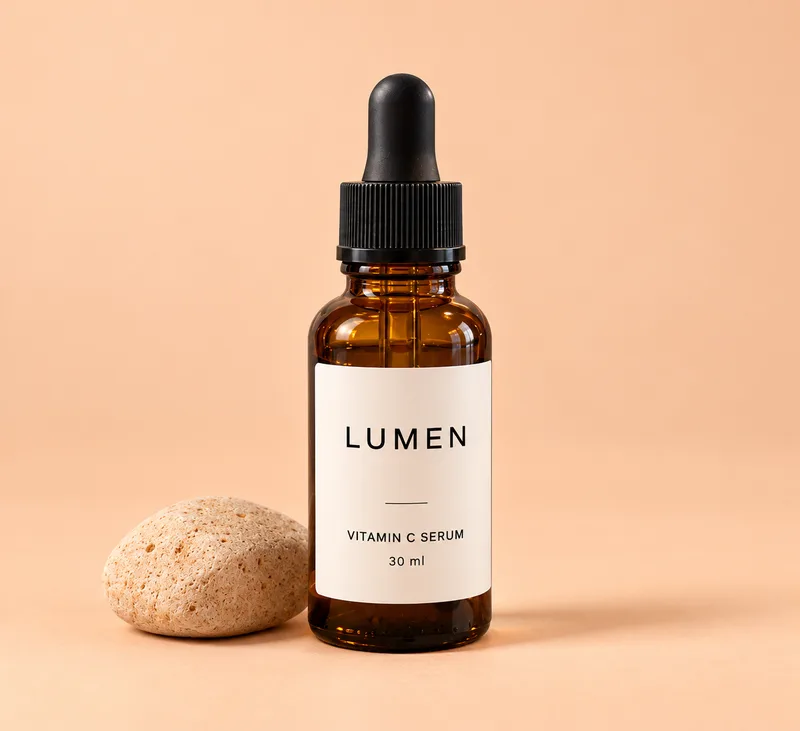
- Input
- One product photo
- Model
- GPT Image 2.5 Flare
- Settings
- Image to Image, keep the label readable
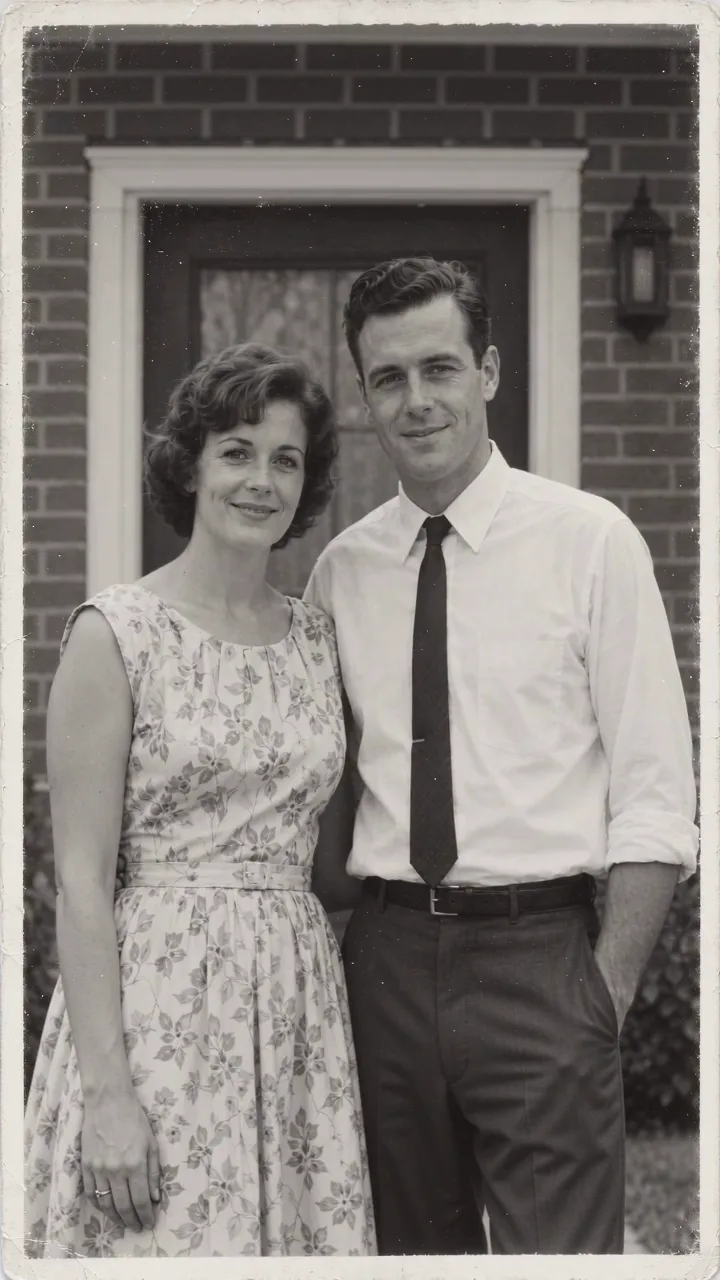
- Input
- One black and white photo
- Model
- Seedance 2.0 Fast
- Settings
- Image to Video, 9:16, 5 seconds, still camera
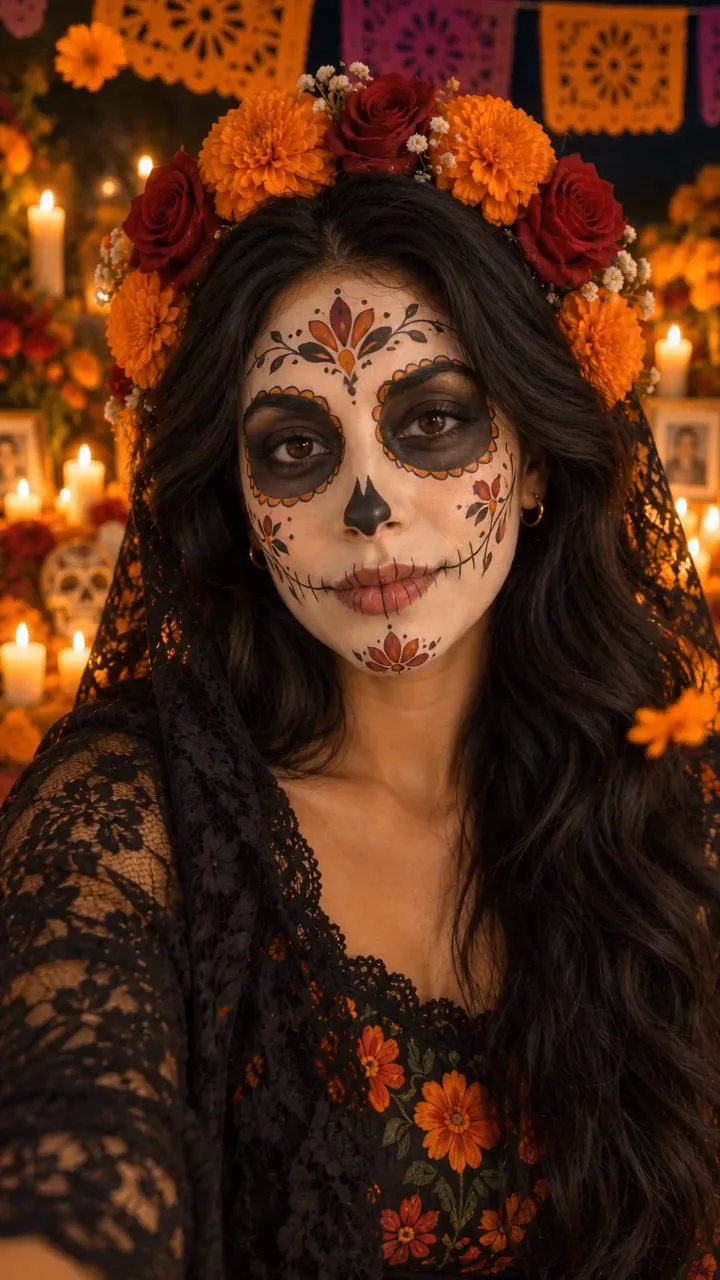
- Input
- One selfie
- Model
- GPT Image 2.5 Flare, then Seedance 2.0 Fast
- Settings
- Still first, then a 6 second 9:16 clip
AI generator FAQ
What is an AI generator?
An AI generator turns a text prompt or a photo into a new image, video or audio clip using a trained model. On this site you pick the task, write a prompt or upload a photo, choose a model, and download the result.
Which AI generator model should I start with?
In this AI generator, start with the defaults: GPT Image 2.5 Flare for images and Seedance 2 Mini for video. Switch to Seedance 2.5 for 1080p or clips up to 30 seconds, to GPT Image 2.5 Sunburst for fine detail, or to MiniMax H3 for a short shot at 2K.
How do credits work?
One-time credit packs. No subscription. Purchased credits never expire. The credits a run needs are shown before you generate, and they change with the model, size, length and resolution. Packs are listed on the pricing page.
Can I use the results commercially?
You own what you generate and can use it for personal or commercial projects under our Terms. Make sure you have the rights to any photo you upload.
How long does a generation take?
Most AI generator images finish in under a minute. Video takes longer and depends on the model, length and resolution; you can leave the page and find the result in your history.
Does it work on mobile?
Yes. The AI generator runs in mobile browsers, including photo upload from your camera roll and download of images and MP4 files.
Can I run it from the command line?
Yes. The AI Generator CLI lets an agent or script start the same image and video jobs from a terminal with your account key.
Pick a tool and write your first AI generator prompt.
Start creating Open the AI Generator CLI guide →