Red Lips
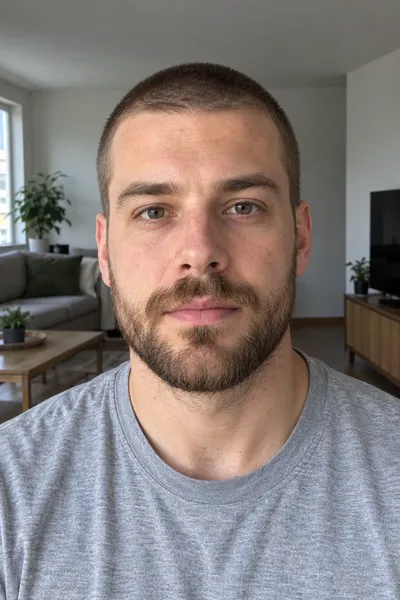
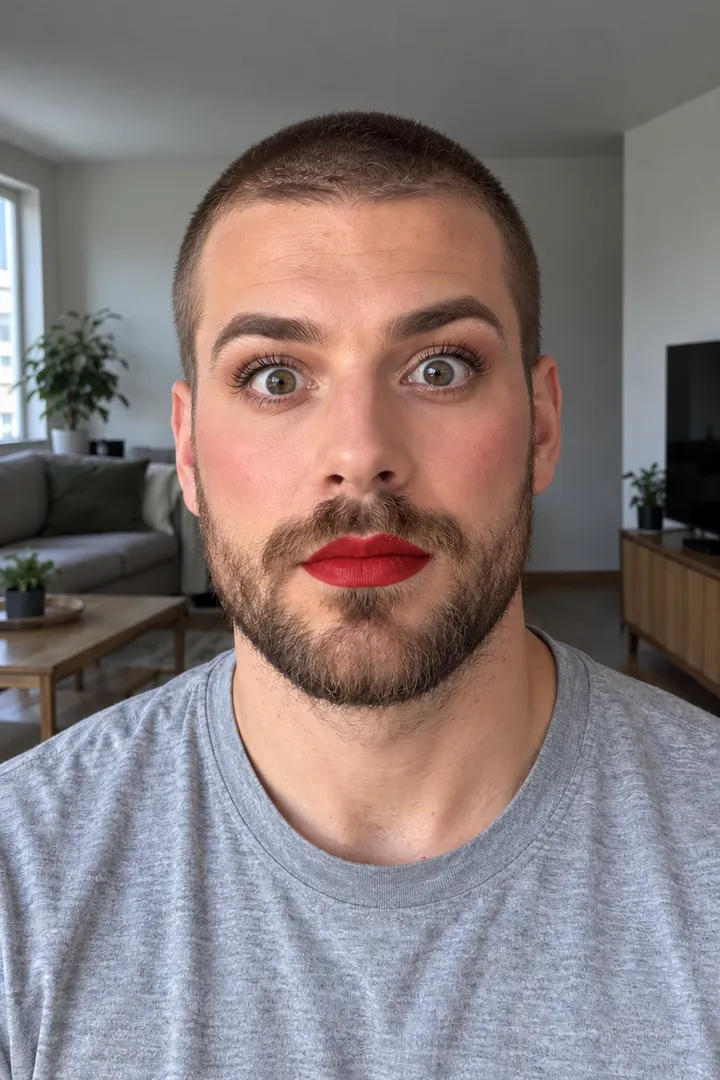
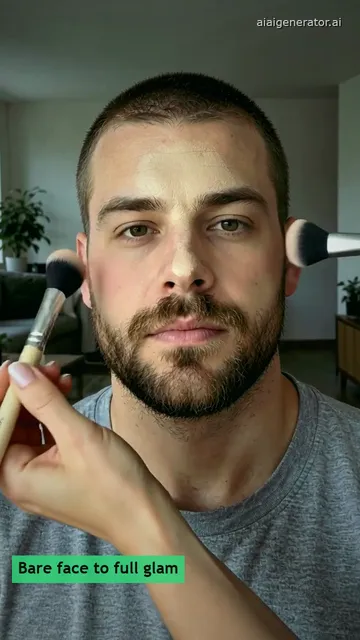
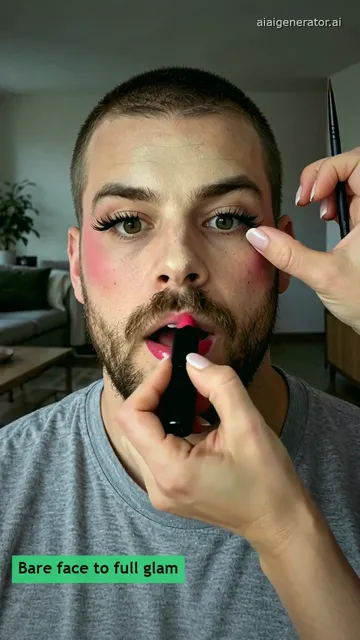
Still: GPT Image 2.5, image to image, 9:16 · Clip: Remixed from an airapvideo.homes clip made with MiniMax H3 (10 s master, 768P, 9:16) on 2026-10-31
Upload his photo, pick a look, press Build the still, then Animate it.
This session
My creationsYour results appear here. Every result is also saved in My creations; if a run fails, the credits go back to your balance.
A bare-faced guy who ends in lashes and lipstick and a girlfriend-then-boyfriend swap, remixed from 10-second airapvideo.homes originals, plus glam stills built here.
Still: GPT Image 2.5, image to image, 9:16 · Clip: Remixed from an airapvideo.homes clip made with MiniMax H3 (10 s master, 768P, 9:16) on 2026-10-31
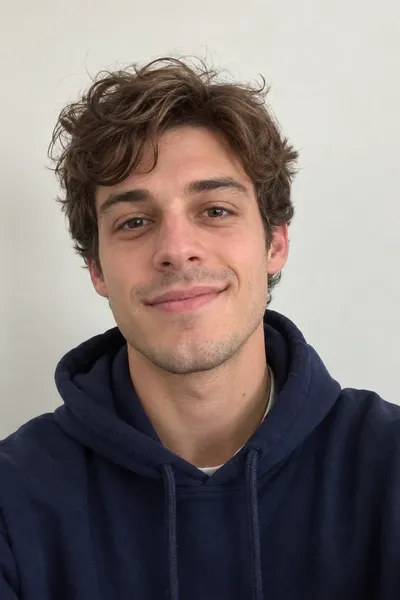
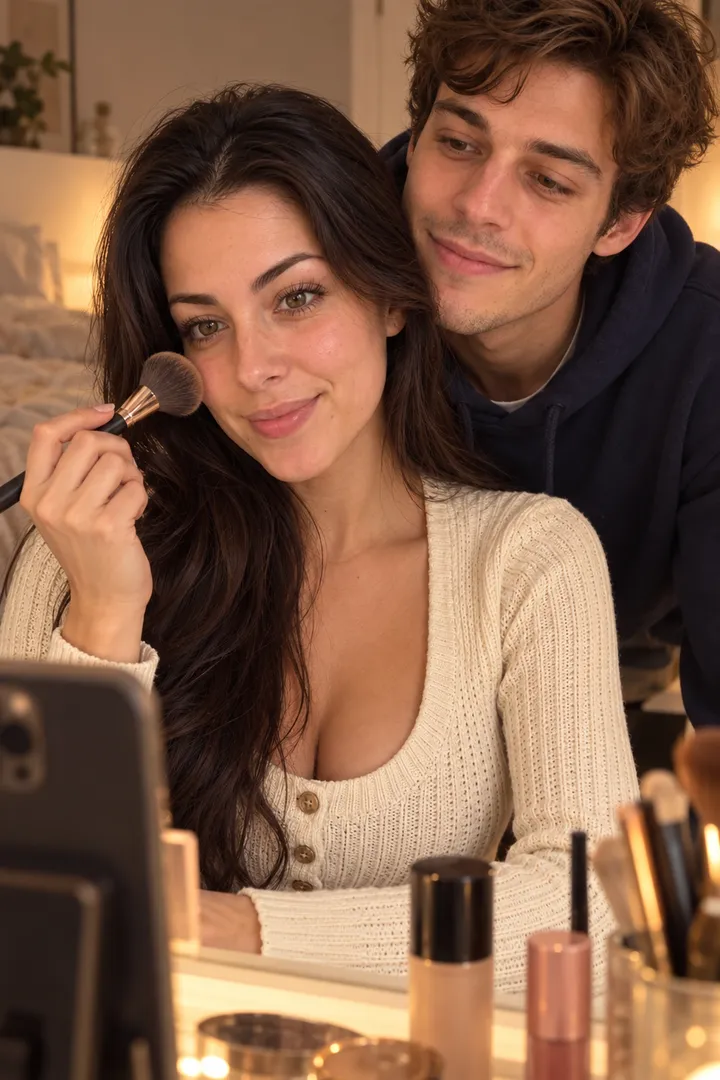
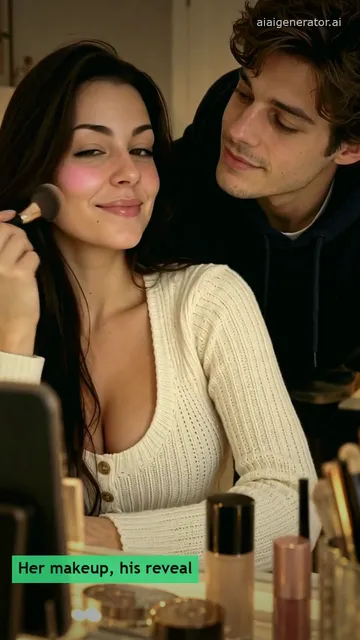
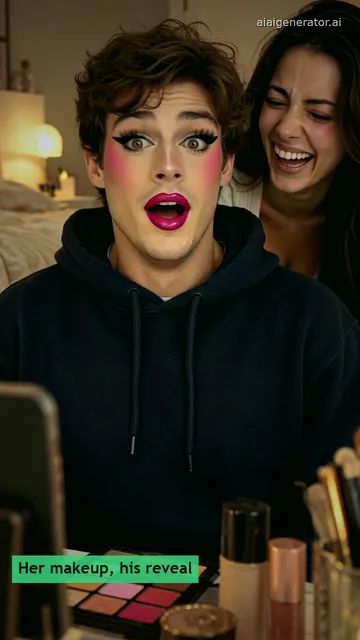
Still: GPT Image 2.5, image to image, 9:16 · Clip: Remixed from an airapvideo.homes clip made with MiniMax H3 (10 s master, 768P, 9:16) on 2026-10-31
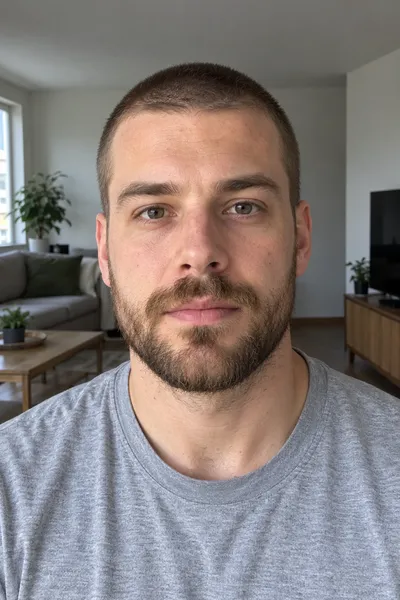
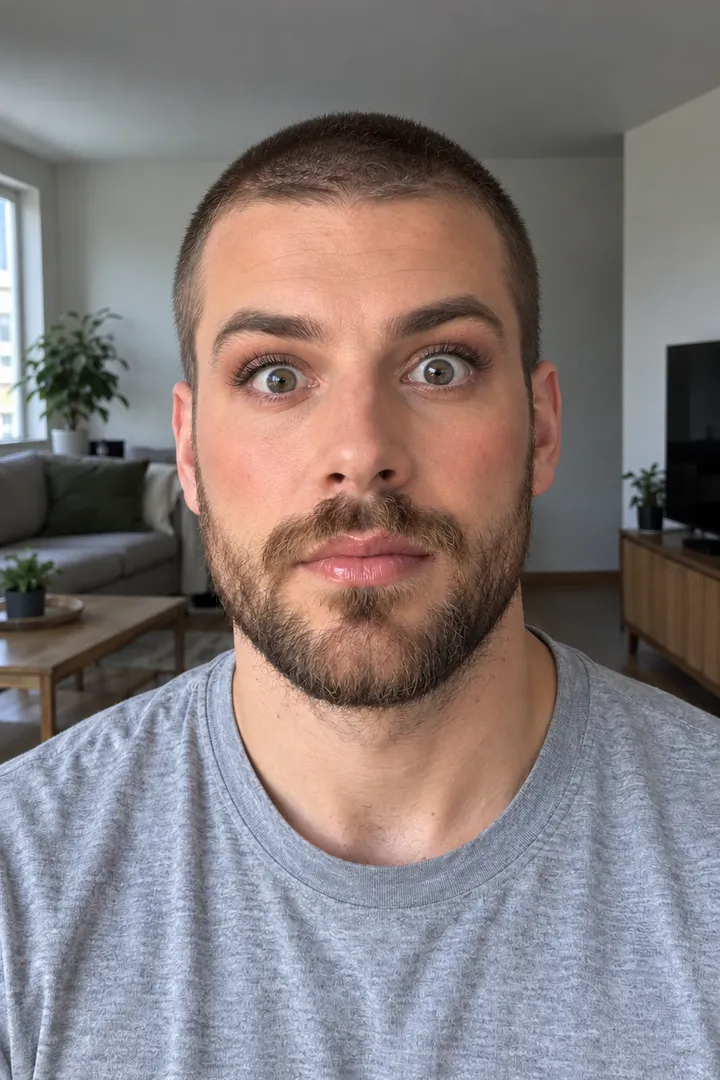
Still: GPT Image 2.5, image to image, 9:16 · still only · made 2026-10-31
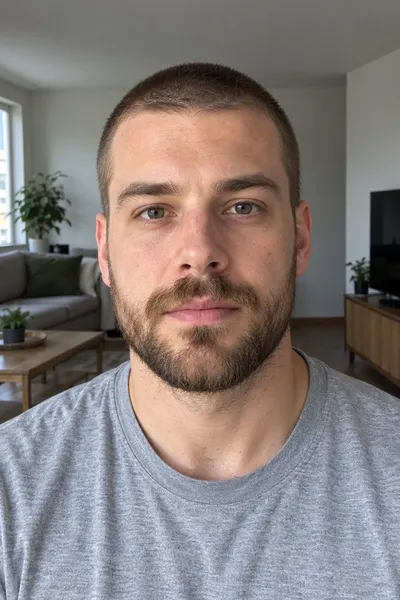
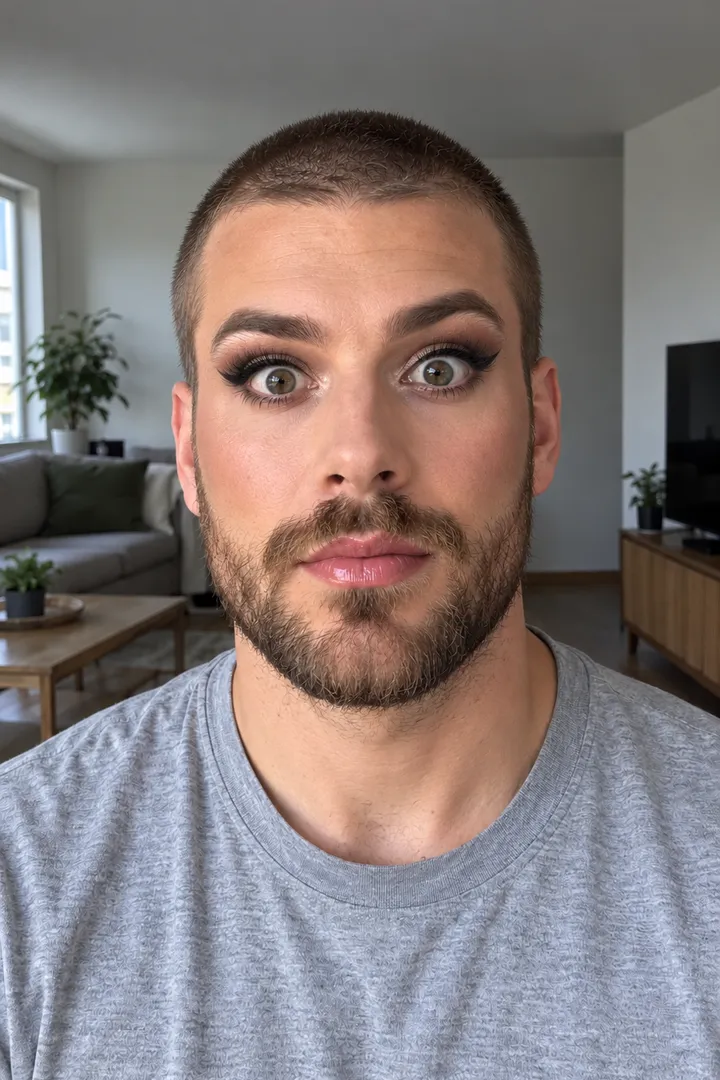
Still: GPT Image 2.5, image to image, 9:16 · still only · made 2026-10-31
The people are original adult characters generated for this trend, not real people. The clips are remixes of MiniMax H3 clips made on airapvideo.homes on October 31, 2026: re-cut, reframed and color graded for this page, not mirrored, with no new AI generation. The first clip started from the bare-face photo alone; the Red Lips still next to it was built here from the same photo to show the look you would pick first. The Soft Glam and Bold Liner cards are stills only. In the workbench you pick from the models and credits shown. Last checked .
Build the full-glam still from his photo, then animate with his bare-face photo as the first frame and the glam still as the end frame.
Upload one photo of him alone, head and shoulders, face straight to the camera in even daylight, eyes open and nothing on the face; a beard is fine. Pick Soft Glam, Red Lips or Bold Liner and press Build the still: Image to Image keeps his face, beard, clothes and room and puts the full look on, at 9:16.
Compare the still with his photo: eyes, nose, beard line and hair. If the face drifts or the makeup covers the beard, upload a sharper photo in daylight and press Rebuild still. Switching looks costs a still, not a video.
Press Animate it to move the glam still: the wide eyes, the smile and the shrug. For the brush-by-brush clip, download the still, open Image to Video, put his bare-face photo as the first frame and the still as the end frame, and paste the makeup order below. The credits show on each button before you run it.
Build the still ↑ · Open Image to Video, first and end frame →
Soft Glam keeps it natural, Red Lips goes bold, Bold Liner adds a sharp wing; the same looks work on a dad or a best friend who is in on it.
NaturalPeach blush, soft brown shadow, light lashes and a nude-pink gloss. The quietest look, so the reaction does the work.
BoldRosy blush, neat lashes and a bold red or berry lip on the beard. Both sample clips end on a lip like this: red in the first, berry in the couple reveal.
SharpA sharp black wing, smoky shadow and long lashes with glossy pink lips. The sharpest of the three, and the one where a drifting eye shape shows first, so check the still closely.
Boyfriend is just the name of the trend. Use a photo of your dad, your brother or a best friend who agreed, pick any look and show them the clip before it goes anywhere.
His bare face for a second, then foundation, blush, liner, lashes and lipstick in that order; in the couple sample he ends wide-eyed.
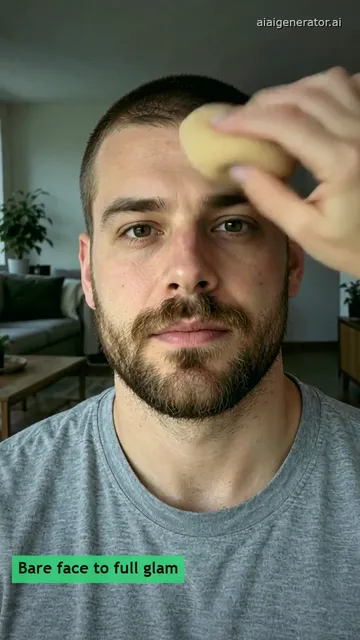
In the first sample a sponge is already on his bare face in the opening second. By two seconds two brushes sweep pink blush onto both cheeks while he holds still.
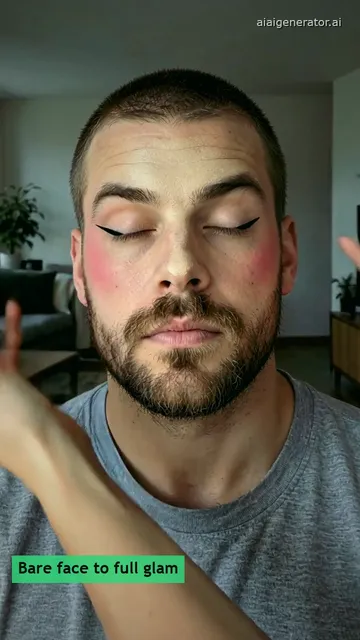
From three seconds his eyes close and a thin brush draws black liner on both lids; by seven seconds the lashes are on and he opens his eyes. Only the hands enter the frame; his face, beard and shirt stay the same.
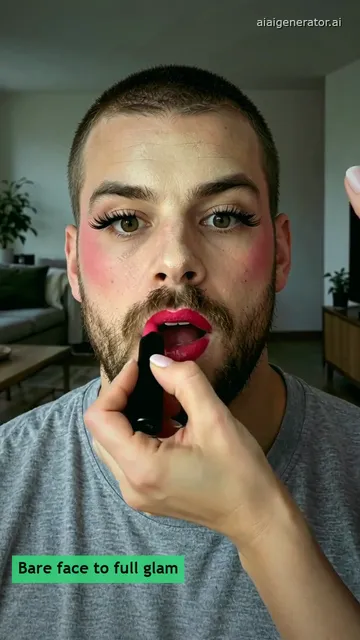
Red lipstick goes on last and the cut ends with the stick still on his lips. In the couple sample the reveal comes after a brush sweeps the lens: he sits in full glam, eyes wide and mouth open, while she laughs behind him. This is not a live camera filter; every step is in the clip.
Show him first and post only with his OK; turn on the AI-generated label on TikTok, and add a trending sound if you like.
You see the finished look on his face before any video runs, and you can switch between Soft Glam, Red Lips and Bold Liner for the price of a still. The still you keep becomes the end frame of the clip.
Foundation, then contour and blush, then eyeliner and eyeshadow, then mascara and false lashes, and lipstick last. He ends wide-eyed, then smiles or shrugs.
Yes, on any adult who is in on the joke. Boyfriend is just the name of the trend. Ask before you post, and show them the clip first.
The trend began as a one-photo template in a popular video editing app in August 2026. This page does the same from one photo in the browser, with a still you can check first.
Yes, if his face is clear, well lit and turned toward the camera. Sleeping through the lipstick is one of the versions people post; keep the ending calm instead of the wide-eyed look.
Use the same photo of him for the skull cap glow-up or an AI Christmas card.