Neon Alley · black coat
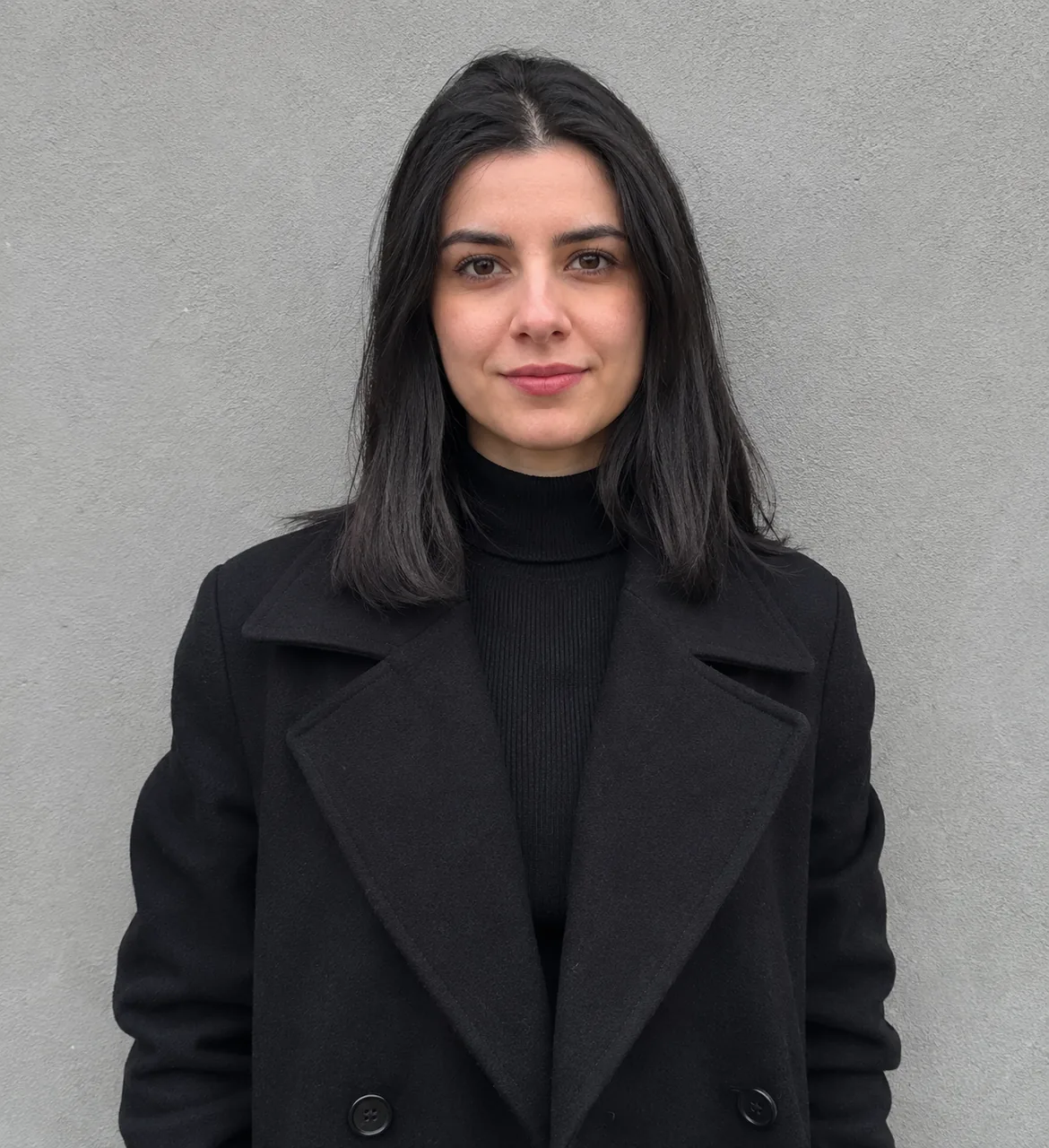
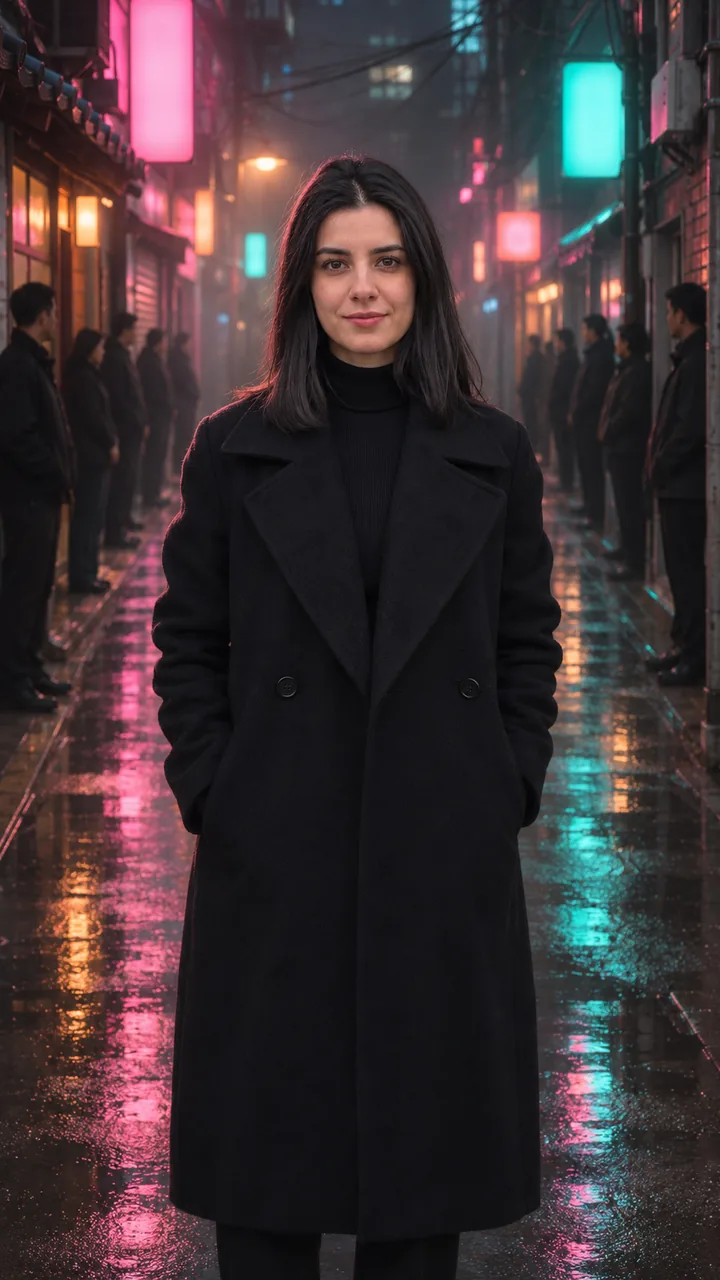
Photo and alley still: GPT Image 2.5 Flare · Clip: Seedance 2.0 Fast from the still (10 s, 9:16, 720p) · original electronic instrumental, no lyrics · made 2026-11-17
Upload one photo, press Build the still to stand in the middle of a neon alley, then Animate it and the people on both sides bow to you.
This session
My creationsYour results appear here. Every result is also saved in My creations; if a run fails, the credits go back to your balance.
Building the still costs 3 credits and the 5-second 720p clip costs 45 credits, so one finished video is 48 credits. Credits come in three one-time packs from $9.90 to $49.90; the $9.90 pack holds 250 credits. Compare credit packs →
Neon Alley shows a woman in a black coat in a wet alley as both lines of people bow, and Pet Crossing shows a shiba on a crosswalk as the circle around it bows; each card has its input photo and the still. In the alley the crowd stands upright for the first 3 s, the bow starts at about 4 s, by 5 s every head is down while she stands with her hands in her pockets, and the camera pushes in to a chest-up stare by 10 s. On the crosswalk the people behind the shiba are already bowed from about 2 s; it squints as if smiling at about 3 s and the shot ends close on its face. Each is a 10-second King Jin AI trend crowd bow AI video.
Photo and alley still: GPT Image 2.5 Flare · Clip: Seedance 2.0 Fast from the still (10 s, 9:16, 720p) · original electronic instrumental, no lyrics · made 2026-11-17
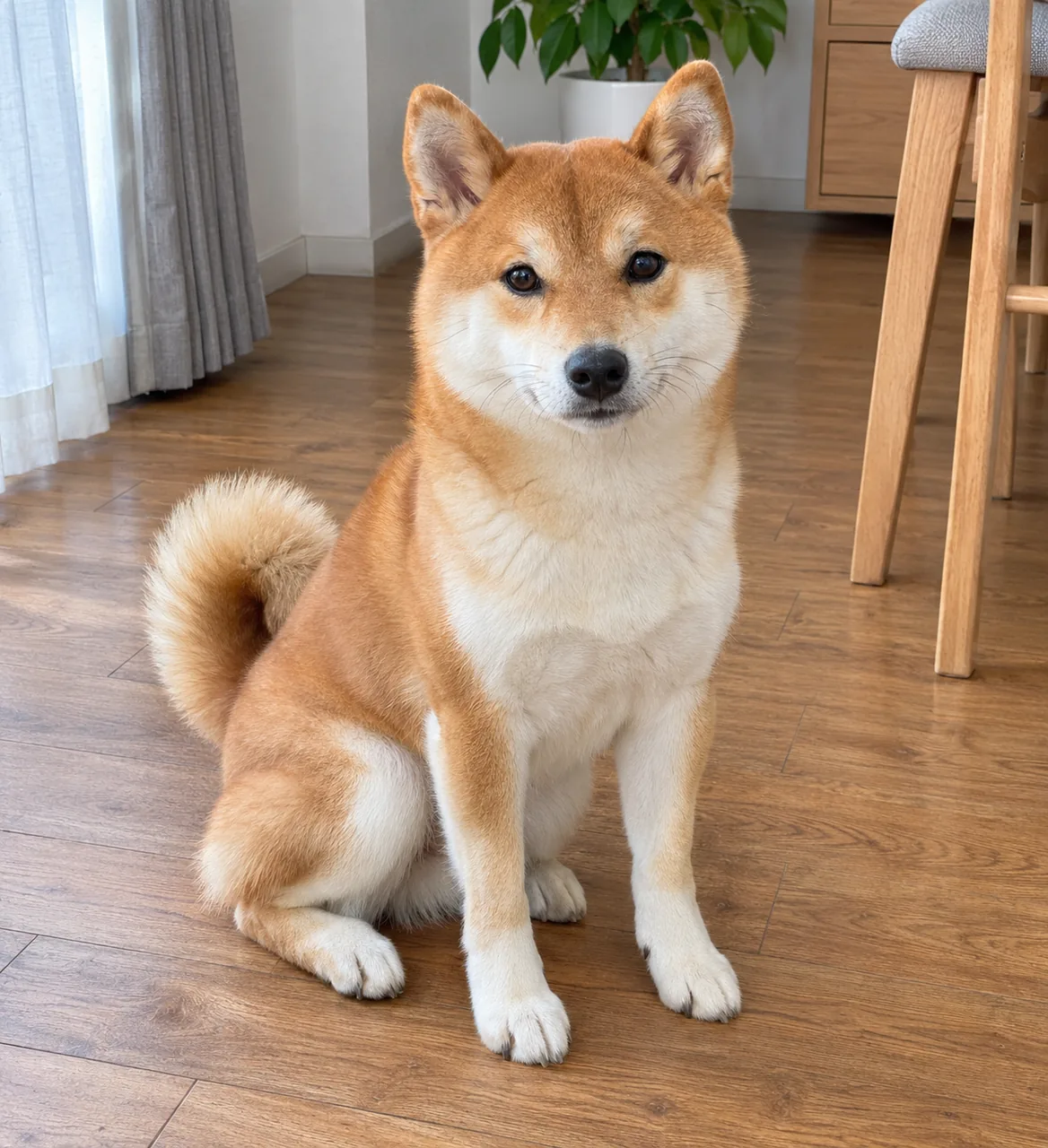
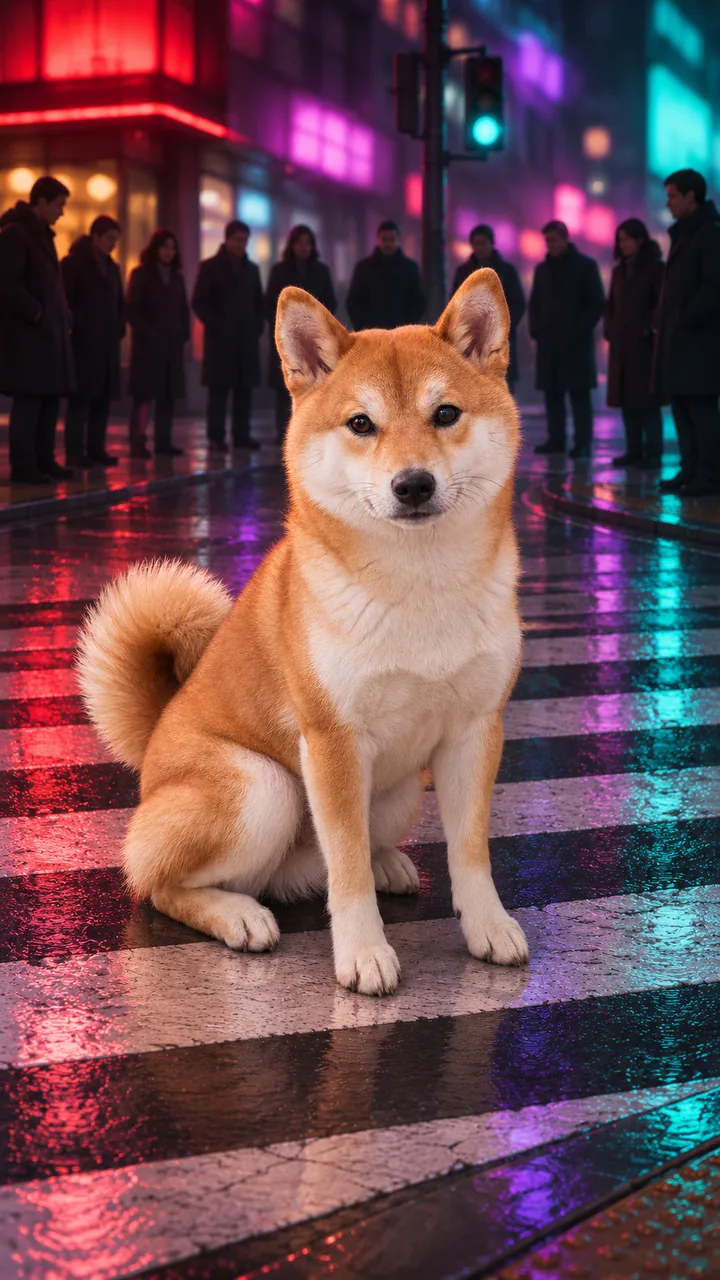
Photo and alley still: GPT Image 2.5 Flare · Clip: Seedance 2.0 Fast from the still (10 s, 9:16, 720p) · original electronic instrumental, no lyrics · made 2026-11-17
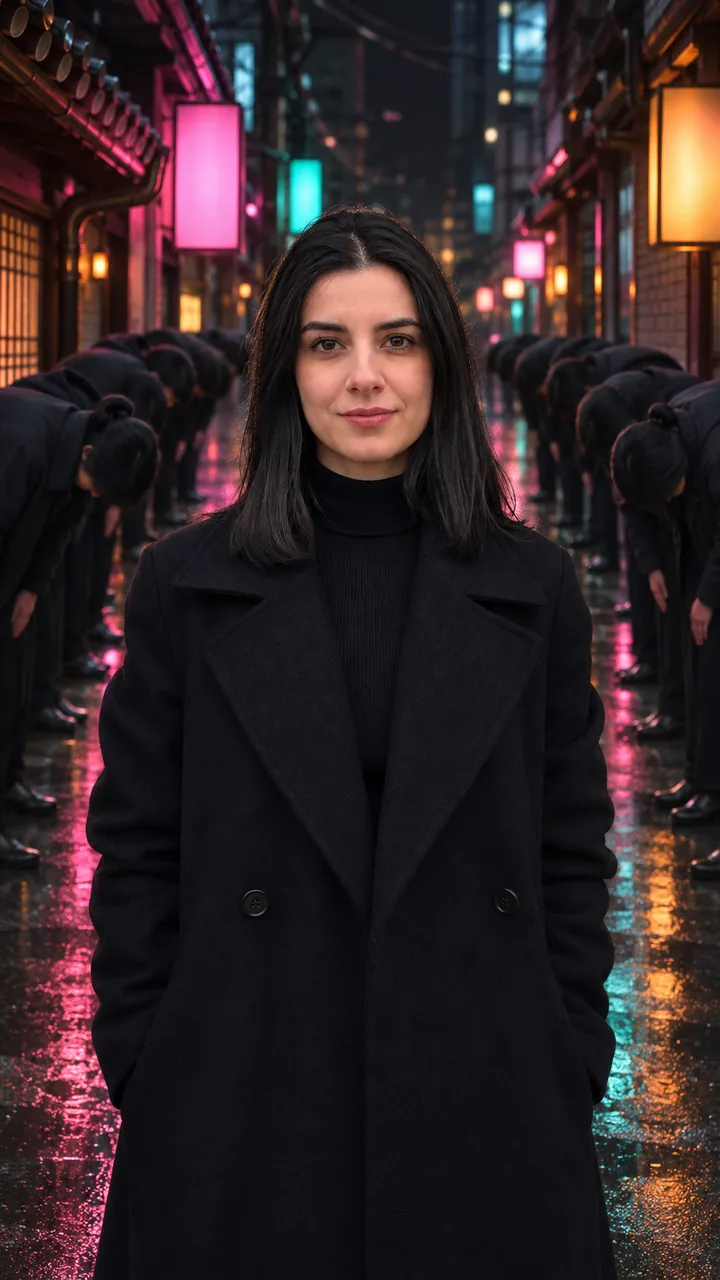
Photo and still: GPT Image 2.5 Flare, 9:16 · still only · made 2026-11-18
The woman, the shiba and every bowing passer-by are AI originals made for this sample set, not real people, actors or anyone’s pet; no child appears. Each King Jin AI trend clip was made with Seedance 2.0 Fast from the alley still, 10 seconds, 9:16, 720p, with an original electronic instrumental and no lyrics. The Whole Alley Bowed card is a still only from the same photo on November 18, 2026. Last checked .
Add one photo, press Build the still to place yourself in the neon alley, then press Animate it; the crowd bows, the camera closes in, and a 10-second vertical MP4 is ready to download. This is King Jin AI without CapCut: no app, no template account, one browser tab.
One adult from the chest or waist up, face to the camera, sharp and in good light; no sunglasses, no hand over the face, no beauty filter. Any background works.
Press Build the still. Image to Image keeps your face, hair and clothes and stands you in the middle of a rain-wet neon alley, the crowd still upright on both sides. Download it, or Rebuild the still for another take.
Press Animate it. The still becomes the first frame: the bow rolls down both sides, you stay still, and the camera ends on your face.
Neon Alley takes a photo of one adult and ends on a close-up of the face; Pet Crossing takes one dog or cat, seats it on a crosswalk and ends close on its calm face. A serious, calm pet makes the funniest King Jin AI trend clip.
One adult photoYou stand still in a wet alley, knees up, two lines of people on both sides. Chest-up or waist-up photo, face clear.
One pet photoYour dog or cat sits on the crosswalk stripes while a half circle bows. The King Jin AI version for pets: one animal, face and body in view, eyes open.
Start from the still and keep the face and coat, hold the crowd upright until 2 s, roll the bow from the far end toward the camera between 2 s and 5 s, keep every head low and land on the chest-up stare by 10 s. In the sample the bow started at about 4 s. If someone in the crowd looks up or a sign shows letters, add “every other head stays low” and “signs are blurred light blocks with no readable letters” to this King Jin AI prompt and run it again.
Want the black coat? add “Dress me in a long black wool coat over a black turtleneck, hands in the coat pockets.” to the still prompt.
Filming the King Jin AI trend means a street at night, a dozen friends who bow on cue and several retakes; the AI version needs one photo and one run, and the people in the crowd are generated, so nobody else’s face is used. The CapCut template cuts four shots (the bowing street, a close-up, a stairwell, a rooftop); this page keeps only the bow, as one 10-second shot. Keep the AI label on: it is an everyone bows to me AI clip, not a real street.
From a CapCut AI photo template on TikTok. The #kingjinaitrend tag was created on November 11, 2026, and a tutorial posted on November 13 had 3.5 million views two days later. Who made the template has not been identified.
For King Jin AI, one adult from the chest or waist up, face to the camera and sharp. The last seconds are a close-up, so sunglasses, a hand on the face or a beauty filter show up there. A dark jacket fits the look, but any clothes work.
It comes with an original electronic instrumental. The hardstyle track most posts use is “KIAT JUD DAY HARDTEKK (TikTok Version)” by hardangel; add it in TikTok, or make your own beat on AI Music.
No. In Storm the crowd moves around you in formation; in the King Jin AI trend the crowd stays where it is and bows while you stand still.
Build the still and Animate it each show their credits on the button before you press it; the numbers follow the current site pricing. The still is the cheaper step.
One finished video costs 48 credits: 3 for the still and 45 for the 5-second 720p clip. Rebuilding the still costs 3 credits each time. The $9.90 pack holds 250 credits, enough for about 5 finished videos. Packs are one-time purchases with no subscription, purchased credits do not expire, and a failed generation returns its credits to your balance.
After the King Jin AI trend, send a kitten parade down the street, calm a stadium, or browse every trend on the site.