Run to Me
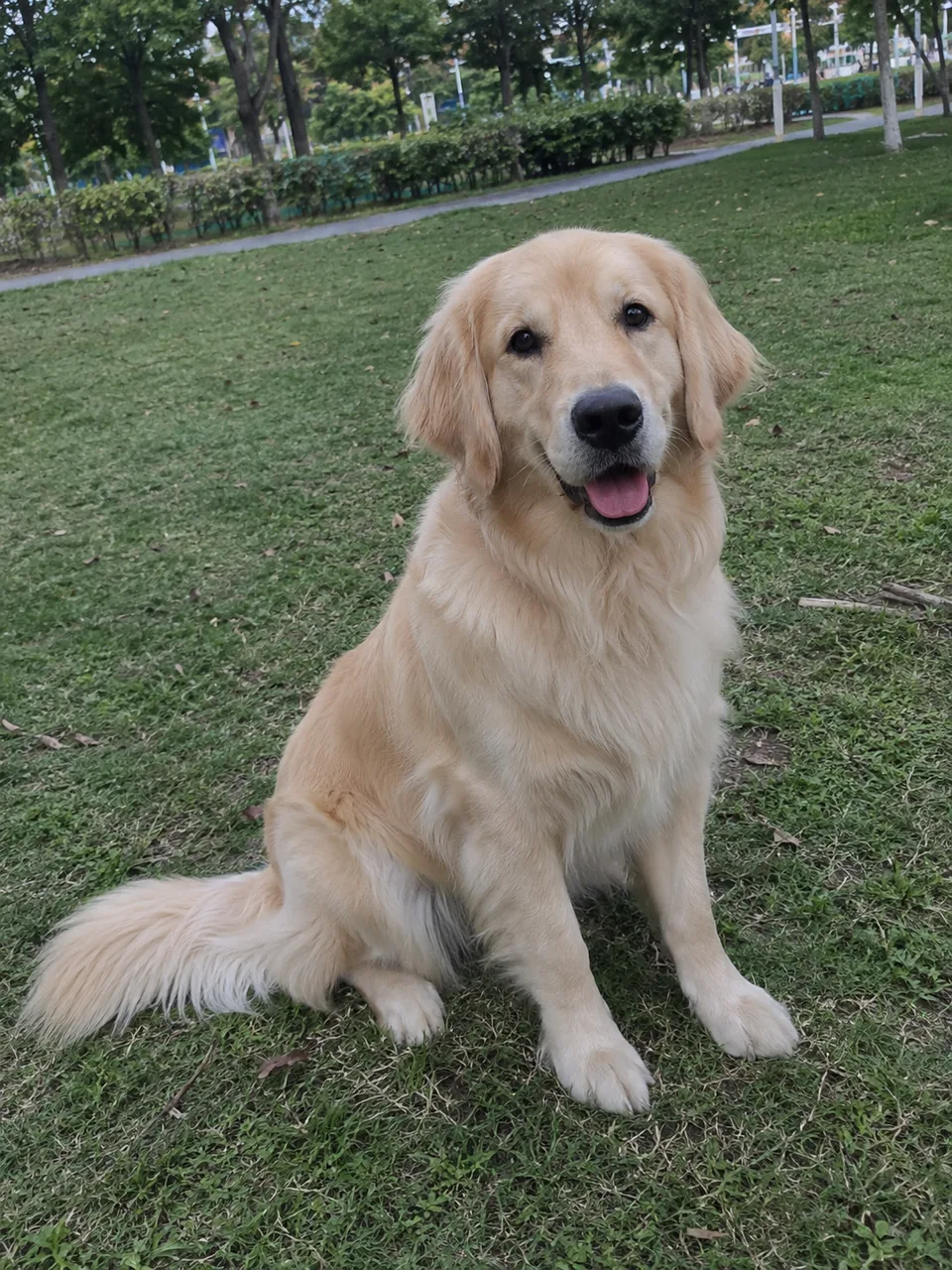
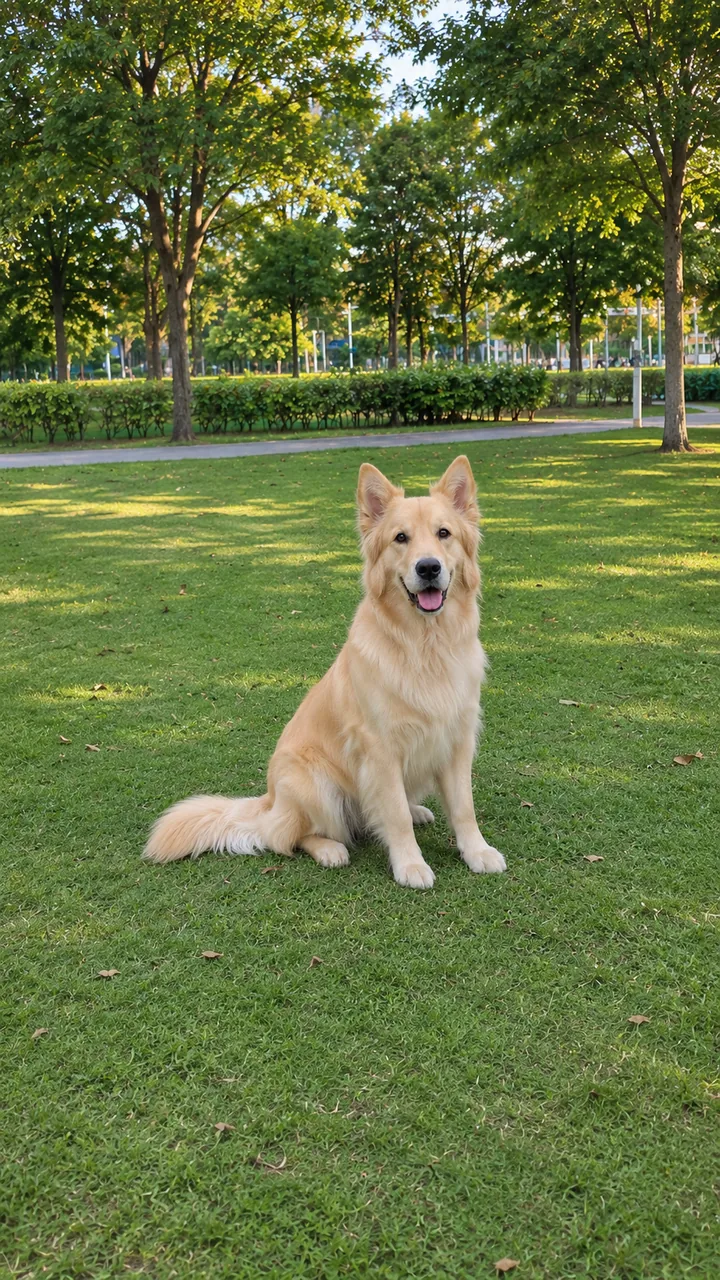
Photo and still: GPT Image 2.5 Flare · Clip: Seedance 2.0 Fast, 720p, 10 s, 9:16, original sound · made 2026-11-07
Upload one photo of your dog or cat, press Build the still for a clean, well-lit frame, then pick a move and Animate it.
This session
My creationsYour results appear here. Every result is also saved in My creations; if a run fails, the credits go back to your balance.
An AI golden retriever and an AI tabby cat, each starting from one photo. In the dog clip, about 10 seconds, the retriever sits on the grass in a sunny park, gets up and runs straight at the camera with its tongue out, then pushes its nose right up to the lens. In the cat clip, about 10 seconds, the tabby lies on a sunny windowsill, stretches its front paws over the edge, gives a wide yawn, then sits up and looks at the camera.
Photo and still: GPT Image 2.5 Flare · Clip: Seedance 2.0 Fast, 720p, 10 s, 9:16, original sound · made 2026-11-07
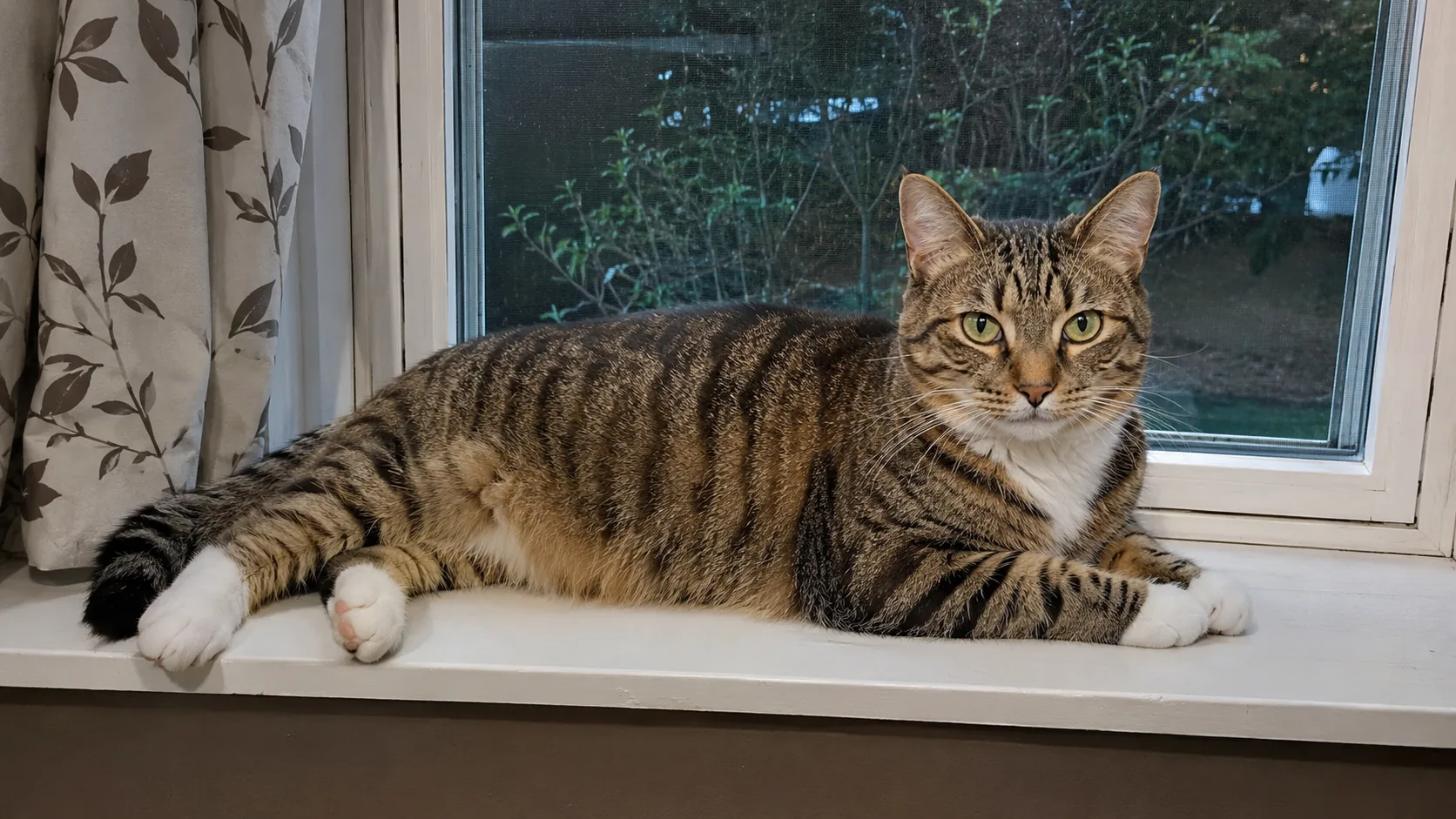
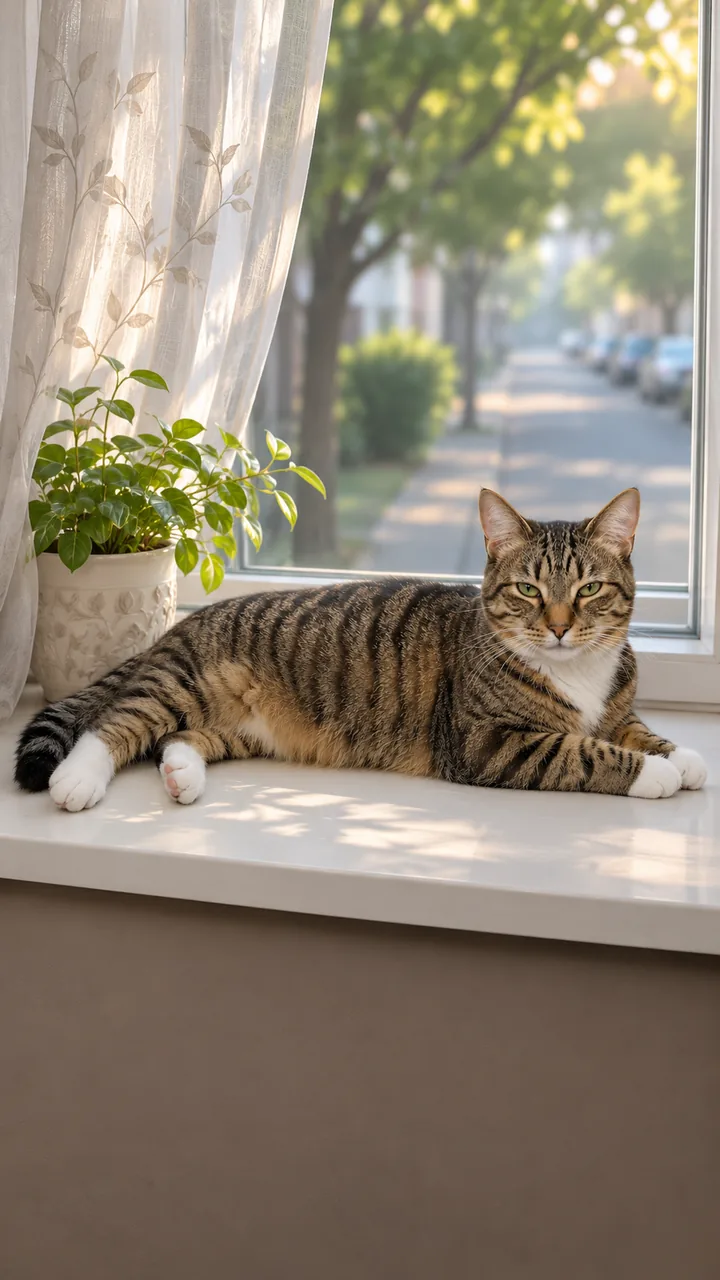
Photo and still: GPT Image 2.5 Flare · Clip: Seedance 2.0 Fast, 720p, 10 s, 9:16, original sound · made 2026-11-07
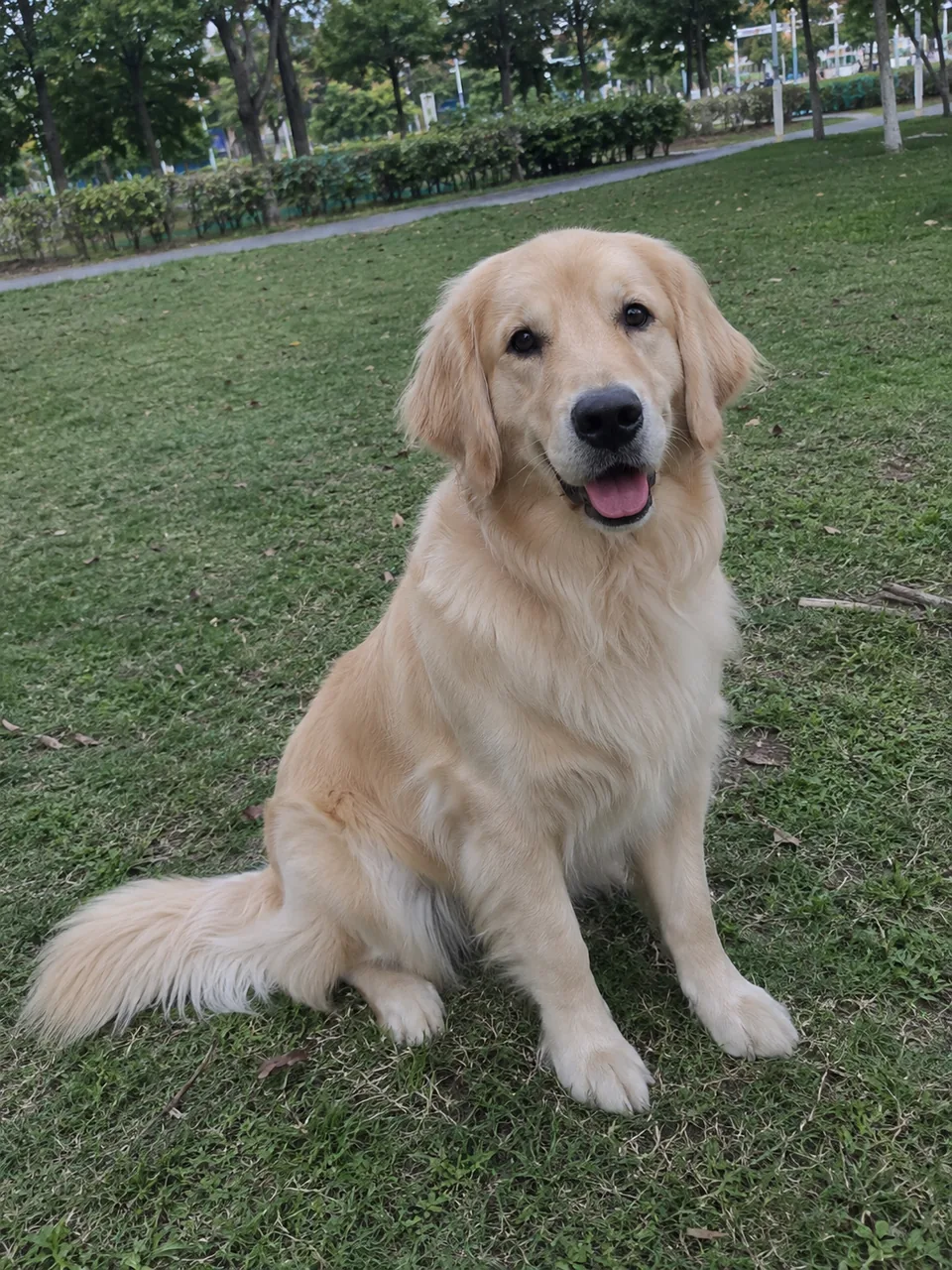
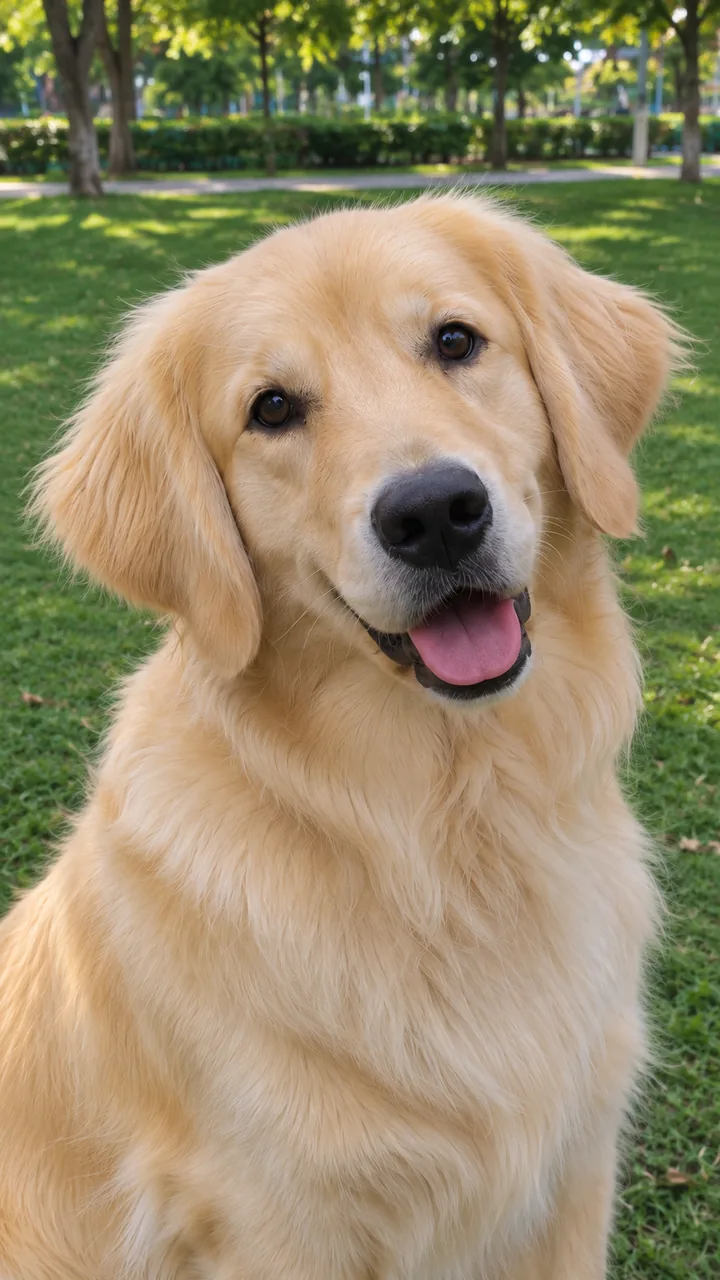
Photo and still: GPT Image 2.5 Flare, 9:16 · still only · made 2026-11-07
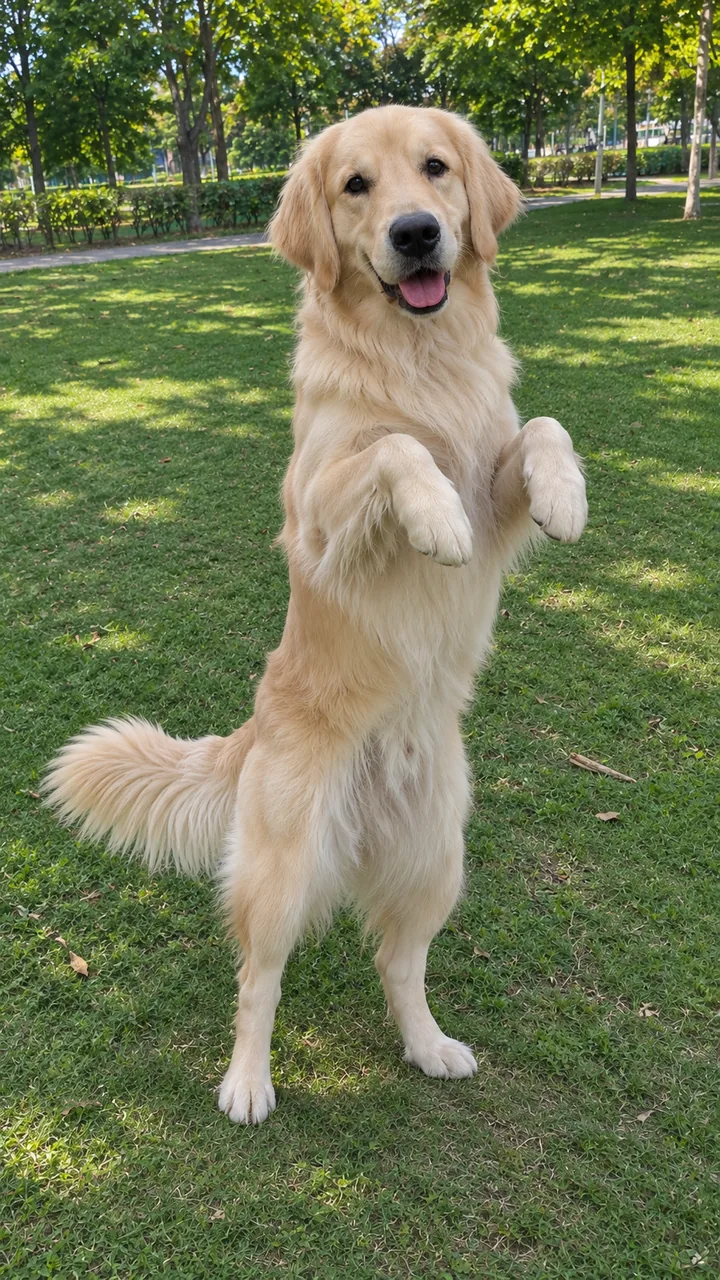
Photo and still: GPT Image 2.5 Flare, 9:16 · still only · made 2026-11-07
Both pets are AI originals, not anyone’s real dog or cat. Each still was built from the photo with GPT Image 2.5 Flare, then animated once with Seedance 2.0 Fast, 10 seconds, 9:16, 720p, with original sound. The Head Tilt and Little Dance cards are stills of the same retriever, made with GPT Image 2.5 Flare on November 7, 2026. Last checked .
Build the still from your photo to fix the light and framing, check the fur and markings, then press Animate it with the move you picked.
Upload one photo of your dog or cat and pick a move. Press Build the still: Image to Image keeps your pet and gives you a bright, level, 9:16 frame with the whole animal in view.
The clip copies this frame, so look at the face, the fur colours, the markings and the ears. If anything has changed, press Rebuild the still.
Press Animate it. Image to Video starts on the still and plays the move in about 10 seconds, with sound. The credits show on each button before you run it.
Run to Me sends your dog across the grass to the lens, Head Tilt lifts the ears, Stretch & Yawn suits cats, and Little Dance stands your pet up on its hind legs.
Best for dogsSitting on the grass ten metres away, then a run straight at the camera and a sniff of the lens.
Close-upA chest-up close-up: the head tips one way, then the other, and the ears lift each time.
Best for catsOn a sunny windowsill: eyes open, a long stretch with the toes spread, a yawn and a slow blink.
On its hind legsUp on the hind legs, a sway and a small turn, then back on four paws with the tail going.
For a dog, write the run in three beats: head tilt at 0–2 s, the run at 2–7 s, the sniff at the lens at 7–10 s; for a cat, eyes open, the stretch, then a slow blink.
Cat prompt: paste “Use the photo as the first frame; keep the cat exactly: the same stripes, paws and face. One static vertical phone shot, one continuous take. 0-3 s: the cat opens its eyes slowly and lifts its head. 3-6 s: it stretches its front legs long across the sill, spreads its toes and gives a big yawn. 6-10 s: it sits up, blinks slowly at the camera and flicks its tail once. Natural cat movement, four legs, it keeps its real size. Original soft piano, no lyrics, with a quiet purr. No text, no logos.” into Image to Video with your still as the first frame.
One animal, sharp, eyes open, good light; whole body in view if it should run or dance, head and chest is enough for a tilt or a blink.
The clip copies the first frame, so a dark, tilted or half-cropped photo stays that way. The still fixes the light and framing and keeps your pet’s fur and markings.
Yes. The clip starts from your photo, so the face, fur colours and markings carry over. Check them in the still and press Rebuild the still if something is off.
Dogs run and jump well, so try Run to Me or Little Dance. Cats look most natural with slow moves like Stretch & Yawn or a head tilt.
One animal, sharp, eyes open. Show the whole body for running or dancing; head and chest is enough for a head tilt or a blink.
The credits show on each button before you run it. Building the still costs less than the video, and you only animate once the still looks right.
Stand your pet up in a hoodie for the pet rock dance, make it the boss counting cash, add an original tune in AI Music, turn your pet into a barista, or browse every trend on the site.