Dinner toast
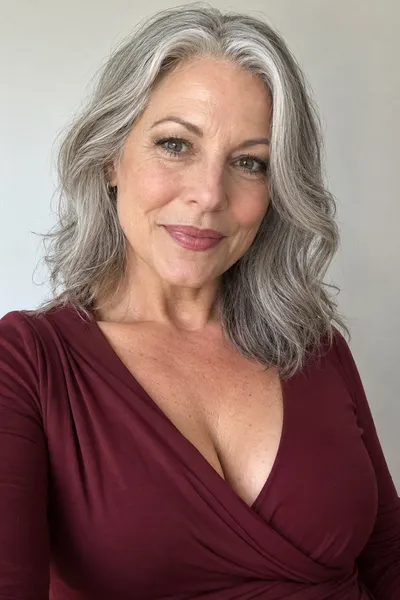

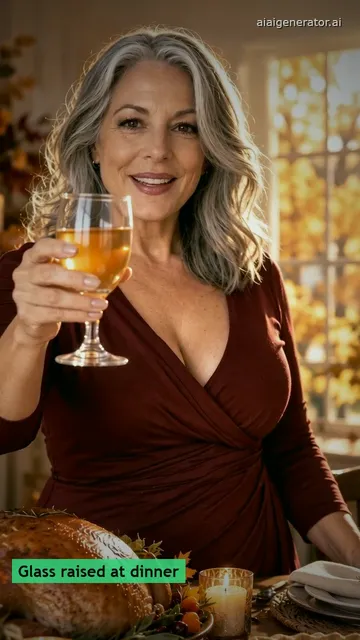
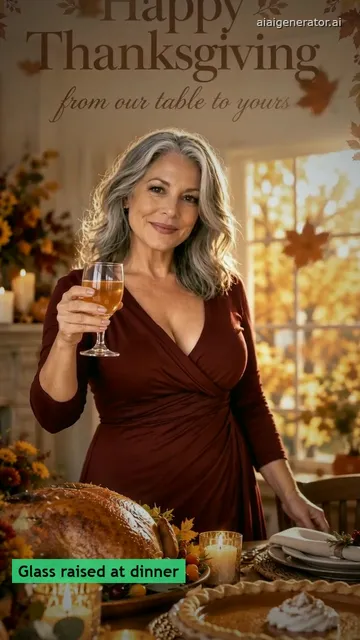
Still: GPT Image 2.5, image to image, 9:16 · Clip: Remixed from a Seedance 2.0 Fast clip (10 s master, 720p, 9:16) made 2026-10-27
Upload one photo, press Build the still for the dinner toast, then Animate it and send the clip.
This session
My creationsYour results appear here. Every result is also saved in My creations; if a run fails, the credits go back to your balance.
One toast clip cut from a 10-second Seedance 2.0 Fast original of an original character, plus a friends still and a greeting end frame made here.
Still: GPT Image 2.5, image to image, 9:16 · Clip: Remixed from a Seedance 2.0 Fast clip (10 s master, 720p, 9:16) made 2026-10-27
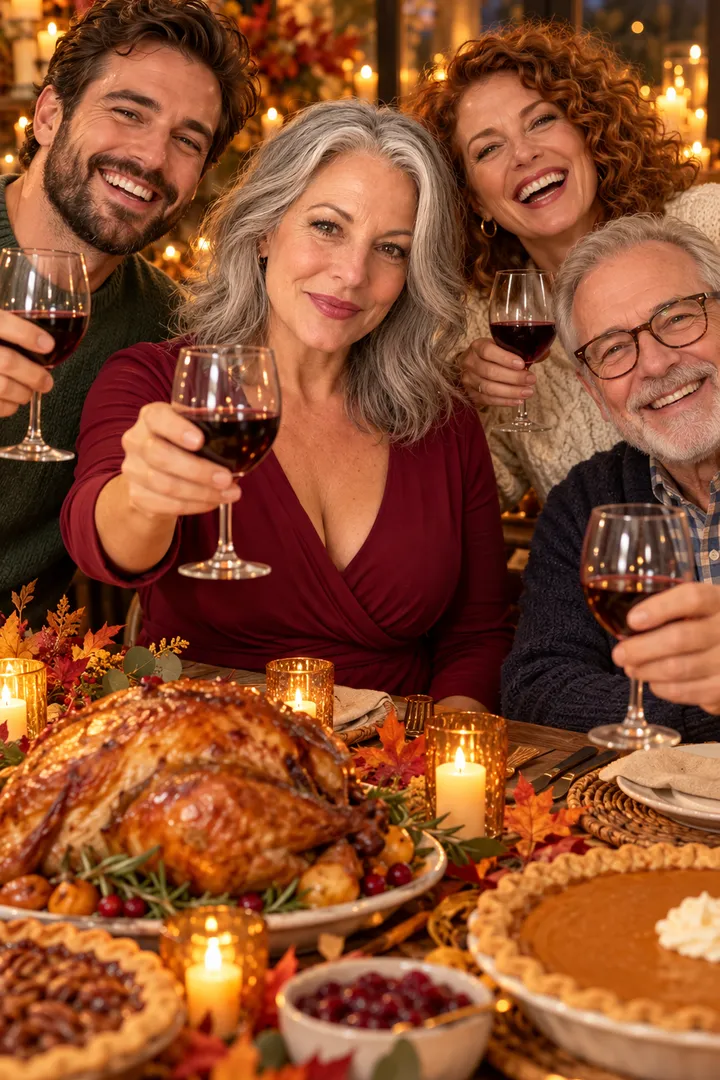
Still: GPT Image 2.5, image to image, 9:16 · still only · made 2026-10-27
The people are original characters generated for this card, not real people. The clip is a remix of a Seedance 2.0 Fast clip: re-cut, reframed and color graded for this page, and it ends on the greeting card from the original. In the workbench you pick from the models and credits shown. Last checked .
Upload one chest-up photo, press Build the still to set you at a candlelit table with a glass, check the face, then press Animate it.
Upload one chest-up photo, face to the camera and lit from the front, then press Build the still. Image to Image seats you at a Thanksgiving table with a roast, pie, candles and a glass of cider at 9:16, with room at the top for a greeting.
Press Animate it. Image to Video starts on the still: you raise the glass, smile and mouth Happy Thanksgiving while the candles flicker. Download the MP4 and send it.
Look at the still before the second click. If the face is small, turned away or not quite you, rebuild only the still; a new still costs far less than a new video. The credits show on each button before you run it.
Send the dinner toast to family, the long-table still to friends, and a team photo with a thank-you line to coworkers.
VideoYou at the candlelit table raising a glass. Greeting: “Happy Thanksgiving, from our table to yours.”
Still onlyYou and three friends laughing at a long Friendsgiving table. Greeting: “Thankful for this table and everyone at it.”
You and two coworkers in an office kitchen with pie and mugs. Greeting: “Grateful to work with you this year.” plus the team name.
Make a still that shows the same table with your line and names, then put it in the end frame slot so the clip stops on your words.
Keep it to one line and the names, such as “Thank you for this year, from the Parkers”. Short text renders cleanly in the still.

In Image to Image, upload the toast still and ask for the same table and person with your line printed at the top of the frame.
Image to Image →In Image to Video, put the toast still in the first frame slot and the greeting still in the end frame slot. The clip moves from the toast to your words and stops there.
Open Image to Video →Make it the weekend before and send it between November 23 and the morning of Thursday, November 26.
Canva moves text over a still photo, a general image-to-video tool moves the photo, and this page builds the toast scene and can end on your greeting.
Two. Upload your photo and press Build the still for the dinner toast, check the face, then press Animate it. Each button shows its credits before you run it.
Yes. Build a second still of the same table with your line and names at the top, then open Image to Video, put the toast still in the first frame slot and the greeting still in the end frame slot. The clip stops on your words.
One thank-you line and the team name is enough, for example “Grateful to work with you this year, the Design Team”. Pick Team thank-you so the still shows an office kitchen instead of a family table.
Thanksgiving 2026 is Thursday, November 26. Most cards go out from Monday, November 23; the morning of the 26th is the last good moment.
It is a remix of a Seedance 2.0 Fast clip made for this card on October 27, 2026: re-cut, reframed and color graded for this page. The card shows the original photo and the still the clip started from. The friends card is a still made with GPT Image.
Keep the autumn table for Thanksgiving. A Christmas card wants snow, a tree and presents, so write a new still prompt for it instead of reusing this one.
Add an original tune on AI Music, download the MP4 for the family chat, then try Funny Thanksgiving Video with the same photo.