Cherry romper in the bedroom
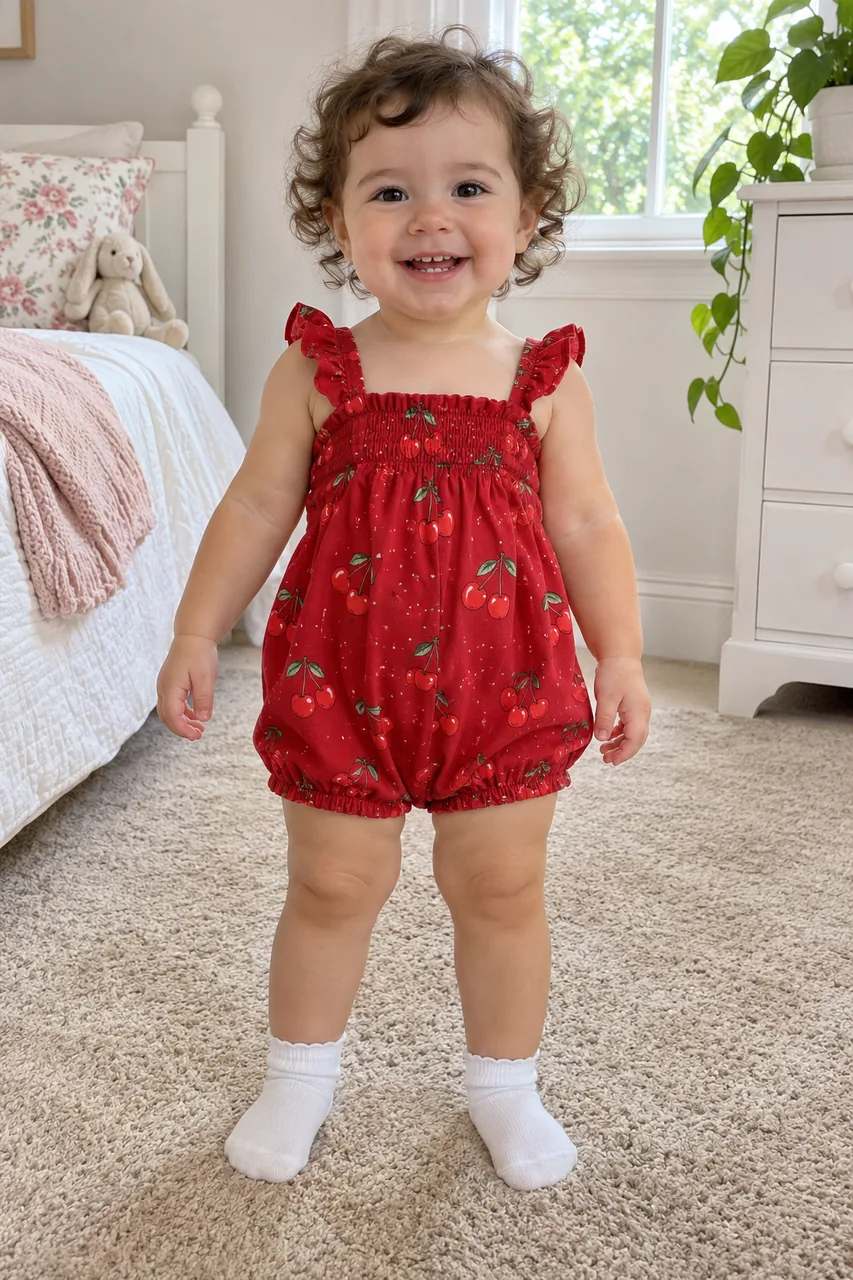
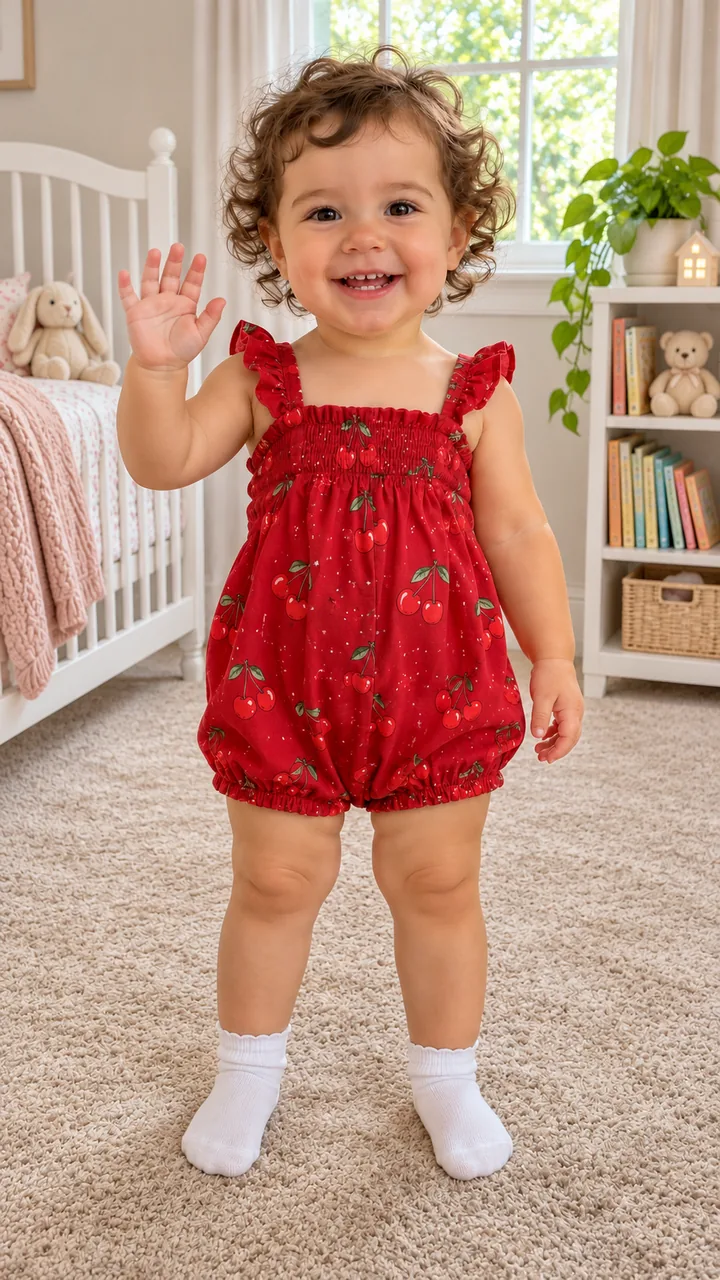
Photo and room still: GPT Image 2.5 Flare · Clip: Seedance 2.0 Fast from the still (10 s, 9:16, 720p) · original children’s instrumental, no lyrics · made 2026-11-14
Upload one photo of your baby, press Build the still, then Animate it: your baby waves, shrugs, bounces on bent knees and runs at the camera laughing.
This session
My creationsYour results appear here. Every result is also saved in My creations; if a run fails, the credits go back to your balance.
Building the still costs 3 credits and the 5-second 720p clip costs 45 credits, so one finished video is 48 credits. Credits come in three one-time packs from $9.90 to $49.90; the $9.90 pack holds 250 credits. Compare credit packs →
A toddler in a cherry romper waves, shrugs and runs at the camera on a bedroom carpet, and a toddler in a duck onesie marches knees-up in the kitchen, each with the input photo and the still on the card. In the bedroom clip the toddler waves in the first second, lifts both hands in a shrug at about 2 s, bobs on bent knees from about 3 s, claps at about 6 s, and from about 7.5 s toddles straight at the lens laughing until the face fills the frame. In the kitchen clip the toddler marches on the spot with a deep frown until about 6.5 s, claps and breaks into a grin at about 7 s, then bounces and waves. Both are an ai baby dance in the style of the baby dancing ai trend: one photo in, one dancing baby ai video out.
Photo and room still: GPT Image 2.5 Flare · Clip: Seedance 2.0 Fast from the still (10 s, 9:16, 720p) · original children’s instrumental, no lyrics · made 2026-11-14
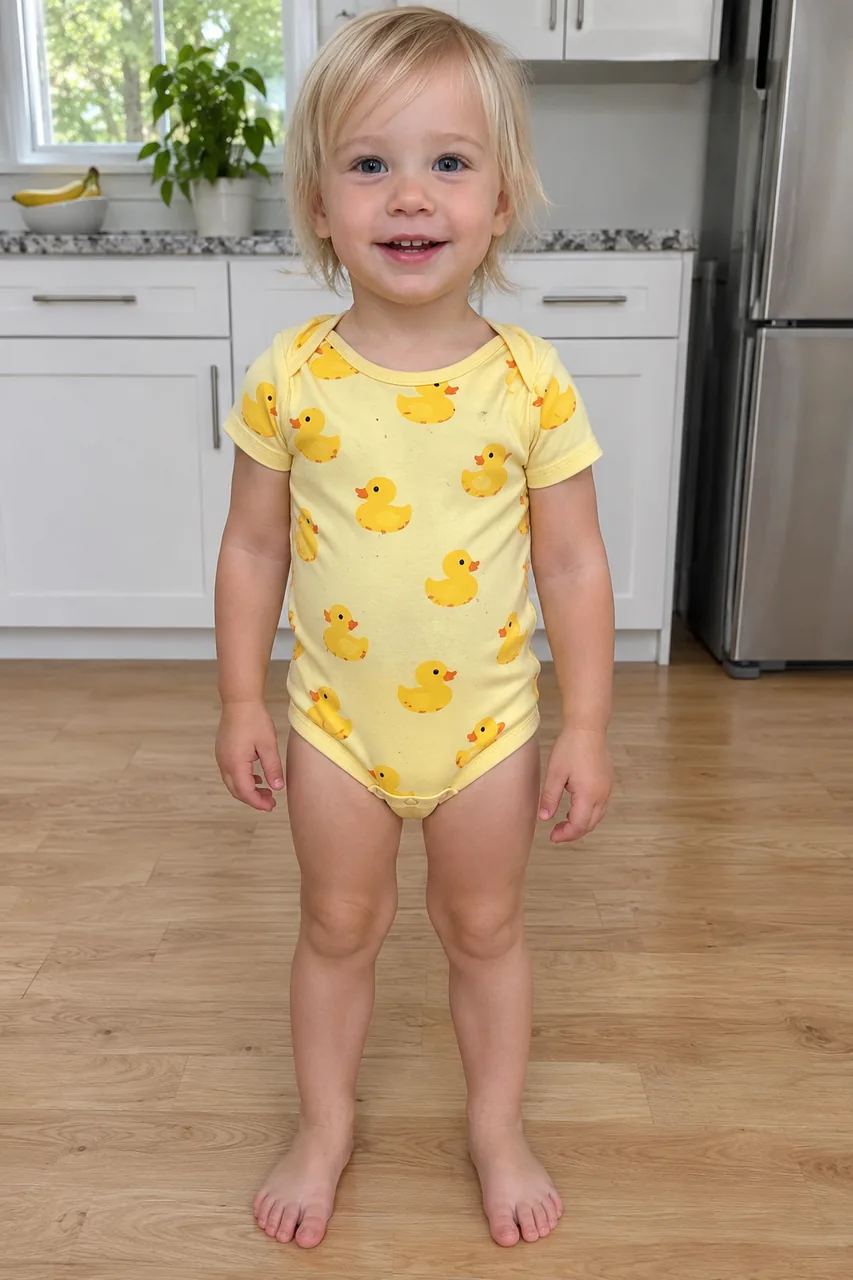
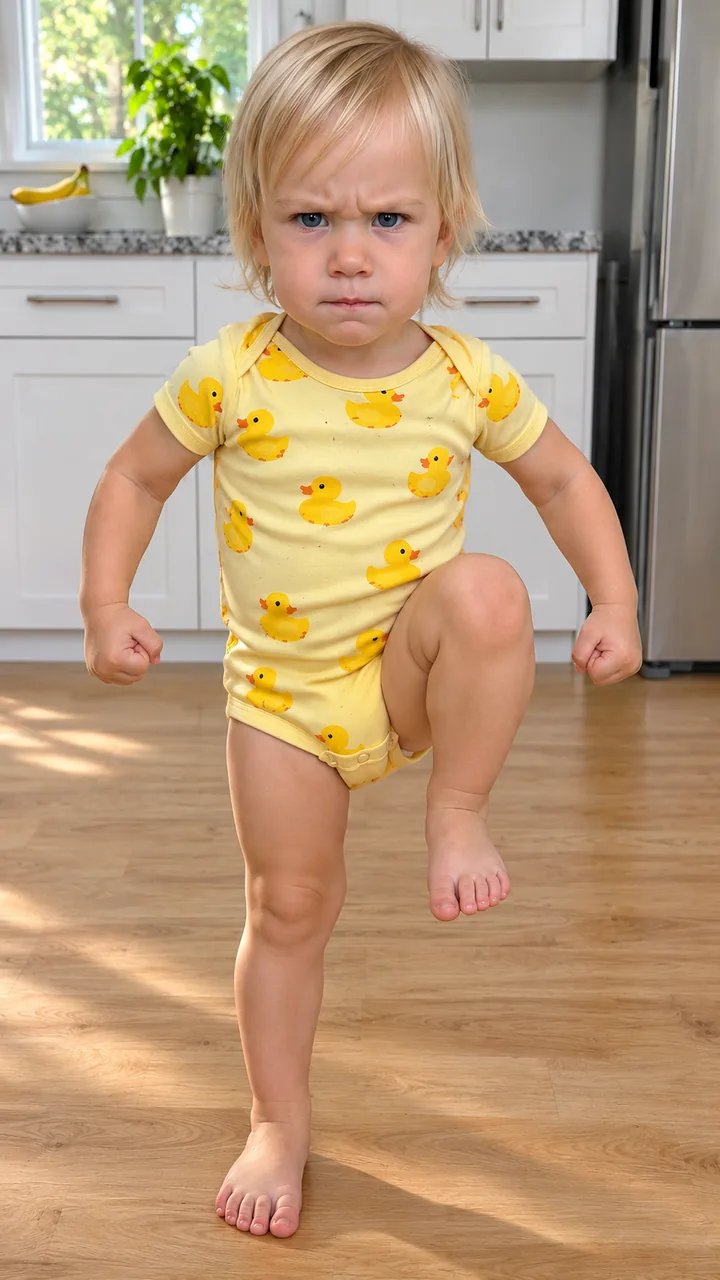
Photo and room still: GPT Image 2.5 Flare · Clip: Seedance 2.0 Fast from the still (10 s, 9:16, 720p) · original children’s instrumental, no lyrics · made 2026-11-14
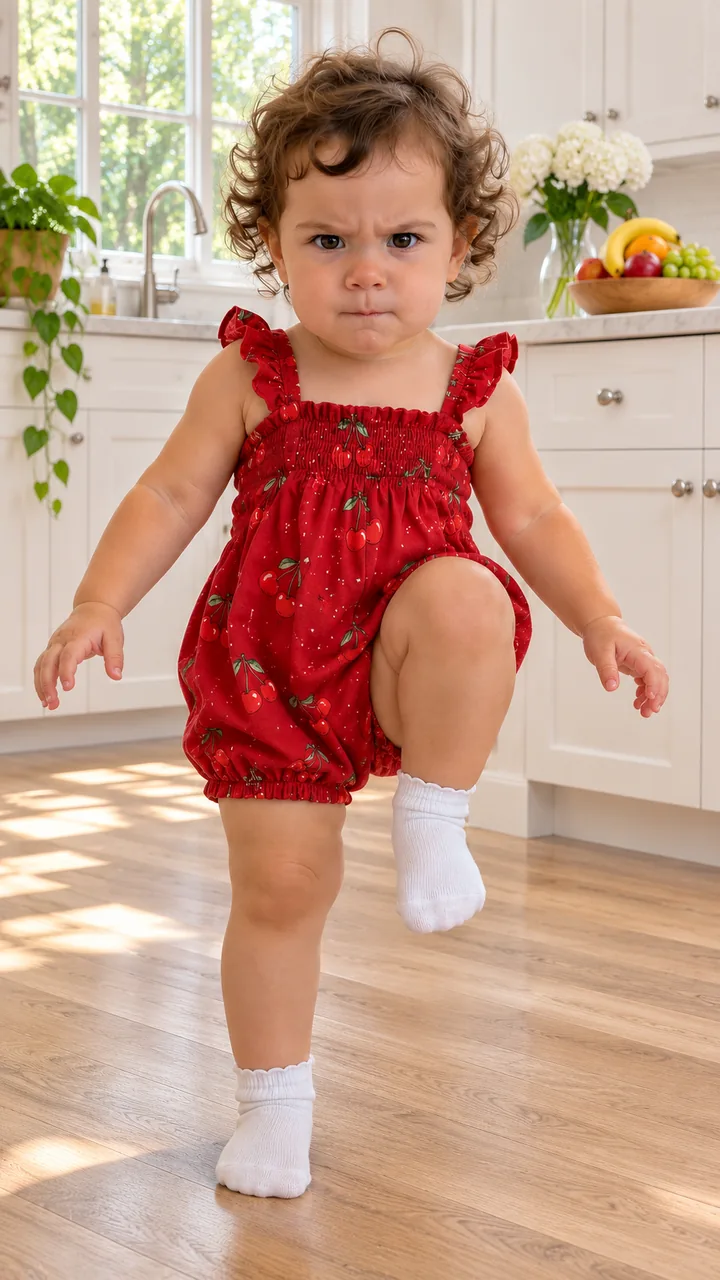
Photo and still: GPT Image 2.5 Flare, 9:16 · still only · made 2026-11-14
Both toddlers are AI originals made for these baby dancing ai samples, not real children or customer photos. Each clip was made with Seedance 2.0 Fast from the room still, 10 seconds, 9:16, 720p, with an original children’s instrumental and no lyrics, not a trend sound. The kitchen card with the cherry romper is a still only: the same photo, the Kitchen March room, made on November 14, 2026. Last checked .
Upload your baby’s photo, press Build the still to see them standing in the room in their own outfit, then press Animate it for the 10-second baby dancing ai clip; no CapCut template or app needed. That is the whole baby dance from photo: two buttons, one ai baby dance.
Upload one photo of your own child, face to the camera, eyes open, in good light. Press Build the still: Image to Image keeps the face, hair, outfit and age and stands your baby in the room you picked, 9:16, ready for baby dancing ai.
Check the face, then press Animate it. Image to Video starts on the still and plays the baby dancing ai routine: a wave, a shrug, bouncy knees, a clap and a laughing run at the lens.
Download the baby dancing ai clip and add the week’s trending sound in TikTok or Reels. The still downloads as a picture too, if a card for the family chat is enough.
Bedroom Wave keeps a soft carpet and a white crib with the wave, shrug and run; Kitchen March puts your baby on a wooden floor for a frowning knees-up march, two claps and a grin. The room changes, the face stays your baby’s, and each dancing baby ai video is 10 seconds, 9:16.
One baby photoBaby dancing ai by a white crib, a beige carpet and a bookshelf: wave, shrug, bouncy knees, a clap and a run at the camera.
One baby photoBaby dancing ai on a wooden floor by white cupboards: a serious knees-up march, two claps, a grin and a wave.
Start from the still as the first frame, keep the face, hair, outfit and age, wave for two seconds, shrug, bounce on bent knees with a clap, then toddle at the lens until the face fills the frame. Keep “toddler moves only, fully dressed” in every baby dancing ai prompt. In the bedroom sample the run started at about 7.5 s. The same lines work for any ai baby dance you want to write yourself.
Keep it a toddler dance add “Toddler moves only, fully dressed, no grown-up dance moves.” to the still prompt.
Use your own child’s photo with the face to the camera, eyes open and good light, the outfit in view; the photo and the baby dancing ai clip are saved in your account history so you can download them again.
Only upload a photo of your own child, or one a parent gave you permission to use.
One child per photo for each ai baby dance. Every scene keeps the moves to a toddler dance, fully dressed, with no grown-up dance moves.
The photo and the finished clip are saved with the generation in your account history so you can download it again.
Animate a pet photo instead →Only upload a photo of your own child, or one a parent gave you permission to use. Every scene here keeps it a toddler dance, fully dressed: waving, shrugging, bouncing, clapping and marching.
It is used to make your clip. The photo and the finished clip are saved with the generation in your account history so you can download it again.
Yes. Baby dancing ai takes the face from your photo and generates the dance, so a baby who only sits can still do the whole routine. That is the joke behind the “wait until your baby starts dancing” captions.
There is no single song for the baby dancing ai trend. The clip comes with an original bouncy beat, and you pick the trending sound inside TikTok or Reels when you post.
One finished video costs 48 credits: 3 for the still and 45 for the 5-second 720p clip. Rebuilding the still costs 3 credits each time. The $9.90 pack holds 250 credits, enough for about 5 finished videos. Packs are one-time purchases with no subscription, purchased credits do not expire, and a failed generation returns its credits to your balance. The credits show on Build the still and Animate it before you run them. The still costs less than the clip.
After your dancing baby ai video, do the fuzzy dream dance yourself, animate the family pet, send your pet down a hill on a tiny trike, or browse every trend on the site.