Skid Through

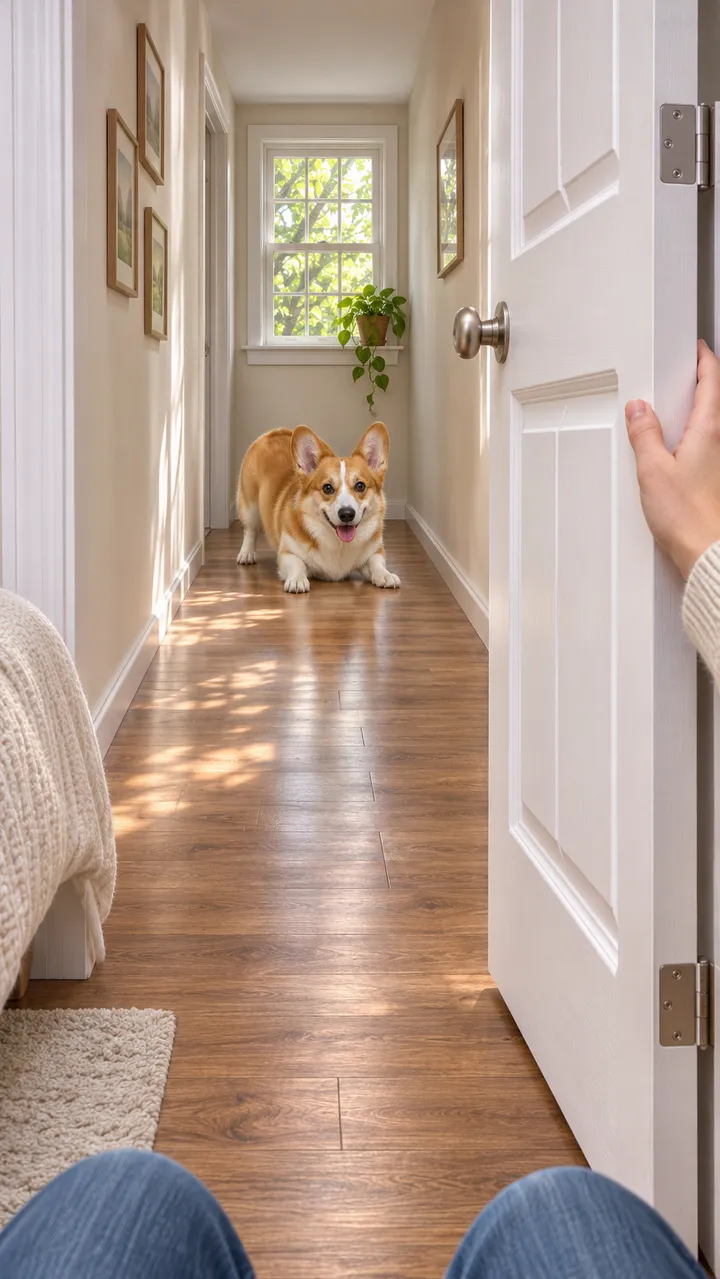
Still: GPT Image 2.5, image to image, 9:16 · Clip: remixed from a lovart.me Seedance 2.0 Fast clip (10 s master, 720p, 9:16) made 2026-11-03
Upload one pet photo, press Build the still to see it ready at the end of the hallway, then Animate it to watch it beat the door.
This session
My creationsYour results appear here. Every result is also saved in My creations; if a run fails, the credits go back to your balance.
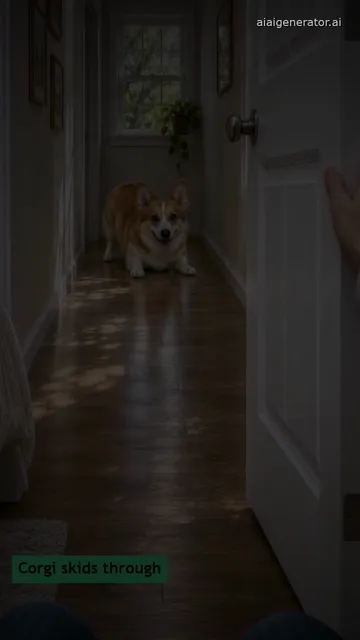
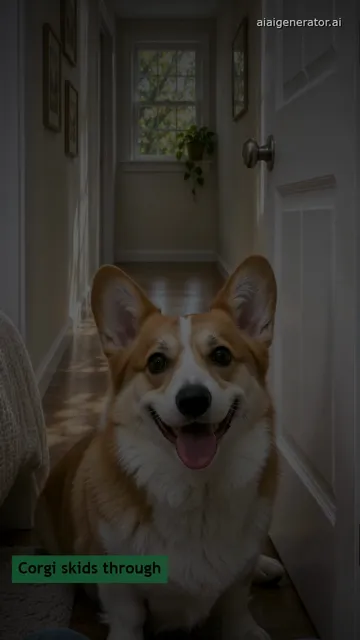
A red and white corgi squeezing low through a closing bedroom door and a bearded runner landing on his knees, remixed from 10-second lovart.me originals, plus three ready stills of the same corgi.
Still: GPT Image 2.5, image to image, 9:16 · Clip: remixed from a lovart.me Seedance 2.0 Fast clip (10 s master, 720p, 9:16) made 2026-11-03

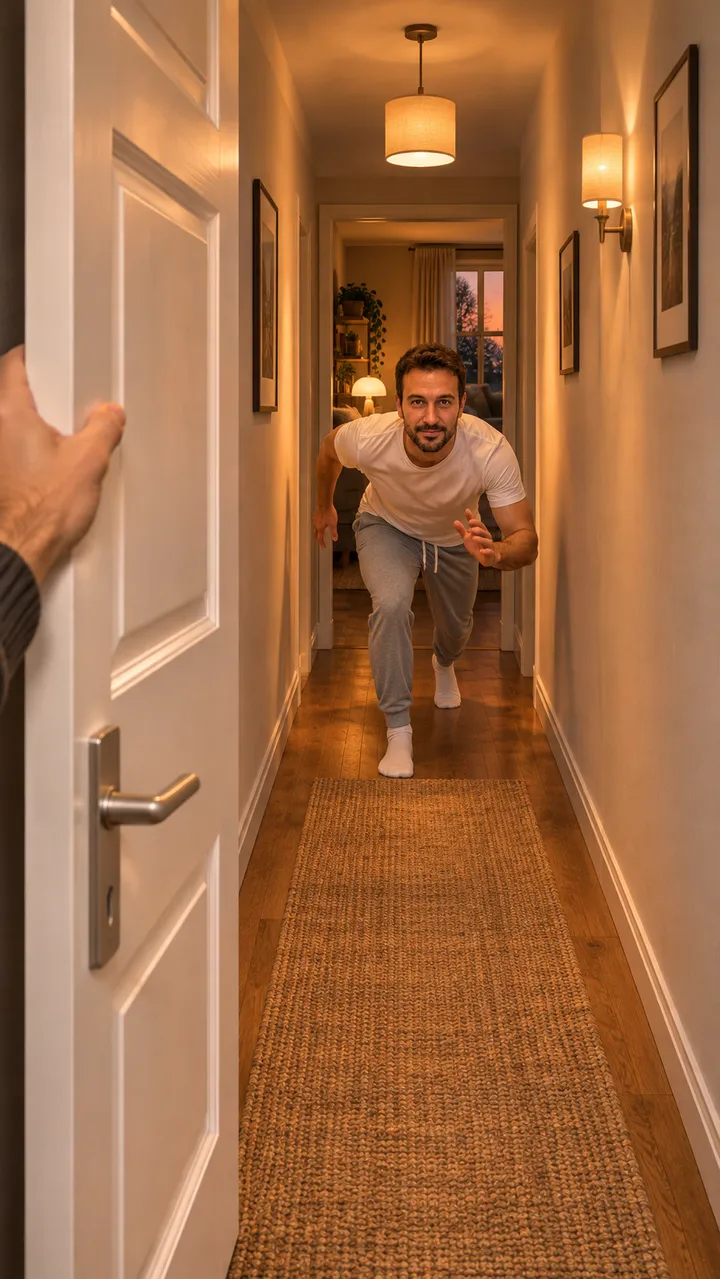
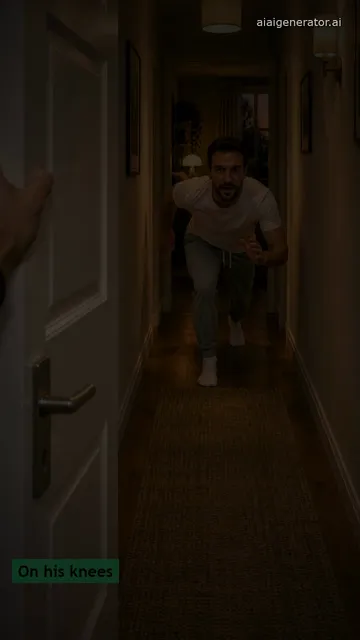

Still: GPT Image 2.5, image to image, 9:16 · Clip: remixed from a lovart.me Seedance 2.0 Fast clip (10 s master, 720p, 9:16) made 2026-11-03

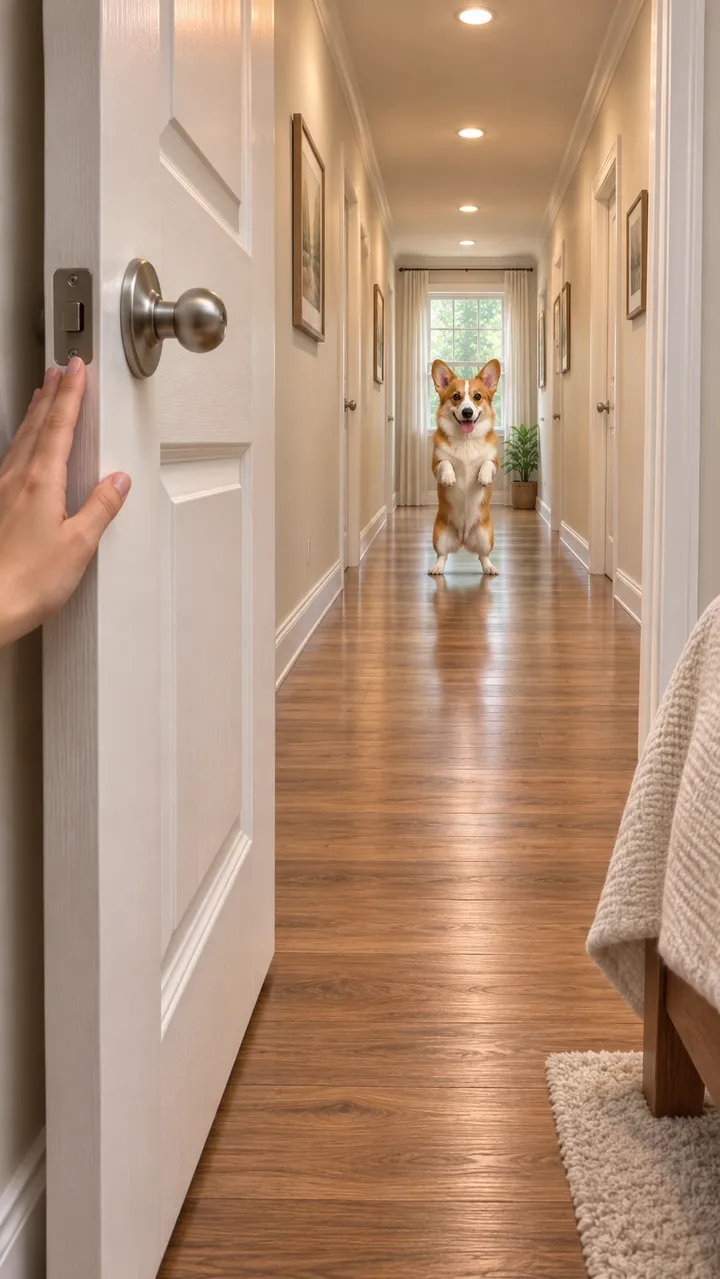
Still: GPT Image 2.5, image to image, from one pet photo, 9:16 · still only · made 2026-11-03

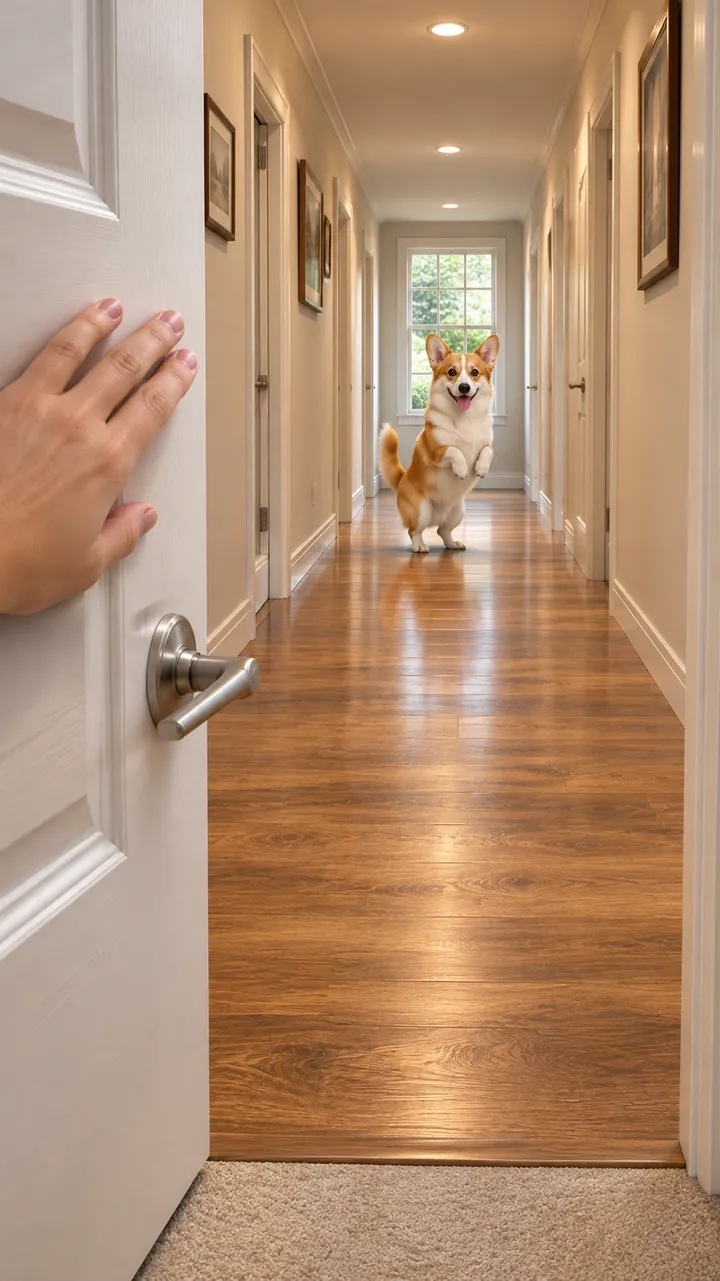
Still: GPT Image 2.5, image to image, from one pet photo, 9:16 · still only · made 2026-11-03

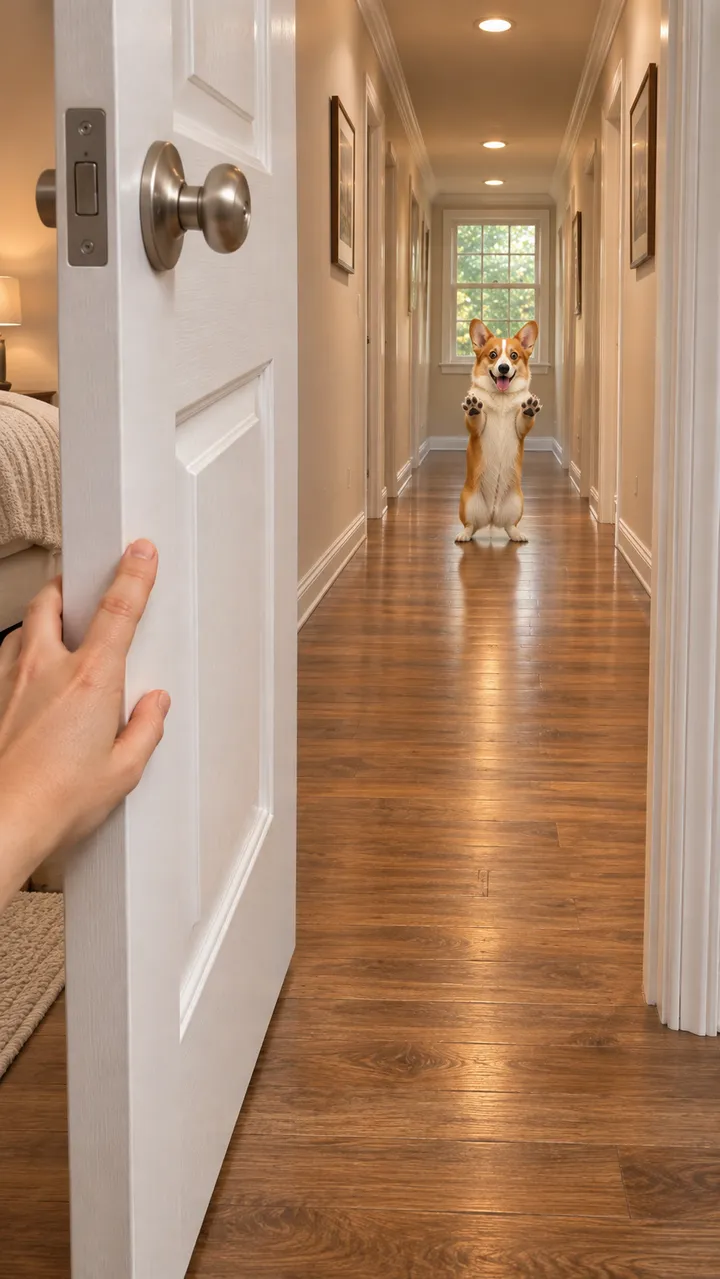
Still: GPT Image 2.5, image to image, from one pet photo, 9:16 · still only · made 2026-11-03
The corgi and the runner are original characters generated for this page, not real pets, people or the creators who started the trend. In both clips the door stops short of them and never touches them. The two clips are remixes of Seedance 2.0 Fast clips made on lovart.me on November 3, 2026: re-cut, reframed and color graded for this page, not mirrored, with no new AI generation. The three stills were made here with GPT Image from one corgi photo and are stills only. In the workbench you pick from the models and credits shown. Last checked .
Build the still of your pet at the far end of the hallway, check the coat and face, then press Animate it to play the dash.
Upload one photo of your dog or cat alone, the whole body in view, eyes open, in good light. Pick Skid Through, Leap Through or Stop Short and press Build the still. Image to Image keeps the coat and face and puts your pet at the far end of a hallway behind a half-open door, 9:16.
Your pet is small at the far end of the hallway, so look closely at the coat, markings and eyes before you spend a video run. If it does not look right, press Rebuild the still.
Press Animate it. Image to Video starts on the still and plays the call, the sprint and the door swinging, then your ending, in about 10 seconds. The door never touches your pet. The credits show on each button before you run it.
Skid Through slides your pet past the door as it shuts, Leap Through jumps the gap, and Stop Short brakes in front of a door that was never closing.
The originalPaws skidding on the wood, a low squeeze through the last gap, then a proud sit on your side of the door. Both sample clips end this way.
JumpOne jump through the gap, a landing on the near side and a quick shake. Same corgi, same photo.
Fake doorThe door stops halfway and was never closing; your pet brakes hard, sits down and stares at the lens.
Keep the camera behind the door looking down the hallway and write four beats: the call at 0–2 s, the sprint at 2–6 s, the door swinging at 6–8 s, the skid through at 8–10 s.
A person running: add “The runner is a person: keep their face and clothes, head to knees in view; the door never touches them.” to the still prompt, with their OK.
A home clip around October 25, 2026 passed a million views, a family version hit 7.1 million on October 28, and pet and couple versions followed.
You check the coat and face at the far end of the hallway before any video credits go on the run. If it does not look like your pet, press Rebuild the still.
The whole animal in view, eyes open, in good light. A dog that loves to run is the easiest.
No. It skids or leaps through, or stops short at a door that was never closing. Nobody gets hit.
No. Add the countdown or a trend sound in TikTok when you post, or make an original beat on AI Music.
Yes, with their OK and a head-to-knees photo; the door never touches them. Never use a child, a celebrity or a stranger.
Put your pet behind the counter or round a lamp post, or browse every trend on the site.