Cookie Thanks
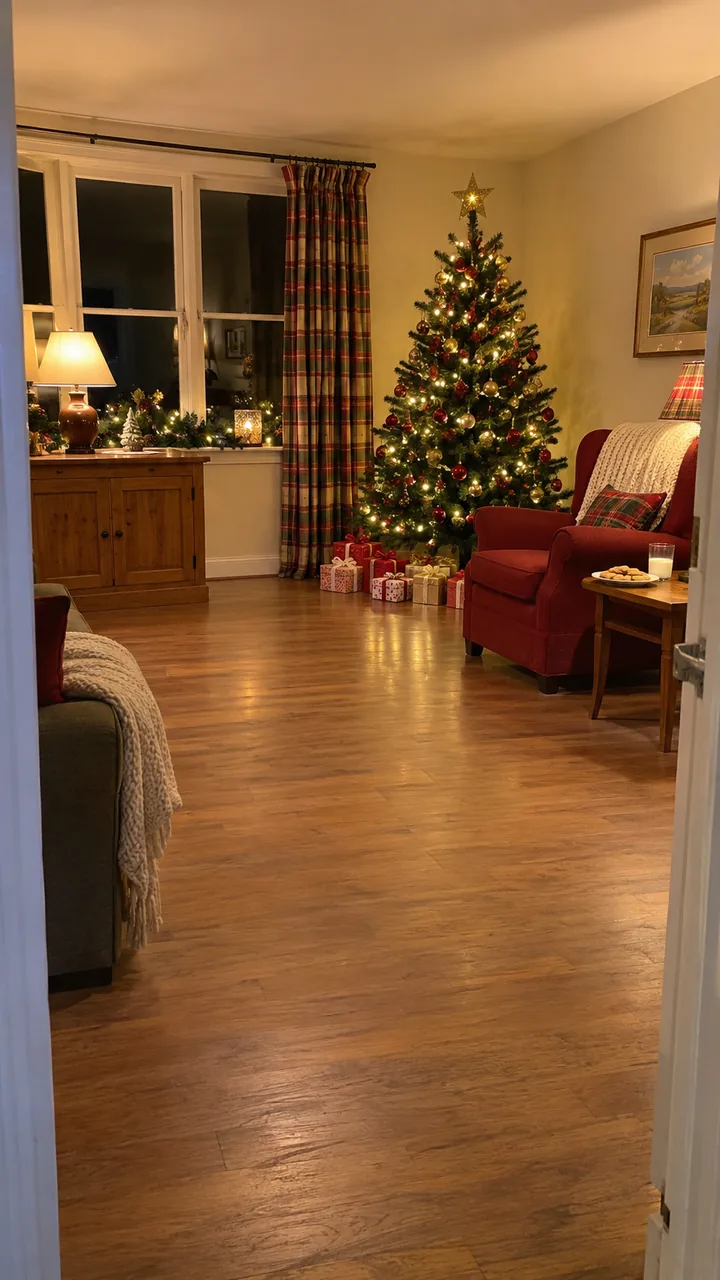
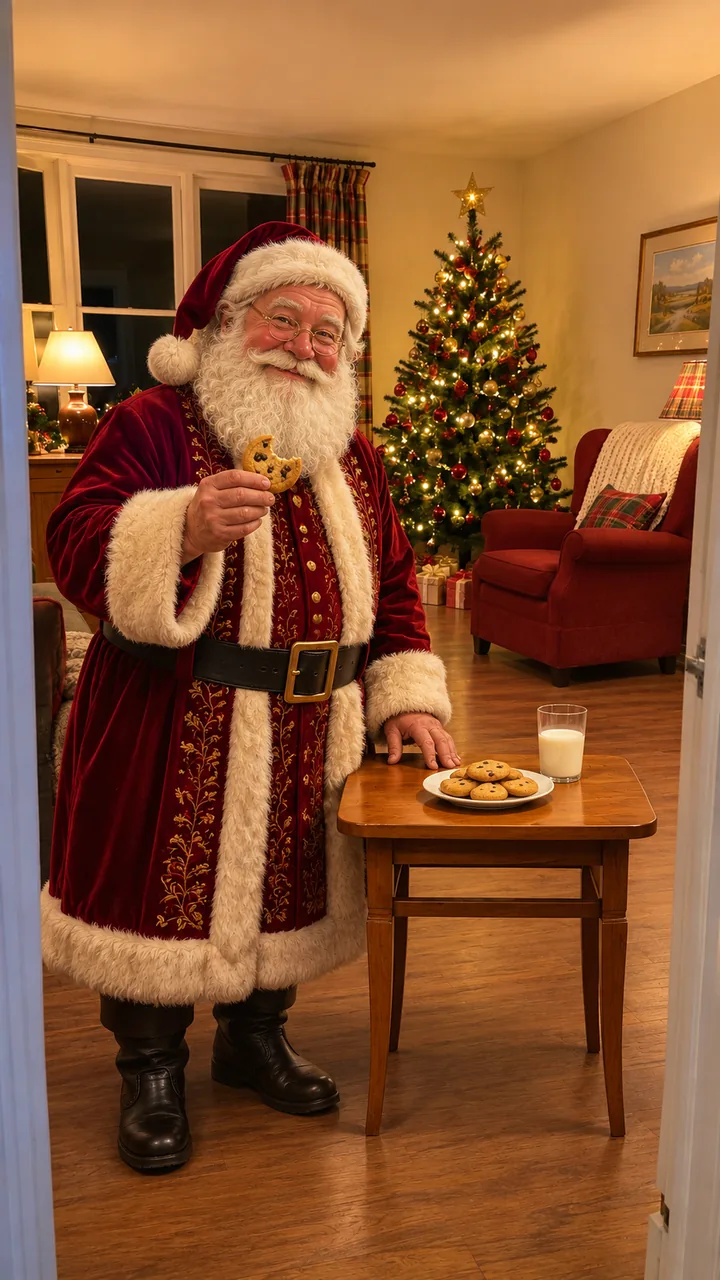
Room photo and still: GPT Image 2.5 Flare · Clip: Seedance 2.0 Fast, 720p, 10 s, 9:16, original sound · made 2026-11-05
Upload one photo of your living room, type the name and one detail, press Build the still to see Santa by your tree, then Animate it.
This session
My creationsYour results appear here. Every result is also saved in My creations; if a run fails, the credits go back to your balance.
Santa by a plate of cookies thanking Dana, and Santa crouching by the fire to hand Biscuit the puppy a present, both 10-second clips made from one empty room photo. In the first, he takes a bite of a cookie, lifts the glass of milk toward the camera and says, “Thank you for the cookies, Dana. You made the nice list again,” then goes back for another bite. In the second, he pats the golden retriever puppy on the rug, sets the present down beside it and says, “Merry Christmas, Biscuit. This one is all yours,” then stands up and walks off toward the tree while the puppy stays by its present.
Room photo and still: GPT Image 2.5 Flare · Clip: Seedance 2.0 Fast, 720p, 10 s, 9:16, original sound · made 2026-11-05
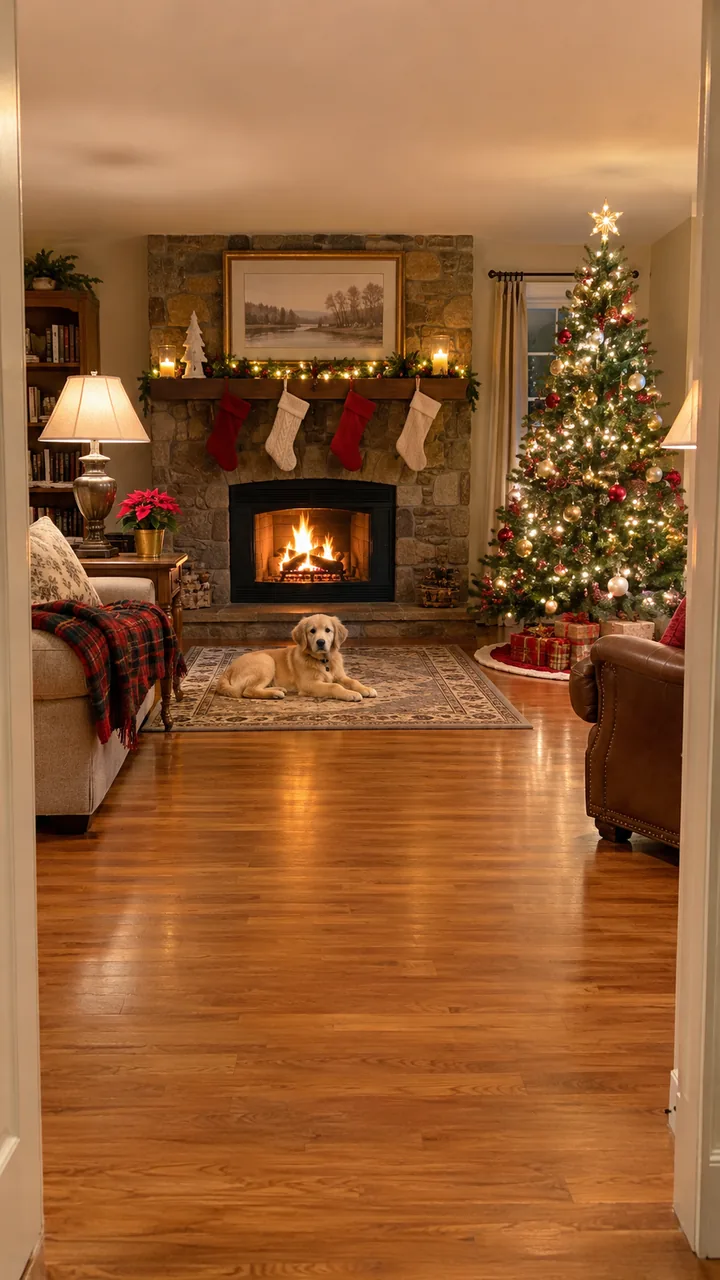
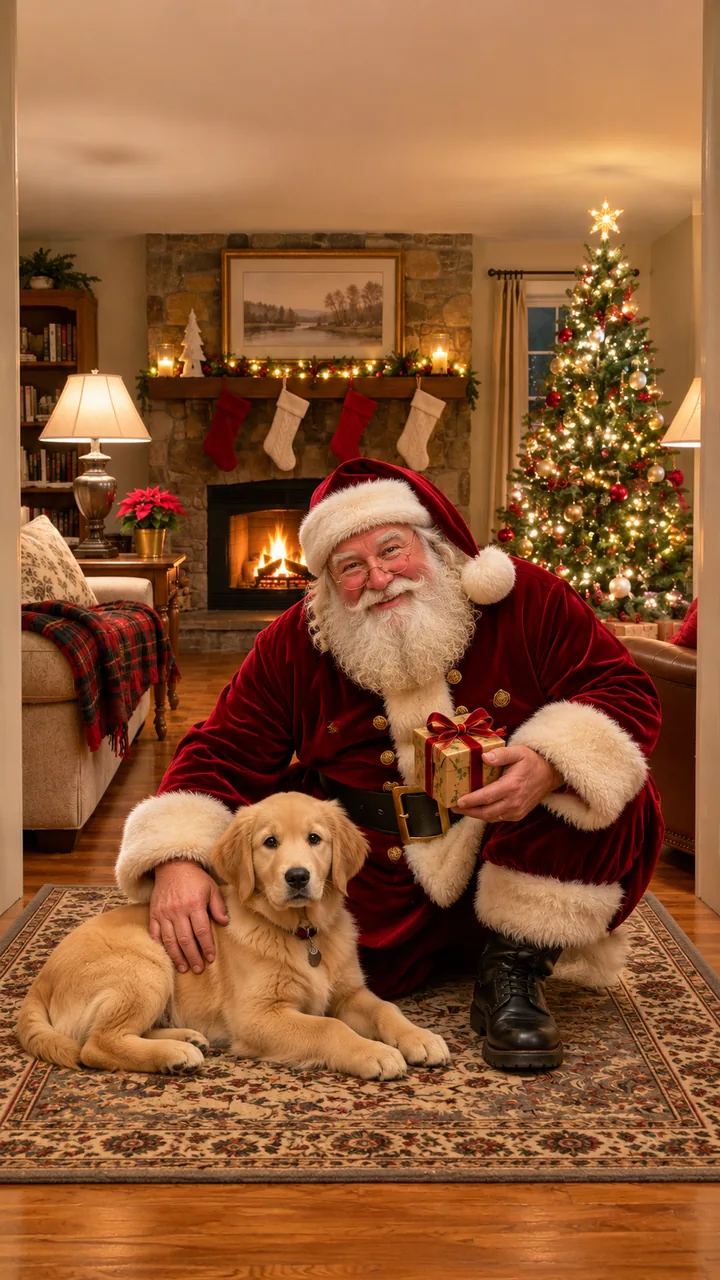
Room photo and still: GPT Image 2.5 Flare · Clip: Seedance 2.0 Fast, 720p, 10 s, 9:16, original sound · made 2026-11-05
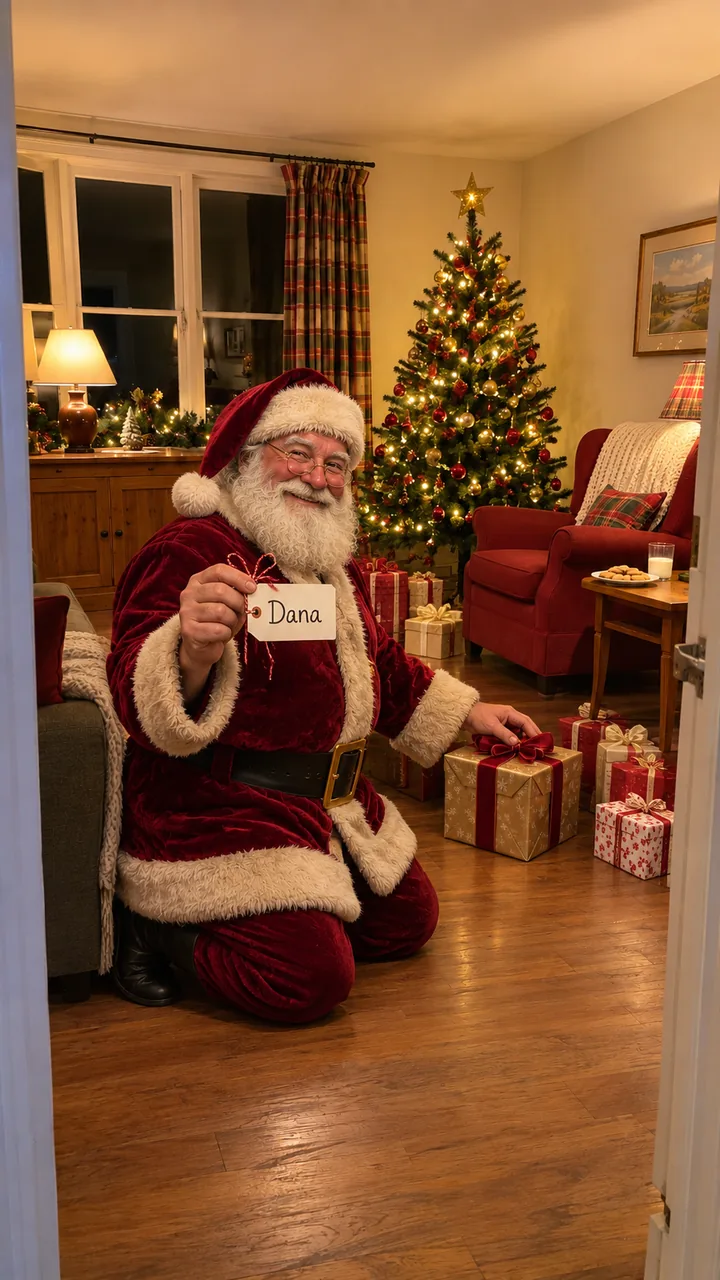
Room photo and still: GPT Image 2.5 Flare, 9:16 · still only · made 2026-11-05
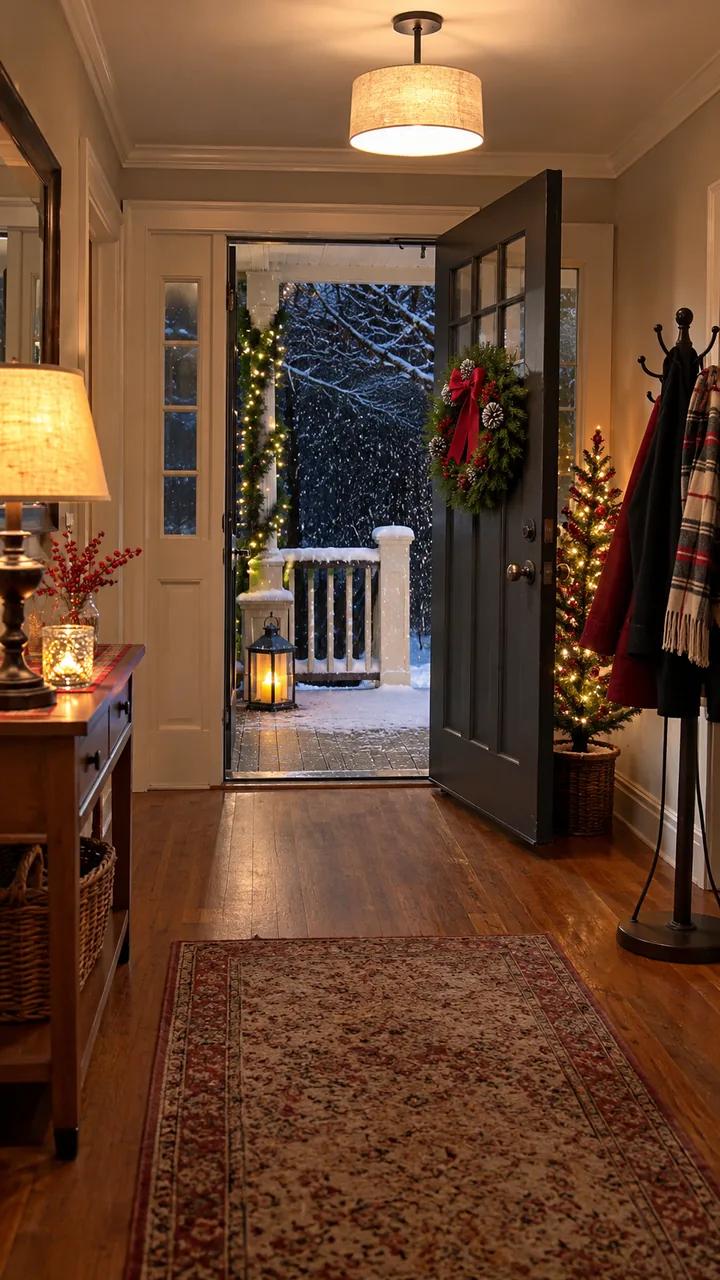
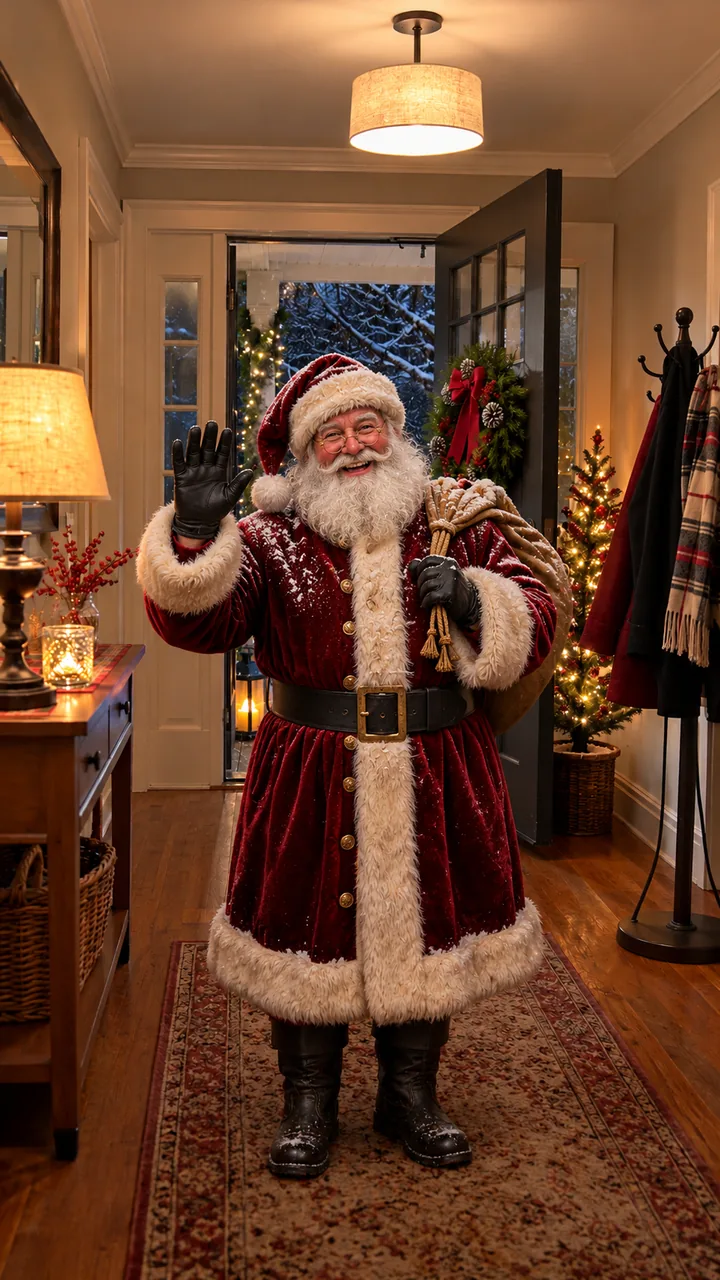
Room photo and still: GPT Image 2.5 Flare, 9:16 · still only · made 2026-11-05
Santa is an original character, Dana is an invented grown-up name and Biscuit is an AI puppy; no child appears and no child's photo was used. The two rooms were generated as empty phone photos with GPT Image 2.5 Flare, Santa was added in a still, and each clip was made once on this site with Seedance 2.0 Fast, 10 seconds, 9:16, 720p, on November 5, 2026. The voice, sleigh bells and room sound were generated with the clip; there is no song. The Present Tag and Snowy Door cards are stills only. Last checked .
Build the still of Santa in your room, check that the tree, sofa and window are still yours, then press Animate it for the visit and the line.
Upload one ordinary phone photo of the room with the lights on and nobody in it. Pick a visit, press + Name on the tag and swap NAME for the name, written the way it sounds. Press Build the still: Image to Image keeps your room and adds Santa, 9:16.
Look at the tree, the sofa, the windows and the tag before you spend a video run. If the room has changed or the name is spelled wrong, press Rebuild the still.
Press Animate it for a 10-second visit with the action, a short line and a wink. For a line that says the name out loud, open the still in Image to Video and paste the prompt below. The credits show on each button before you run it.
Cookie Thanks has him eat a cookie and thank them by name, Pet Hello has him hand the dog or cat a present, and Present Tag has him read the name on a gift under the tree.
Cookies and milkBy the cookie plate with a glass of milk: “Thank you for the cookies, Dana. You made the nice list again.” Any name works, a grown-up's too.
For the dog or catCrouched by your pet with a small present: “Merry Christmas, Biscuit. This one is all yours.” Keep the pet in your room photo.
Under the treeKneeling by the tree with the tag held up: “This one says Dana. I wrapped it myself, so no peeking.” The name is written on the tag in the still.
Write one name and one detail into a short line, like “Thank you for the cookies, Dana. You made the nice list again,” and keep the clip to three beats: the action, the line, the wink.
Name on the tag: add “Santa also holds up a white gift tag that reads "NAME" in large, neat handwriting.” to the still prompt and replace NAME.
Animate it in the workbench uses a fixed line without a name; to hear the name, open your still in Image to Video and paste this prompt with your name and detail in the quotes.
Lights on, nobody in the shot, the tree or fireplace in view, open floor where Santa can stand, and no mail, house numbers or family photos in the frame; shoot upright for a phone clip.
No. Upload a photo of the room only, with nobody in it, and type the name. Santa is added to the room; no child appears or is needed.
Type it the way it sounds, for example "Ava-lynn" instead of "Avalynn", then check the tag in the still and listen to the clip before you share it.
Yes. Any name works: thank your partner for the cookies, or pick Pet Hello and let Santa hand the dog or cat a present by name.
Building the still costs a few credits and the clip costs more. The price shows on each button before you start, and no subscription is needed.
Before December 24, so it is ready to play on Christmas Eve. Make one clip per child, each with their own name.
Turn a photo into a moving Christmas card, or browse every trend on the site.