 Fine Line
 Birth Flower
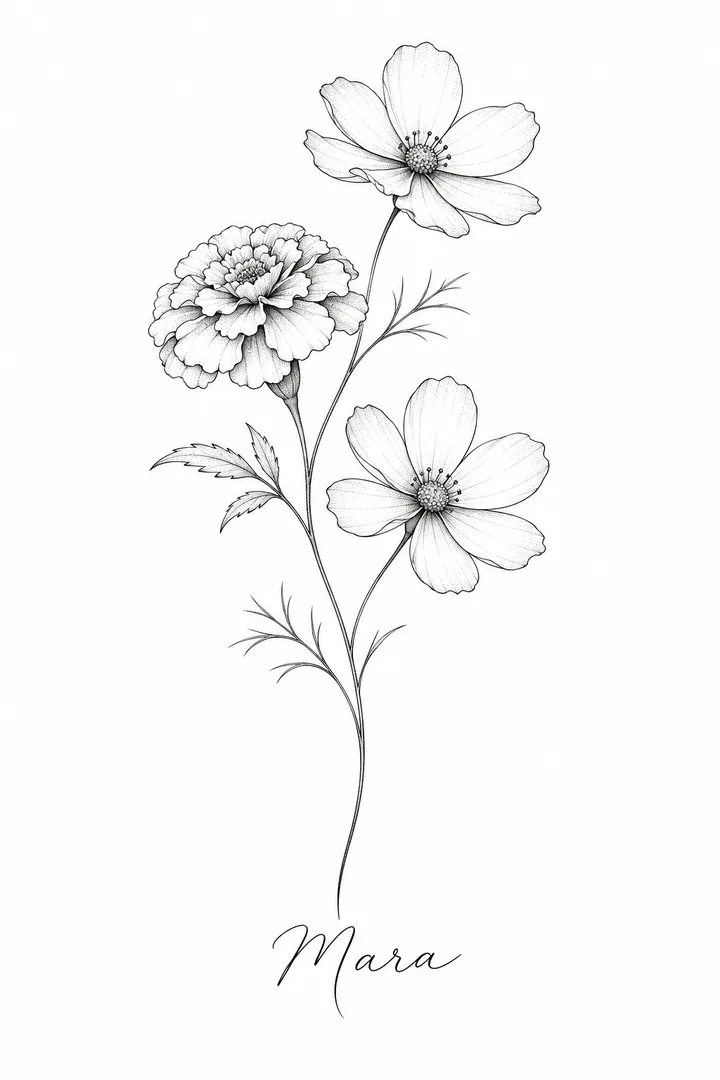
October marigold and cosmos on one stem, "Mara" in script under it. Thin single-needle lines, open space between petals.
Write what you want inked, pick a style, press Generate for a clean black-ink sheet, then add a photo of your arm in the Effects tab and try the design on your skin.
This session
My creations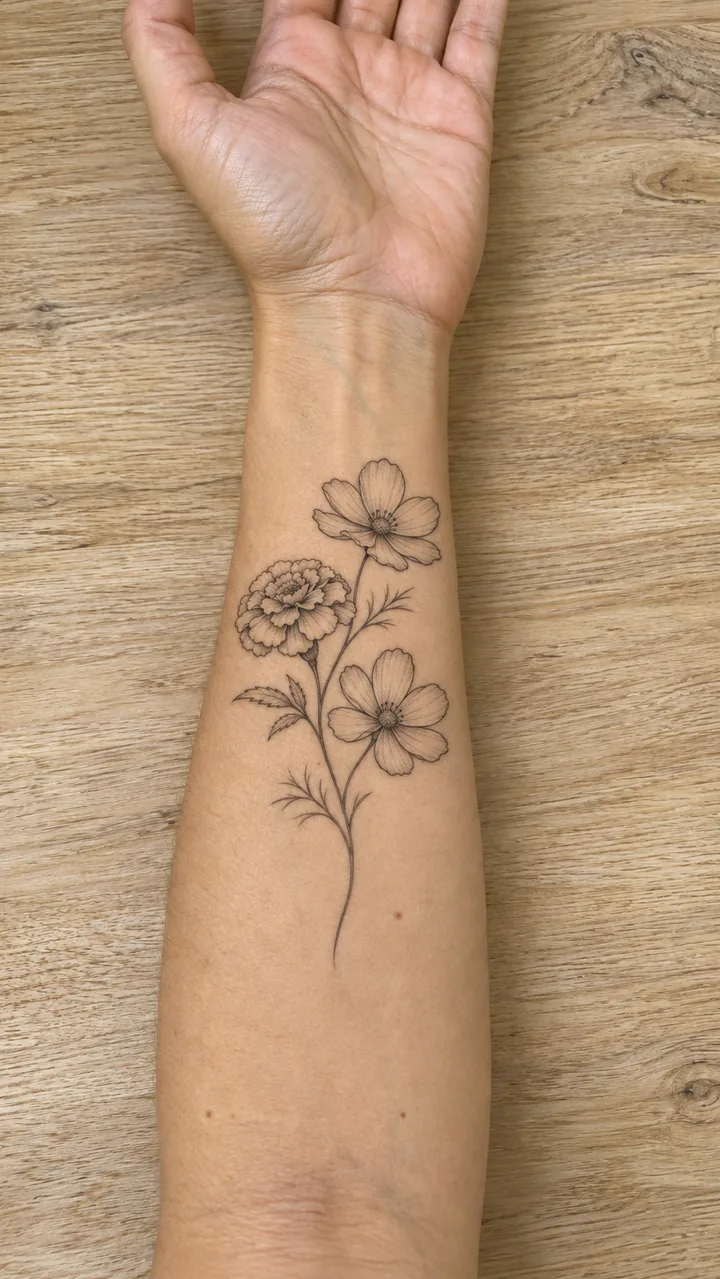
Your results appear here. Every result is also saved in My creations; if a run fails, the credits go back to your balance.
Four black-ink designs, each made here from one line of text. Two of them are tried on original adults' forearm and shoulder photos in the next section.
Fine LineOctober marigold and cosmos on one stem, "Mara" in script under it. Thin single-needle lines, open space between petals.
 Traditional
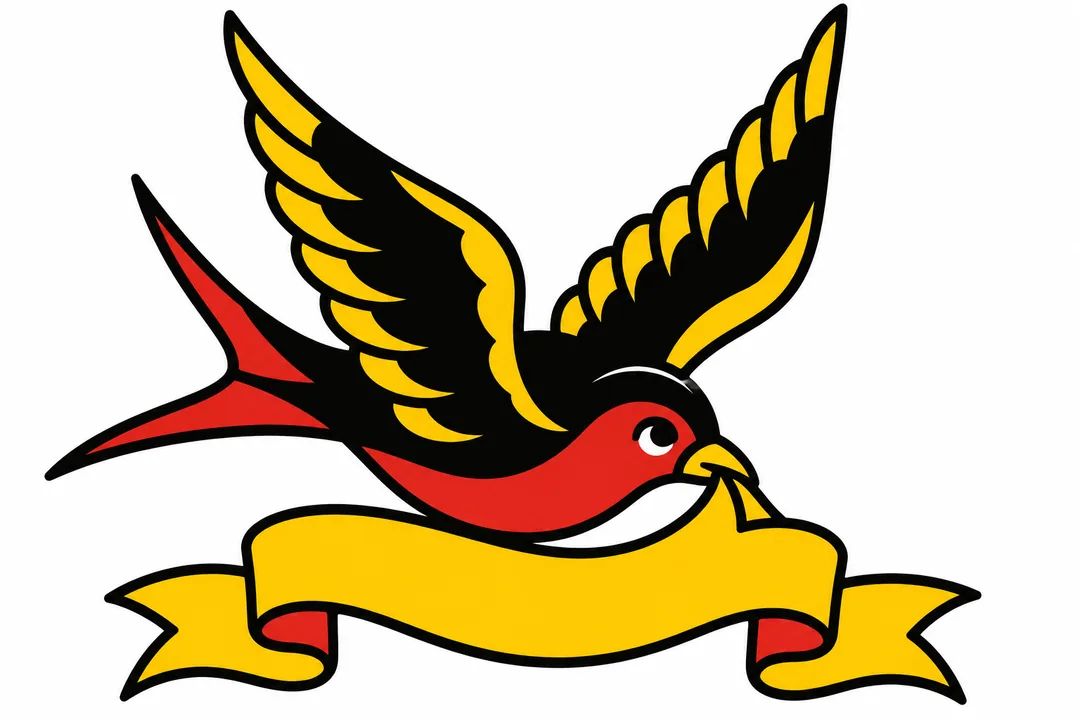
A swallow with an empty banner: bold outlines, solid black, flat red and yellow. The banner is left blank for your word.
 Blackwork
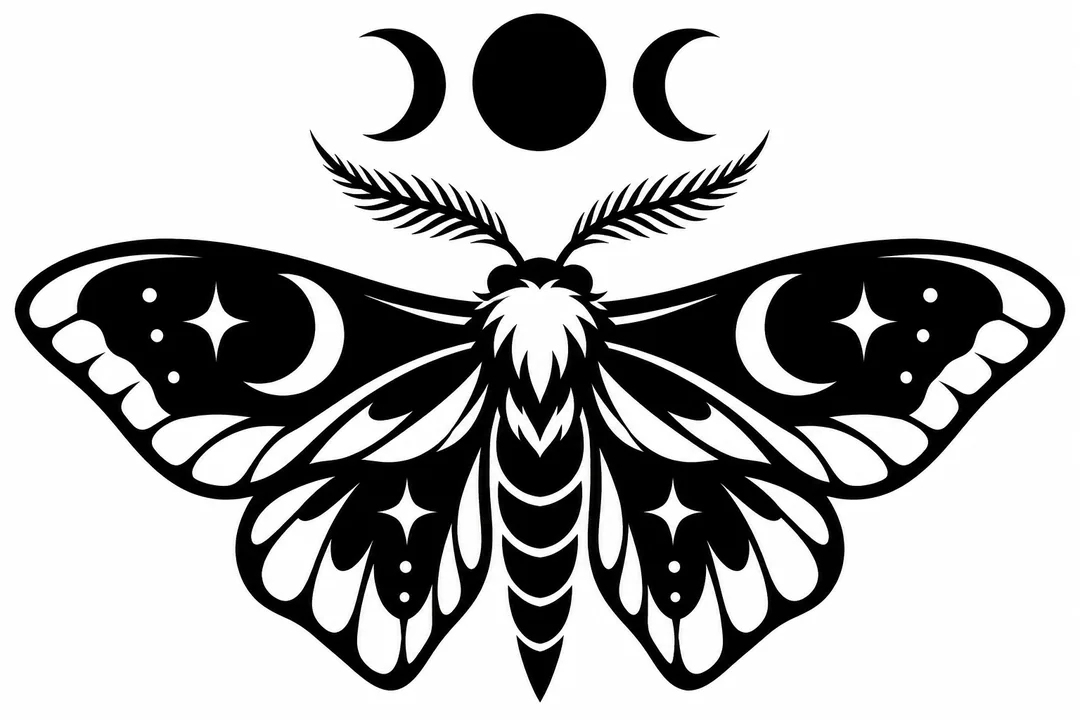
Solid black wings with negative-space patterns and three moon phases above. No grey shading.
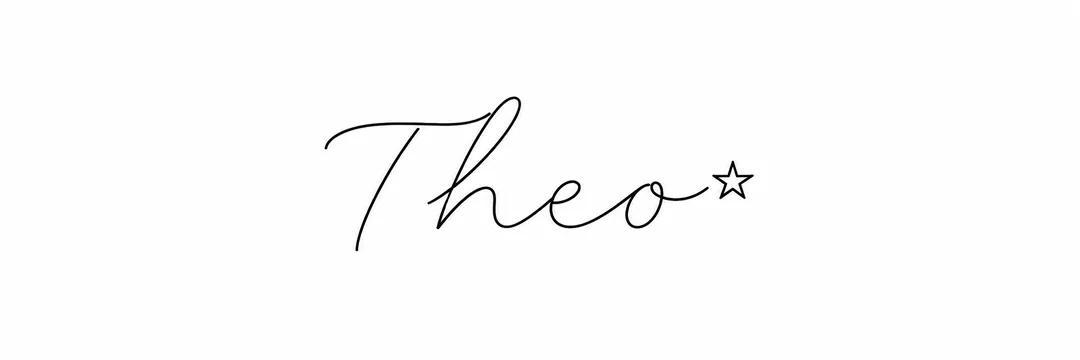 Script Name
"Theo" in thin handwritten script with a small star. Check every letter before you take it to the studio.
Each card shows the arm photo and the design that went in, and the try-on that came out. The design follows the curve of the arm and the lines soften slightly, like a healed tattoo.
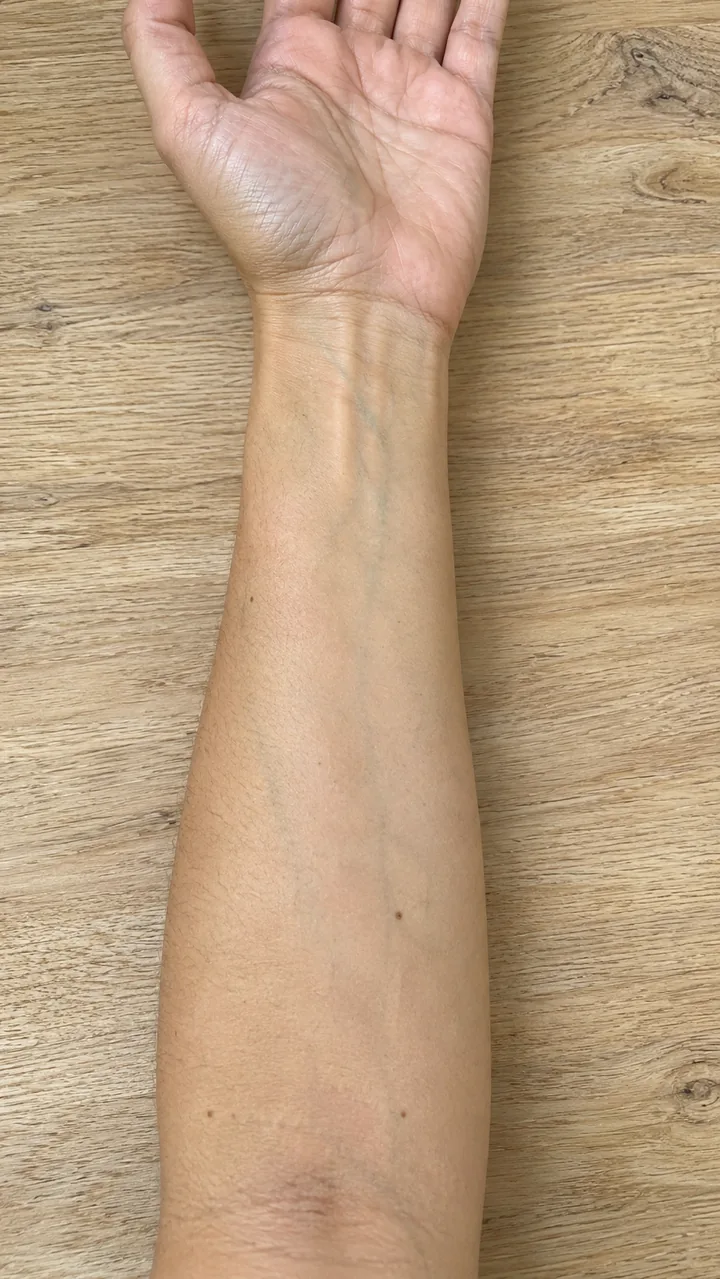
Input: forearm photo + Fine Line Birth Flower design · Placement: Inner Forearm, about 10 cm · GPT Image 2.5 Flare, image to image · made 2026-11-04. Ink reveal clip: Seedance 2.0 Fast, first frame the bare arm, last frame the try-on, 5 s, 9:16, 720p, no sound
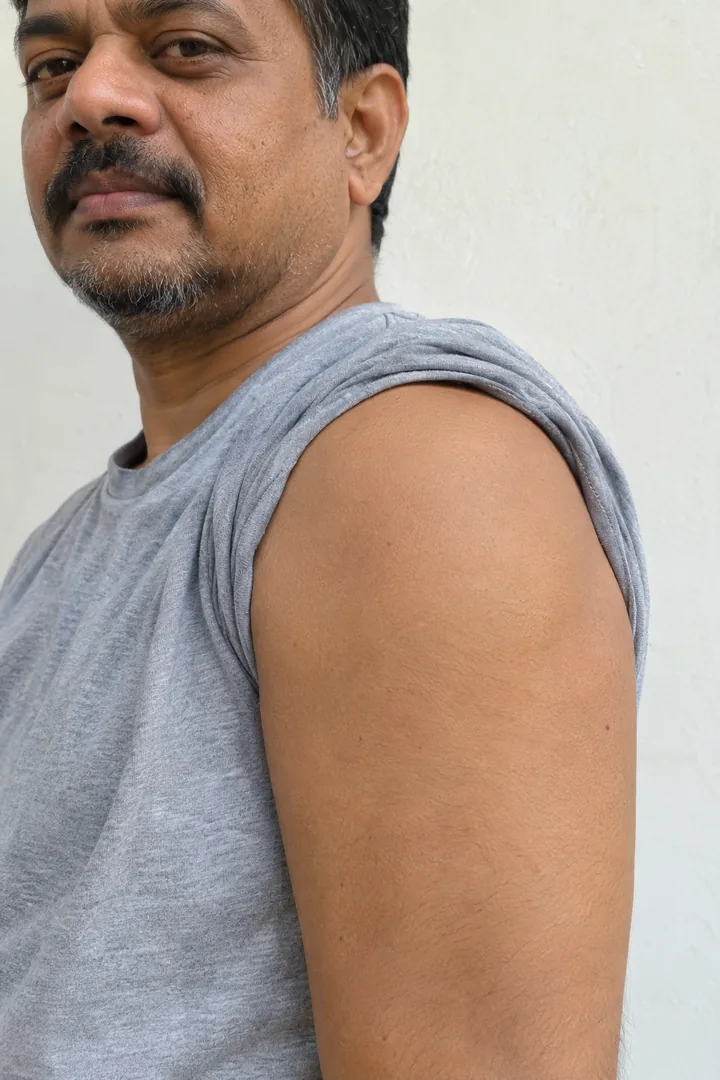
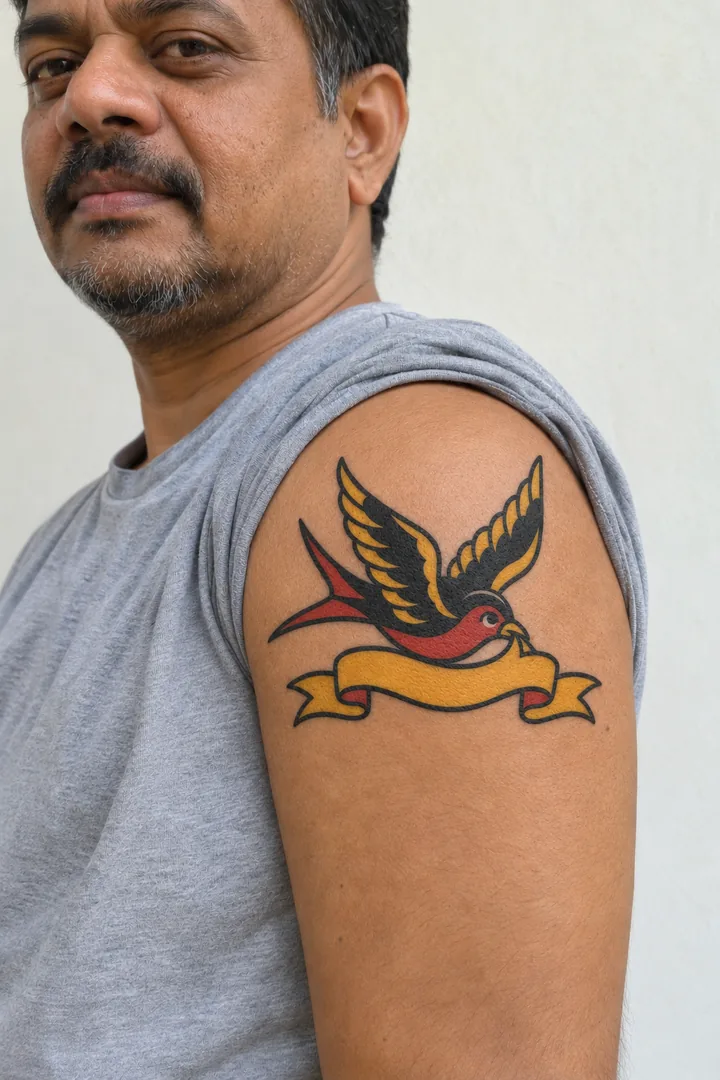
Input: upper-arm photo + Traditional Swallow design · Placement: Outer Shoulder, about 12 cm · GPT Image 2.5 Flare, image to image · made 2026-11-04
The arms are original adult characters generated for this page, not customers. Designs were made with GPT Image 2.5 Flare from text; each try-on was made from the arm photo plus the design on November 4, 2026. The forearm ink reveal clip was made once with Seedance 2.0 Fast from the bare arm as the first frame and the try-on as the last frame. Last checked .
Describe the tattoo, pick a style chip, press Generate, then add a photo of your arm in the Effects tab and try the same design on your skin.
Write the subject, any words in quotes, the size and where it goes: "a small fine line fern for the wrist".
Tap Fine Line, Traditional, Blackwork, Minimalist or Script Name under the prompt box. The chip fills a full prompt you can edit.
Keep the 3:4 frame for an arm piece and press Generate; the credit cost shows on the button. Download the design you like.
Open the Effects tab, upload a photo of the spot (bare skin, even light, facing the camera) and your design, pick a placement and build the still.
Build the design ↑ · Same upload-your-photo idea: AI Clothes Changer
Fine Line keeps single thin strokes, Traditional uses bold outlines and flat colour, Blackwork fills solid black shapes, and Minimalist cuts the idea to a few lines. Japanese, geometric, watercolour or dotwork also work: type the style into the prompt.
Small · wrist, inner forearm, collarboneSingle-needle lines and light stippling. Keep it at least 5 cm and leave open skin between details so the lines stay clear after healing.
Medium · upper arm, calfBold even outlines, solid black and a few flat colours. Holds well at 8 to 12 cm; add "bold outlines, flat red and yellow".
Medium to large · forearm, sternumSolid black areas and negative space, no grey. Ask for "solid black, crisp edges, no grey shading".
One idea in a few lines: a single-line mountain, a small wave, an initial. Say "one continuous line, no shading".
Find your month's flower, then ask for it in fine line with a name under the stem: October is marigold and cosmos, May is lily of the valley.
Name the subject, the style, the line weight and the layout, add any words in quotes, and finish with clean white background, black ink. These are the exact prompts behind the four sample designs.
Tattoo design sheet: a small fine line bouquet of one October marigold and two cosmos flowers on a slim curved stem, the name "Mara" in delicate handwritten script under the stem. Single-needle black ink lines, light stippled shading, open space between petals, vertical layout for an inner forearm, centered, clean white background, black ink only. No text unless quoted, no logos, no real celebrities.
Tattoo lettering design: the exact word "Theo" in thin flowing handwritten script with one small five-point star after it, even letter spacing, single-needle line, centered, clean white background, black ink only, no other text. No logos, no real celebrities.
Tattoo flash: an American traditional swallow in flight carrying an empty ribbon banner, bold even black outlines, solid black and flat red and yellow fills, simple shapes, centered on a clean white background. No text unless quoted, no logos, no real celebrities.
Tattoo design: a symmetrical blackwork moth with solid black wings, negative-space patterns and a row of three moon phases above it, crisp edges, no grey shading, centered, clean white background, black ink only. No text unless quoted, no logos, no real celebrities.
Switch the Image tab to image input, upload a photo of your sketch, and write: "Redraw this sketch as a clean fine line tattoo design, same layout, black ink on a clean white background."
Open the workbench ↑Here every design and try-on shows its credit cost on the button before it runs; free routes elsewhere usually cap you at a few designs a day or limit downloads.
Yes, as a reference: bring a high-resolution PNG, and the artist redraws it as a stencil, adjusts line weight to your skin and checks any lettering.
Designs and try-ons use credits on this site, and the cost shows on the button before each run. The pricing page lists the credit packs.
Name the subject, the style, the line weight or shading and the layout, put any words in quotes, then finish with "clean white background, black ink".
Usually, but image models can misspell or bend letters. Keep the words short and in quotes, check every letter, and let your artist set the final script.
It follows your birth month, not your zodiac sign: October is marigold and cosmos, May is lily of the valley and hawthorn. The table on this page lists all twelve months.
In the US, output made only by AI cannot be registered for copyright; your own changes and arrangement are judged case by case. Asking for another artist's piece or a brand logo copies their work, so describe your own idea.
It shows size and placement on your photo. Healed fine lines spread a little and hold less ink, so leave open skin around small details and ask your artist about line weight.
Keep the same photo and change the hair or the outfit, or animate the try-on.