ONE PHOTO. ONE HEART.

Bicep Heart Trend:
Check the Hand in the Still, Then Flex

Upload one photo, press Build the still to see your arm and hand in the heart shape, then Animate it to smile, flex and hold the bicep heart.

One photo. One heart.

PhotoCraftOpens its own page
  1. 1Build the still
  2. 2Check the face
  3. 3Animate
Scene
Edit the still prompt

Still: GPT Image 2.5 · 9:16 · 1K. The animate step shows its own credits after you approve the still.

Image model

Credits per run at your current settings.

Image settings

Aspect ratio
Resolutioncredits per run

This session

My creations
SampleOne photo in. A smile, a flex and a bicep heart out.

Your results appear here. Every result is also saved in My creations; if a run fails, the credits go back to your balance.

Choose a credit pack

One-time pack. Credits land in your balance and your run starts right after checkout.

This run3 credits
Your balance—

Included with Pro

  • 1000 credits included
  • Everything in Starter
  • Priority processing queue
  • HD quality output (1080p)
  • Advanced AI Agent Mode
  • Batch generation support
  • API access included
  • Priority email support
  • Early access to new features

One-time payment, no subscription · Purchased credits never expire · Payment by Stripe. You come back to this page after checkout. Compare packs

REMIXED FOR THIS PAGE

Bicep heart trend samples

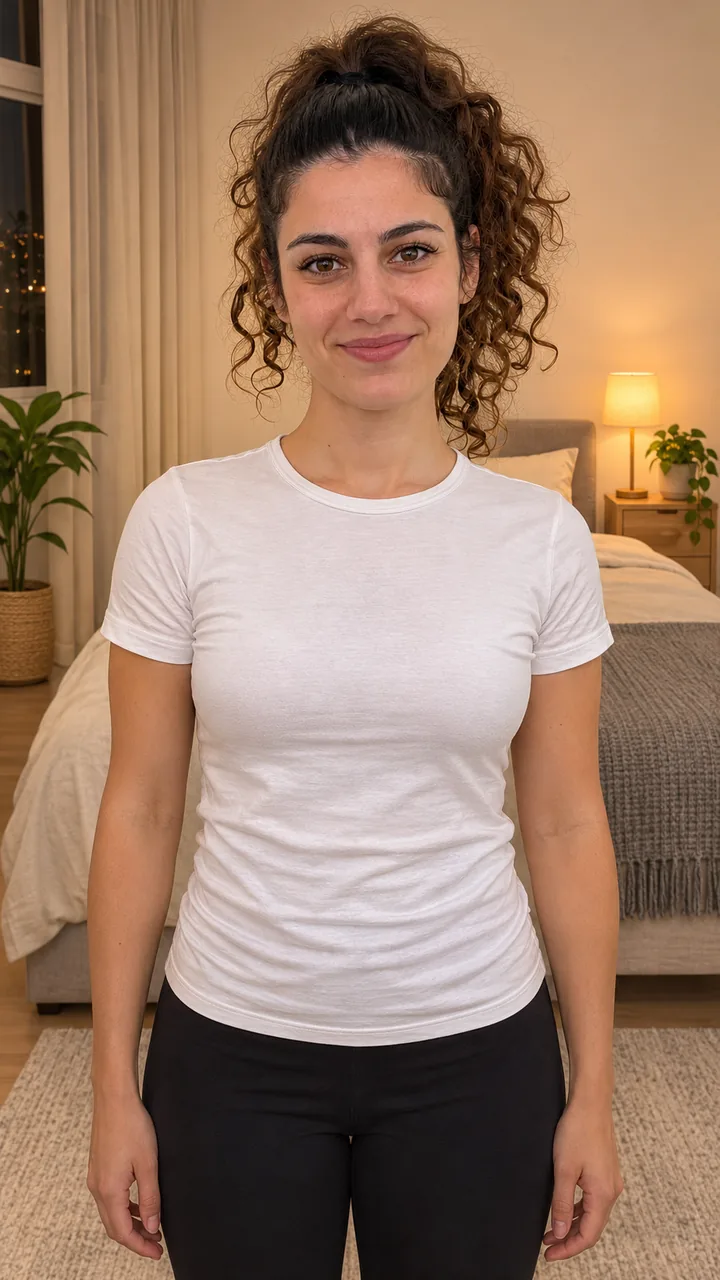
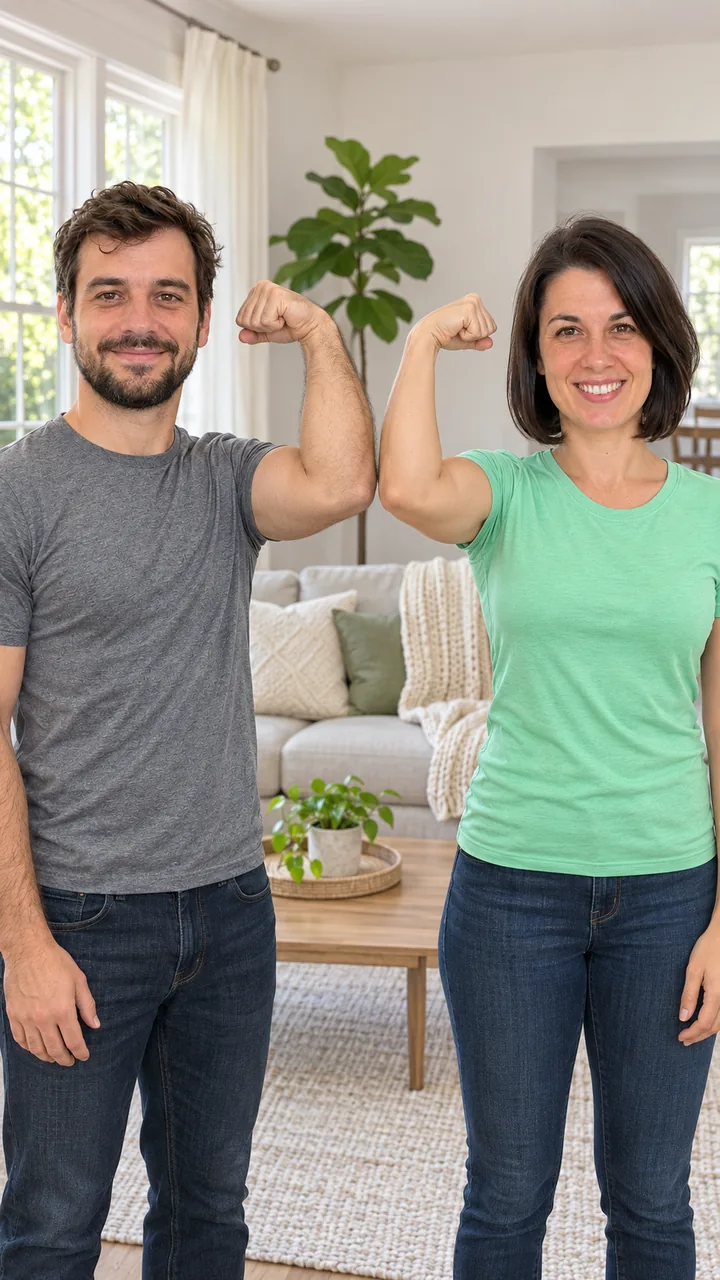
A woman in a white T-shirt making the heart in a lamp-lit bedroom, and two friends whose hearts sit side by side in the middle, remixed from 10-second airapvideo.homes originals. In her clip, about 9 seconds, she smiles at the camera, lifts her right arm into a flex, curls her left hand against the inside of the bicep so the heart shows, holds it with a grin and ends laughing. In the friends’ clip, about 9 seconds, a man in grey and a woman in mint start with their inside arms already flexed, bring their free hands across to make one heart each and hold the two hearts together in the middle of the frame, grinning.

Bedroom Lamp

Input photo: an original adult woman with a curly ponytail in a white T-shirt
Photo
Bedroom Lamp bicep heart still
Still
Video

Still: GPT Image 2.5 Flare, image to image, 9:16 · Clip: Remixed from an airapvideo.homes clip made with Seedance 2.0 Fast (10 s master, 720p, 9:16, original beat) · trimmed, reframed, colour graded · no new AI generation · made 2026-11-07
With a friend

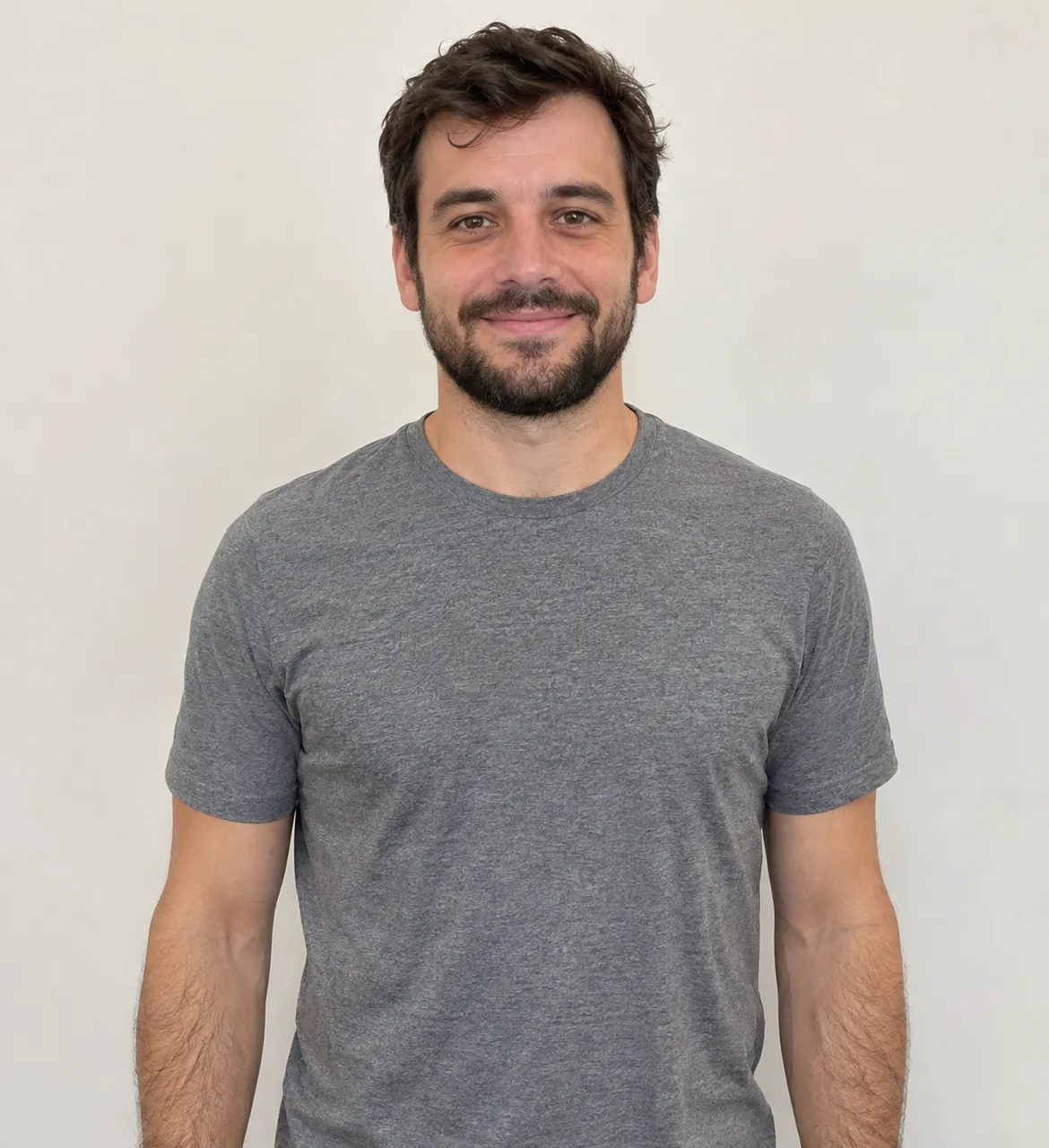
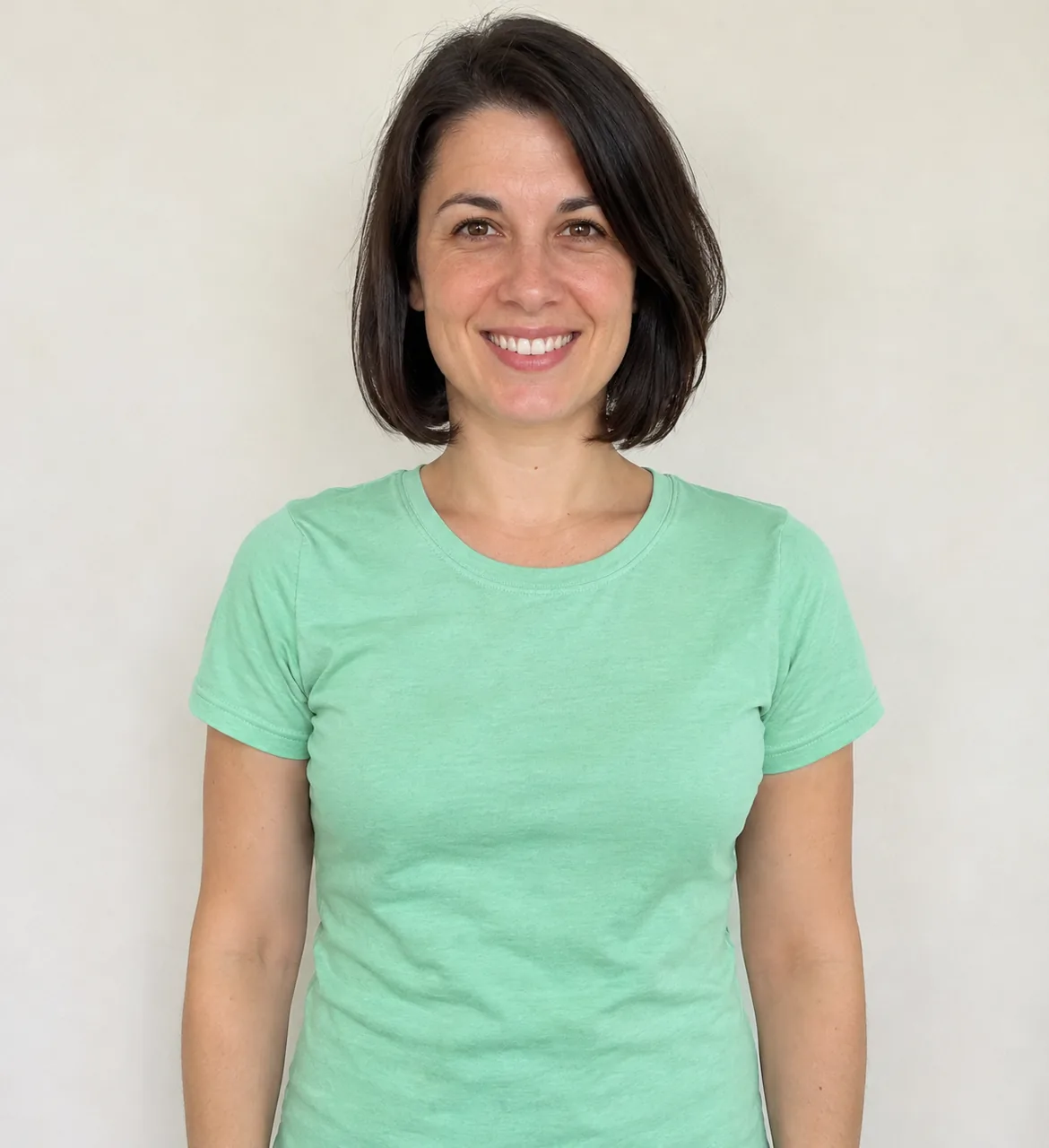
Input photo: two original adult friends, a man in grey and a woman in mintInput photo: two original adult friends, a man in grey and a woman in mint
Photos
With a friend bicep heart still
Still
Video

Still: GPT Image 2.5 Flare, image to image, 9:16 · Clip: Remixed from an airapvideo.homes clip made with Seedance 2.0 Fast (10 s master, 720p, 9:16, original beat) · trimmed, reframed, colour graded · no new AI generation · made 2026-11-07
Gym Mirror

Input photo: an original adult woman with a curly ponytail in a white T-shirt
Photo
Gym Mirror bicep heart still
Still
Still only
Video

Still: GPT Image 2.5 Flare, image to image, 9:16 · still only · made 2026-11-07

Beach Sunset

Input photo: an original adult woman with a curly ponytail in a white T-shirt
Photo
Beach Sunset bicep heart still
Still
Still only
Video

Still: GPT Image 2.5 Flare, image to image, 9:16 · still only · made 2026-11-07

The woman and the two friends are original characters generated for airapvideo.homes, not real people or the creators from the trend. Both clips were made once with Seedance 2.0 Fast, 10 seconds, 9:16, 720p, then trimmed, reframed and colour graded here with no new AI generation. The sound is an original beat generated with the clip, not the TikTok sound. The Gym Mirror and Beach Sunset cards are stills only, made with GPT Image 2.5 Flare on November 7, 2026. Last checked .

STILL FIRST

Make a bicep heart trend video in two steps

Build the still with your arm up and hand on the bicep, check the fingers and the heart, then press Animate it for the smile, the flex and the hold.

  1. 01

    Build the still

    Upload one photo, waist up, both arms in view, short sleeves. Pick a setting and press Build the still: you appear facing the camera in the bedroom, the gym or on the beach, 9:16.

  2. 02

    Check the hand

    Hands are where AI video slips. Count five fingers on each hand, check the face and the top, and press Rebuild the still if anything looks off before you spend a video run.

  3. 03

    Animate the flex

    Press Animate it. Image to Video starts on the still and plays the smile, the flex, the hand curl and the held heart in about 10 seconds. The credits show on each button before you run it.

PICK THE LOOK

Pick a bicep heart trend setting

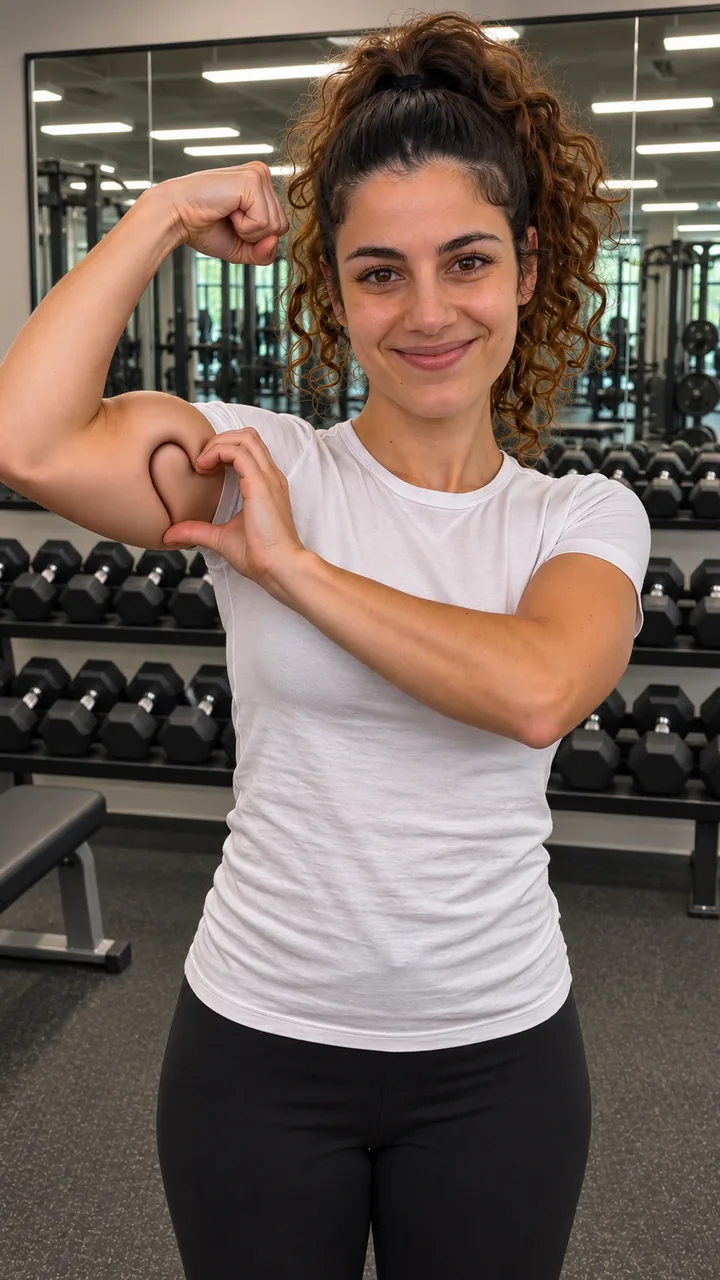
Bedroom Lamp is the original at-home look, Gym Mirror puts the flex where it belongs, and Beach Sunset turns it into a holiday post.

Bedroom Lamp stillThe at-home original

Bedroom Lamp

Evening, a tidy bedroom and a small lamp: the way the trend started, filmed on the front camera.

Gym Mirror stillWhere the flex belongs

Gym Mirror

Dumbbell racks and a big wall mirror behind you, under bright gym lights.

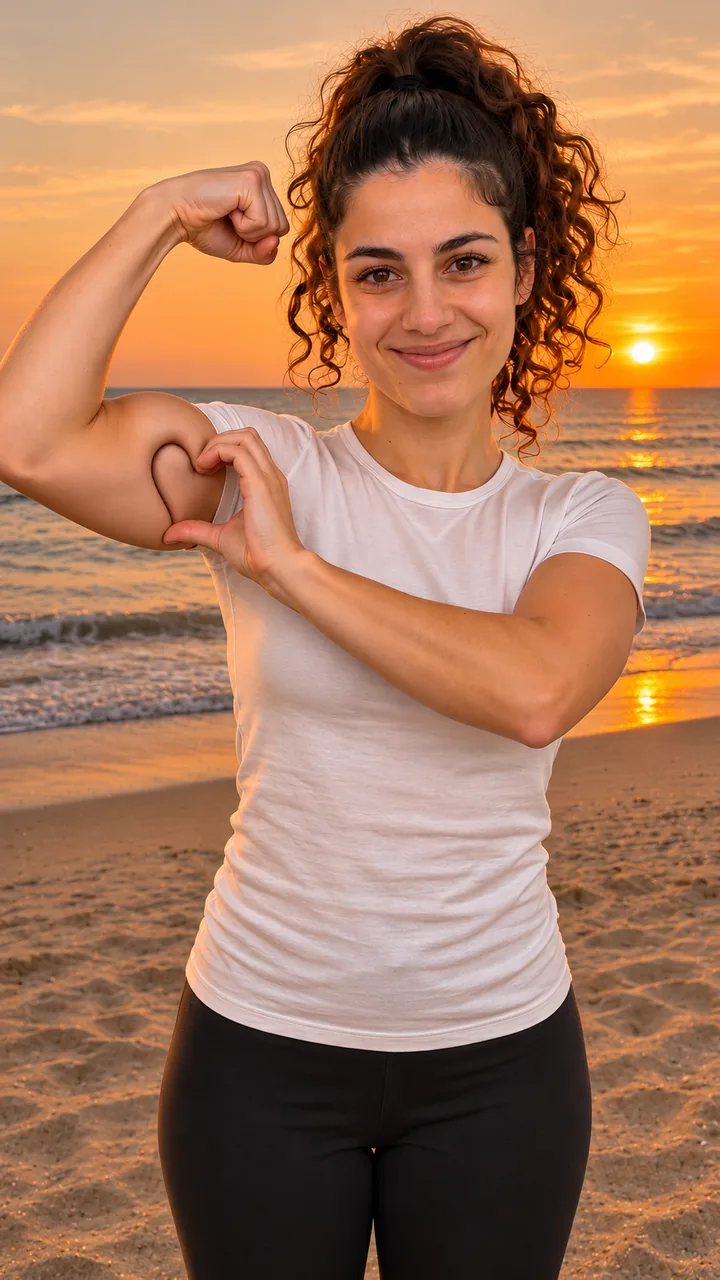
Beach Sunset stillHoliday post

Beach Sunset

Sand, sea and an orange sky, with warm light on your face.

TWO OF YOU

Add a friend to your bicep heart trend still

Add a second photo as an optional reference in Image to Image, and the still puts both of you side by side, each with an arm up, before you animate.

Two friends side by side before the bicep heart

Two references

Put your photo in the main slot and your friend’s photo in the optional slot. Press + Add a friend so the still prompt places the second person next to you.

Who stands where

The first photo stands on the left, the second on the right. Each of you flexes the inside arm, so the two hearts end up together in the middle of the frame.

Check both faces and all four hands in the still before you animate.

Open Image to Image →

Add a friend ↑

COPY, PASTE, ADJUST

Bicep heart trend prompt with timings

Write four beats into 10 seconds: the shy smile at 0–2 s, the flex and the hand curl at 2–5 s, the held heart at 5–8 s, the laugh at 8–10 s.

Still prompt · Image to Image

Keep the person
Same face, hair and top from your photo.
Ready to flex
Waist up, both arms in view, facing the camera, 9:16.
Exclude
No text, no logos, no real celebrities.

Motion prompt · Image to Video

The four beats
0-2 s the shy smile, 2-5 s the flex and the hand curl, 5-8 s the held heart, 8-10 s the laugh.
Hands and fingers
Thumb down on the inside of the bicep, fingers over the top; five fingers on each hand, no finger hearts.
Sound
An original soft pop beat, no lyrics.

With a friend: add “The person from my second photo stands on the right, shoulder to shoulder with me; keep both faces, hair and tops; each of us flexes the inside arm so the two bicep hearts meet in the middle.” to the still prompt.

Use this prompt ↑ · Open Image to Video →

A FEW GOOD QUESTIONS

Bicep heart trend FAQ

Why build the still first?

Hands are the hardest part for AI video. Check the five fingers and the heart shape in the still before the video run, and press Rebuild the still if the hand looks wrong.

How do I hold the bicep heart?

Flex one arm with the fist up by your head. Put the other hand on the inside of the bicep, thumb down, fingers curled over the top, so the hand closes the curve into a heart.

Do I need muscles?

No. The hand closes the curve, so any arm makes the heart, and your arm keeps its real size.

Which photo should I upload?

Waist up, face to the camera, both arms in view, short sleeves, no sunglasses and nobody else in the shot.

When did the bicep heart trend start?

It went round X as a gym joke in late October 2026; TikTok’s #bicepheart tag started on October 26 and the big posts followed from October 30.

SAME PHOTO, NEXT EFFECT

More effects after the bicep heart trend

Make an original beat in AI Music, walk away from a roaring stadium, do the I Need a Girl dance with a friend, cut from your bedroom to a night street, or browse every trend on the site.

Build the still ↑ · Browse all video effects →