Room Heart · bedroom
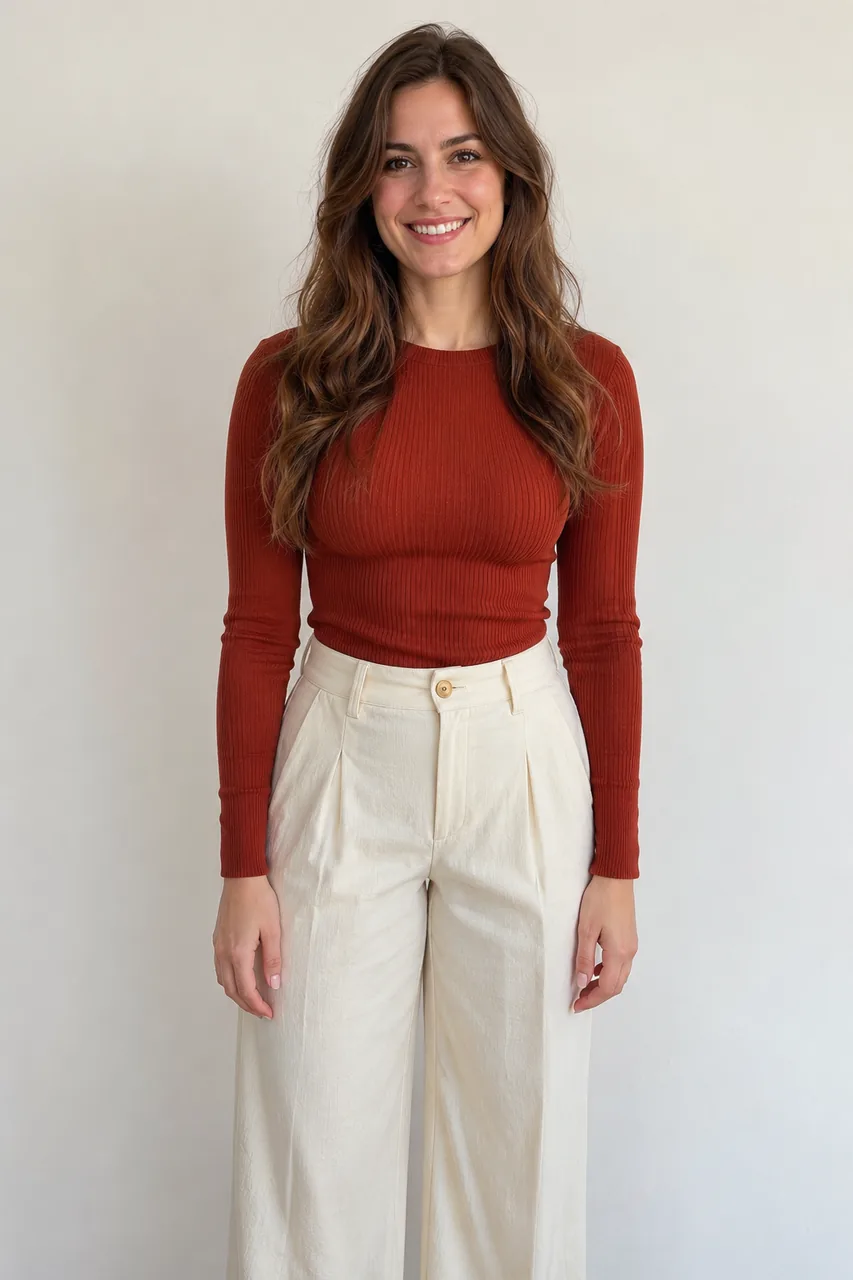

Photo and still: GPT Image 2.5 Flare · Clip: Seedance 2.0 Fast from the still (10 s, 9:16, 720p) · original instrumental · made 2026-11-17
Upload one full-body photo, press Build the still, then Animate it: you touch your chin, flex, shrug and curve one hand on your waist into the heart.
This session
My creationsYour results appear here. Every result is also saved in My creations; if a run fails, the credits go back to your balance.
Building the still costs 3 credits and the 5-second 720p clip costs 45 credits, so one finished video is 48 credits. Credits come in three one-time packs from $9.90 to $49.90; the $9.90 pack holds 250 credits. Compare credit packs →
One clip in a bedroom and one at the gym: each person touches the chin, flexes, shrugs, then puts one hand on the waist for the heart; each card shows the input photo and the still. In the bedroom she starts with a fingertip on her chin, flexes at 1 s, shrugs with both hands at her chest at 3 s, and from 4 s rests one hand at the side of her waist; the model also drew a red heart outline at the belt from about 6 s, and she ends with the chin touch again. At the gym he flexes his bicep, shrugs and says “Not this one” at about 3 s, puts a hand on his waist from 5 s and finishes with a fingertip on his chin. In both waist heart trend samples the hand lands flatter than the C described below.
Photo and still: GPT Image 2.5 Flare · Clip: Seedance 2.0 Fast from the still (10 s, 9:16, 720p) · original instrumental · made 2026-11-17
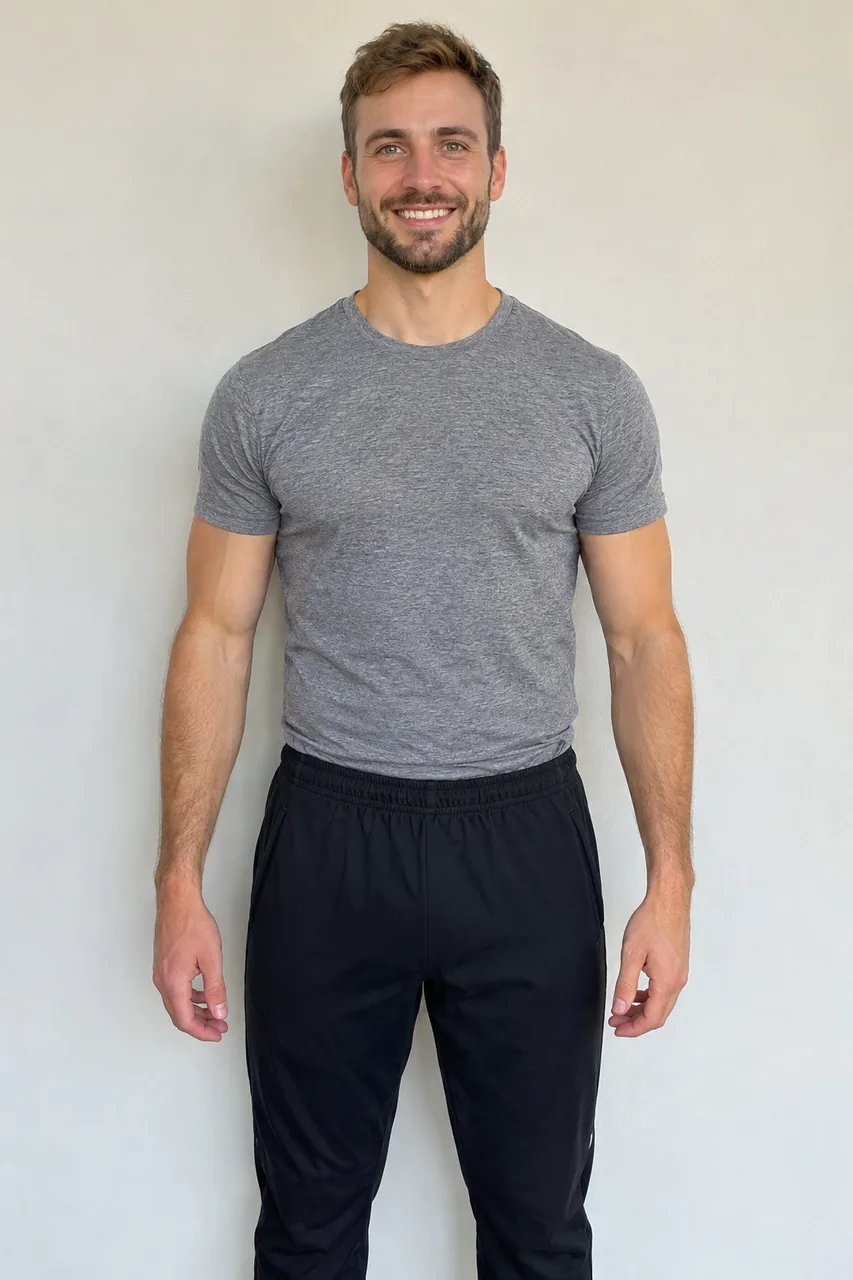
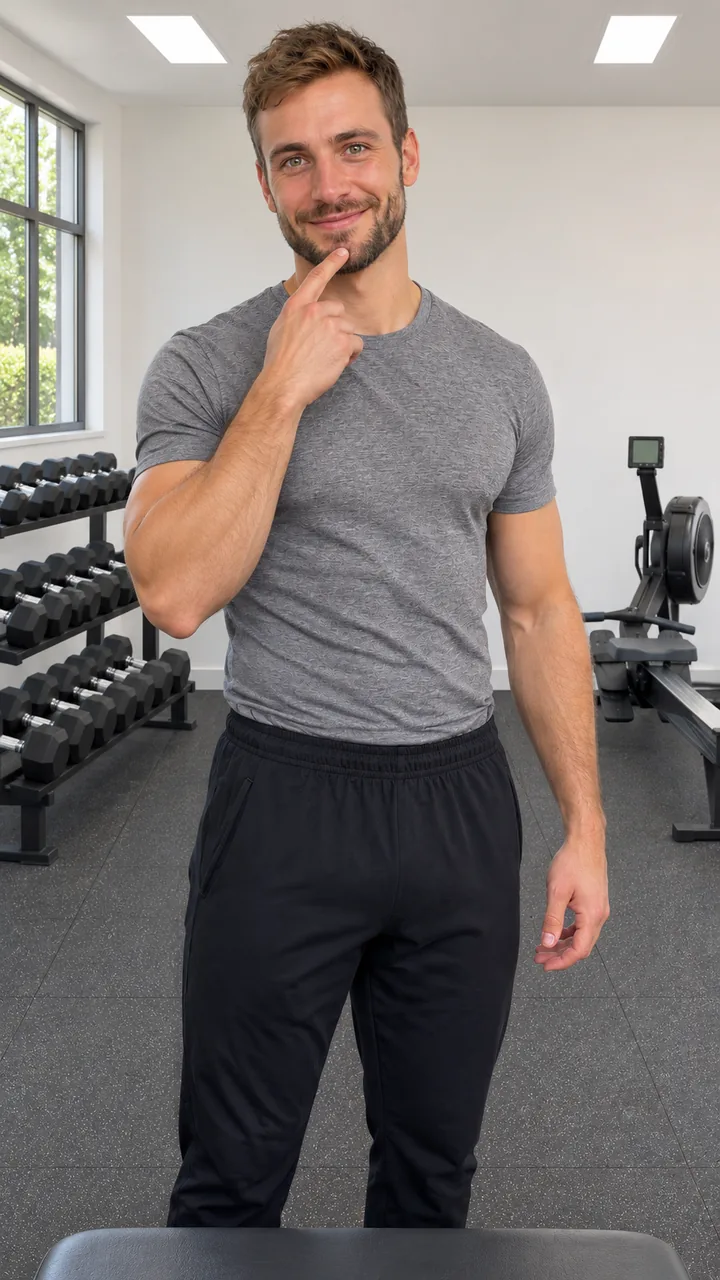
Photo and still: GPT Image 2.5 Flare · Clip: Seedance 2.0 Fast from the still (10 s, 9:16, 720p) · original instrumental · made 2026-11-17
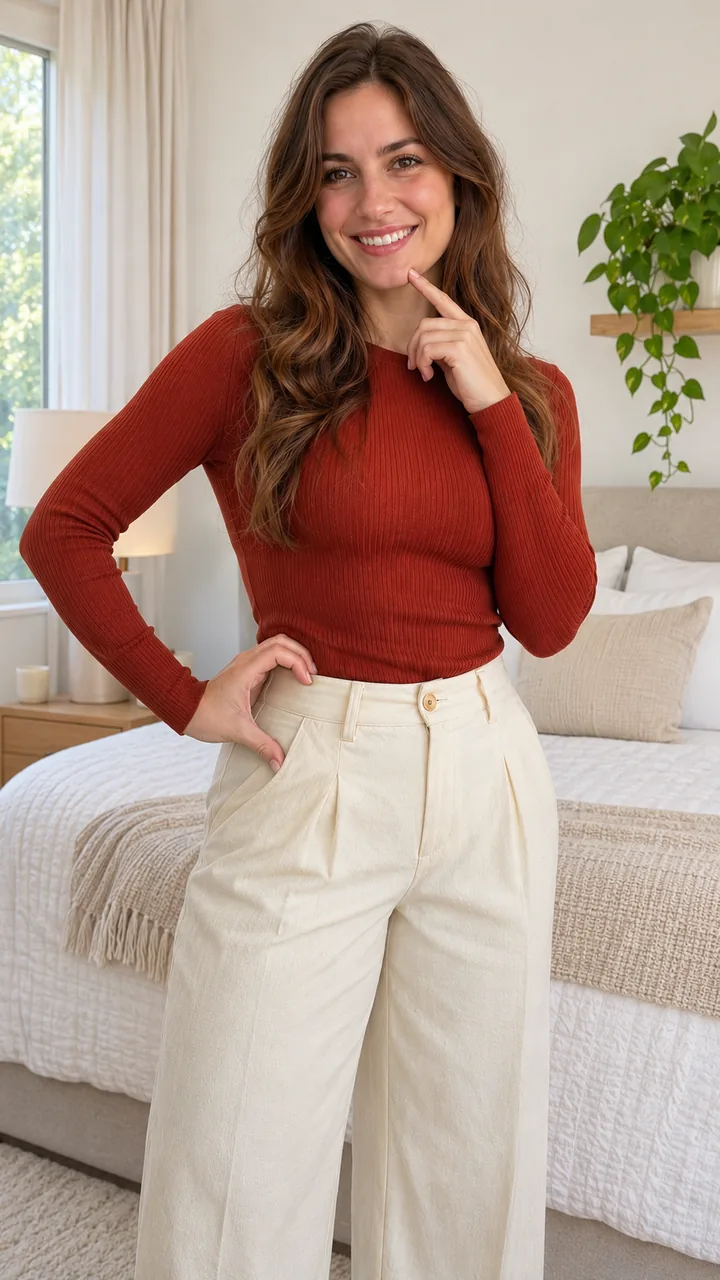
Photo and still: GPT Image 2.5 Flare, 9:16 · still only · made 2026-11-18
Both people are AI originals made for this sample set, not real people or any creator from the trend, fully dressed with their tops tucked in, filmed at chest height. Each waist heart trend clip was made with Seedance 2.0 Fast from the still, 10 seconds, 9:16, 720p, with an original instrumental, not the trend sound. The Heart Hold card is a still only from the same bedroom photo on November 18, 2026. Last checked .
Upload a photo of one adult from head to hips with both arms and the waist line in view, press Build the still, check it, then press Animate it; the 10-second vertical clip downloads as MP4. That is the whole waist heart video from photo, no pose needed in the photo itself.
One adult standing straight, head to at least the hips, face to the camera, both arms free at the sides (not crossed, not in pockets), bright even light. No sunglasses, no heavy filter, nobody else in the photo. Use your own photo or one from an adult who agreed.
Press Build the still. Image to Image keeps your face, hair, body shape and outfit, turns you a little to one side and puts a fingertip on your chin, camera at chest height. Download it, or Rebuild the still.
Press Animate it. The still becomes the first frame: chin, flex, shrug, then one hand on the waist and back to the chin: the waist heart trend in 10 seconds.
It is one hand, not two: turn a little to the side, put the hand on your waist with the thumb down near the hip and the fingers curved up in a C, and the waist line closes the heart. That is the waist heart hand the whole waist heart trend turns on.
Rest the side of your hand against your waist, thumb pointing down toward the hip, fingers curved up and over. From the camera the hand reads as the top half of a heart. Hold it for a beat and smile. This is the waist heart hand every waist heart trend clip copies.
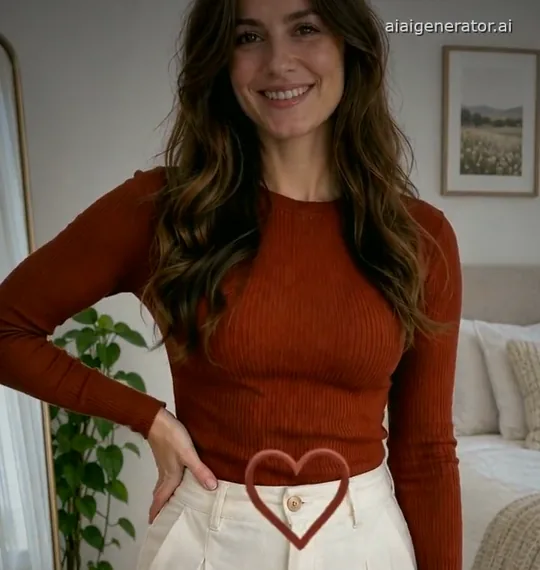
The curve of your waist and hip draws the bottom of the heart, so turn a little toward the side the hand is on and move the hand up or down until the shape closes. In this sample frame the hand landed flat with the fingers down and the model drew a heart outline at the belt instead; that is a run to do again.
Two hands in front of the chest is the classic finger heart. The bicep heart uses a flexed arm plus the other hand. The waist heart, also called the hip heart, uses one hand and your waist line.
See the Bicep Heart Trend →Start from the still as the first frame, keep the face and outfit, touch the chin at 0 s, flex from 1.5 s, shrug at 3 s, put the hand on the waist in a C from 4 s and hold it until 10 s. Keep two lines in every waist heart prompt so your body stays as it is: “no slimmer waist, no body reshaping” and “fixed camera at chest height, no zoom toward the body”. Add “no heart graphics” if a drawn heart shows up. Paste the whole prompt into Image to Video for a waist heart trend AI clip from any still.
Want a tucked-in top? add “Dress me in a fitted long-sleeve top tucked into high-waisted trousers, fully covered; keep my own body shape.” to the still prompt.
Couple posts put a bicep heart next to a waist heart: make your waist heart here, make your partner’s bicep heart on the Bicep Heart Trend page, and post the two clips side by side. Waist heart and bicep heart together is how the waist heart trend took off in early November 2026.
Your waist heart trend clip and the bicep heart clip are both 10 seconds and 9:16, so they line up in any editor’s split-screen layout. Flex-to-Heart already starts with a bicep flex before the waist heart, which makes a good half for either side.
Make the bicep heart →Your waist heart trend clip has an original instrumental. Many posts use the bicep heart’s trending sound; pick it inside TikTok when you post, keep the AI label on, or make a beat on AI Music.
Make a beat on AI Music →No. Stand straight with both arms free at your sides; the waist heart trend clip adds the chin touch, the flex, the shrug and the hand on the waist.
No. In the waist heart trend the hand makes most of the heart; a fitted or tucked-in top just shows the waist line. The prompt says “no slimmer waist, no body reshaping”, so the clip keeps your own body.
Hands are hard for AI video, and finger shapes change from run to run. Use a sharp photo with both arms free and your hips in view, then run Animate it again; a clean C in the waist heart trend AI often takes two or three runs.
Yes. Make your waist heart here and your partner’s bicep heart on the Bicep Heart Trend page, then post the two clips side by side.
Each run shows its credits on the button before you start, taken from the current site settings. Build the still costs less than Animate it.
One finished video costs 48 credits: 3 for the still and 45 for the 5-second 720p clip. Rebuilding the still costs 3 credits each time. The $9.90 pack holds 250 credits, enough for about 5 finished videos. Packs are one-time purchases with no subscription, purchased credits do not expire, and a failed generation returns its credits to your balance.
After the waist heart trend, make the bicep heart for the other half, step out of the dark in a tux, or browse every trend on the site.