Sunset Sedan · linen shirt


Photo and poster still: GPT Image 2.5 Flare · Clip: Seedance 2.0 Fast, first frame the photo, end frame the poster still (10 s, 9:16, 720p) · original synthwave instrumental, no lyrics · made 2026-11-26
Upload one photo and press Build the still for a hand-painted sunset poster of you, then Animate it: your real photo moves, freezes on a white flash and repaints into that poster look. An unofficial fan-style play, not affiliated with the game’s publisher.
This session
My creationsYour results appear here. Every result is also saved in My creations; if a run fails, the credits go back to your balance.
Building the still costs 3 credits and the 5-second 720p clip costs 45 credits, so one finished video is 48 credits. Credits come in three one-time packs from $9.90 to $49.90; the $9.90 pack holds 250 credits. Compare credit packs →
A man in a white linen shirt leaning on a dark blue sedan and a brindle dog on a boardwalk, each shown as the photo, the painted poster and a 10-second clip that freezes and repaints. The man pulls his sunglasses down from his head and leans on the car; at about 4.5 s the frame flashes white with an ink sketch over him, by 5 s it is a painted poster with an orange-pink sunset, palms and a skyline, and it holds there with his sunglasses back on his head. The dog looks into the lens on a real boardwalk until a white flash at about 3.75 s, ink outlines draw in, and by about 6 s it sits in a magenta sunset wearing small dark sunglasses it never had in the real footage. Each GTA 6 loading screen AI clip ends on the poster.
Photo and poster still: GPT Image 2.5 Flare · Clip: Seedance 2.0 Fast, first frame the photo, end frame the poster still (10 s, 9:16, 720p) · original synthwave instrumental, no lyrics · made 2026-11-26
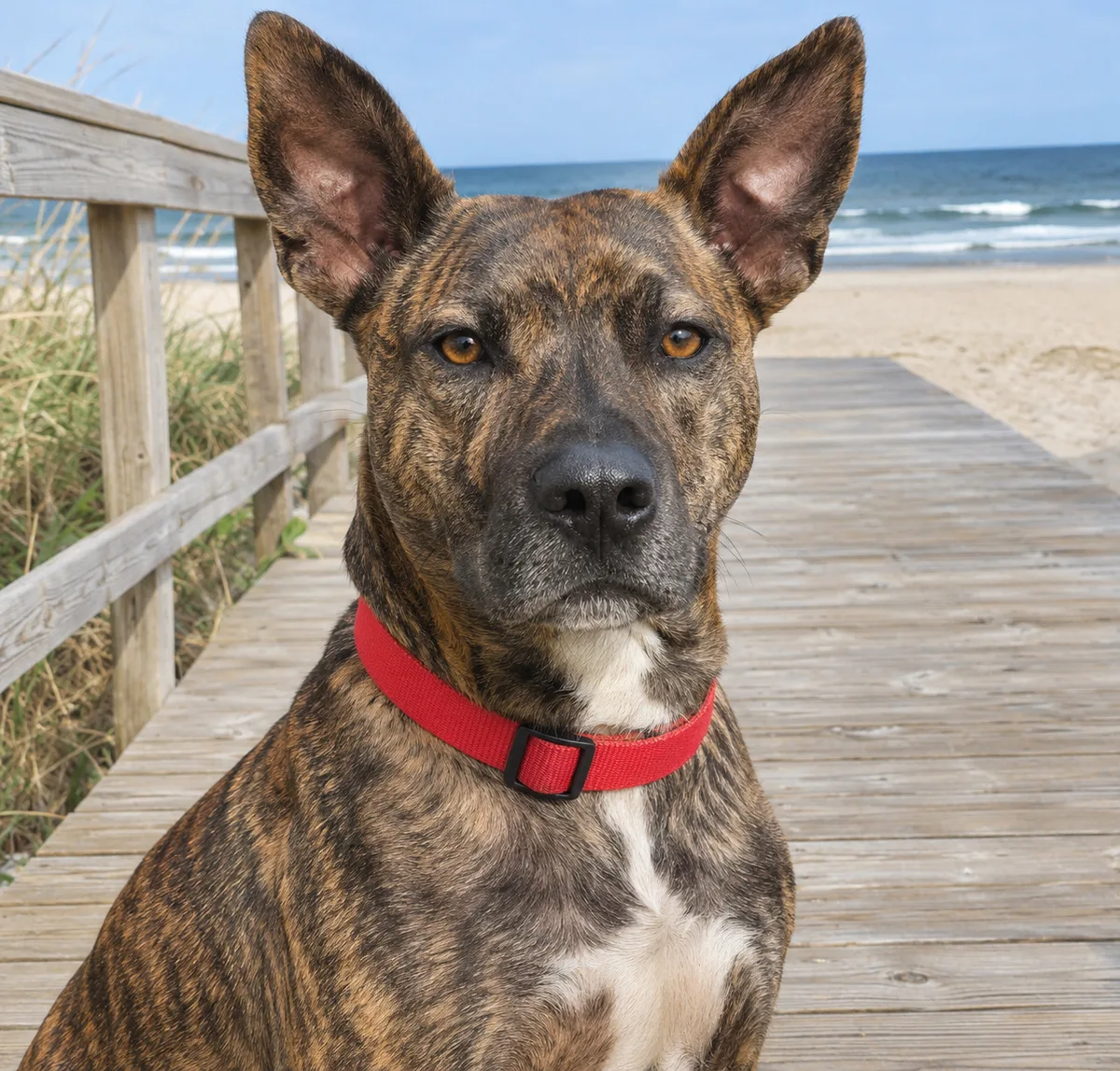
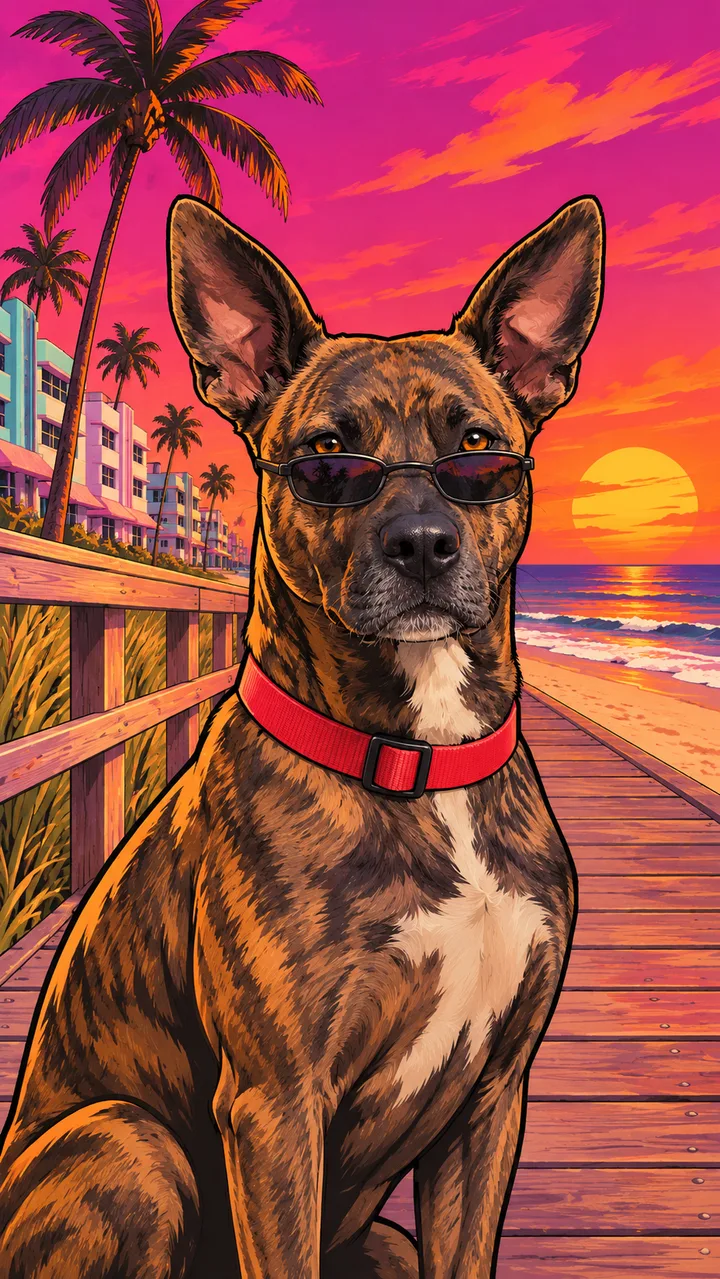
Photo and poster still: GPT Image 2.5 Flare · Clip: Seedance 2.0 Fast, first frame the photo, end frame the poster still (10 s, 9:16, 720p) · original synthwave instrumental, no lyrics · made 2026-11-26
Poster still: GPT Image 2.5 Flare from the photo, 9:16 · still only · made 2026-11-26
Poster still: GPT Image 2.5 Flare from the photo, 9:16 · still only · made 2026-11-26
The man and the dog are AI originals made for this sample set, not real people and not anyone’s pet. Each GTA 6 loading screen AI clip was made with Seedance 2.0 Fast with the photo as the first frame and the poster still as the end frame, 10 seconds, 9:16, 720p, with an original synthwave instrumental and no lyrics. The posters are original artwork with no title, no letters, no logo, no game interface and no game characters. This is an unofficial fan-style play, not affiliated with the game’s publisher. The two poster cards are stills only, made on November 26, 2026. Last checked .
Build the still paints your photo into a sunset poster with ink outlines and palm silhouettes; Animate it starts from your real photo, freezes on a white flash and repaints into the same poster look. One photo, two presses.
Upload one sharp photo from the waist or knees up, face to the camera, in daylight, sunglasses off your eyes or pushed up. A pose helps: lean on a car or cross your arms. Press Build the still: Image to Image keeps your face and clothes and paints them with thick ink outlines, flat colour and a sunset skyline, 9:16.
Press Animate it. Your original photo is the first frame, so the clip opens on the real you; the prompt freezes it on a white flash and repaints it into a hand-painted poster in the same style as your still.
The poster still is a finished GTA 6 loading screen AI picture on its own. Download it for a profile picture or a post, or press Rebuild the still for another take before you animate.
Per peer page, a CapCut template called “Your GTA 6 loading screen” had its sound out on 27 August 2026, the first post that took off came on 28 September, and posts surged in November before the 19 November launch. The look comes from the painted character art the series has used on its loading screens for over 20 years.
In 2025 people started asking ChatGPT for a realistic portrait in that loading-screen art style; one tutorial sharing such a prompt is dated 24 July 2025. The TikTok wave came from the CapCut template: its sound appeared on 27 August 2026 and the first post to take off, titled “Life as a GTA character”, went up on 28 September. One post on 8 November reached 117,300 views, another on 10 November 198,100, and by 15 November the sound sat under 8,931 videos. A second peer page tells it differently and says people began posting themselves as a loading screen in launch week, after the 19 November release.
This page and your GTA 6 loading screen AI poster are unofficial fan-style art made from your photo, not affiliated with the game’s publisher. The real loading screens are the publisher’s own work; the posters here use none of them and carry no title, no logo, no game interface and no game characters.
Last checked .
Ask for a hand-painted crime-action loading-screen illustration of the same person, with thick black ink outlines, flat cel shading, an orange-pink sunset, palm silhouettes and a coastal skyline, and rule out letters, logos and on-screen game interface. The poster prompt works in ChatGPT or Image to Image and gives you a still; the 10-second clip prompt is for Image to Video. In the samples the white flash landed at about 4.5 s, later than the 1.5 s the prompt asks for. For a clip that ends exactly on your poster, put the original photo and the poster still in the first and end frame slots of Image to Video.
Poster of your dog? swap the subject line for “Make it my dog instead: keep its face, ears, coat and collar, natural dog proportions, small dark sunglasses, sitting on a beach boardwalk with pastel beachfront buildings and a magenta and orange sunset.”
A filter template gives one fixed look in one tap; the preset here does the same from your photo, and the copied prompt lets you change the pose, the sky or the car yourself. Either way it is a fan-style picture, not an official GTA 6 filter.
The original posts carried the template’s sound and a title line from the template. Your clip has an original synthwave instrumental and no words, so add your own caption when you post.
Not an official one. The posts use fan-made templates and AI tools. Here the Sunset Sedan preset paints your photo into a GTA 6 loading screen AI poster in one press, with no game logo or title on it.
One sharp photo from the waist or knees up, face to the camera, in daylight, with sunglasses off your eyes or pushed up. Lean on a car or cross your arms: the poster keeps that pose and your clothes.
Yes. Pick Boardwalk Dog and upload one dog with its whole face in view. The poster keeps its face, ears and markings and adds small dark sunglasses and a sunset boardwalk.
No. The title line in the original posts came from the CapCut template. Your poster has no letters and no logo, so the caption is yours to write when you post.
Build the still and Animate it each list their credits on the button before you press them. The figures come from the current site settings, and the poster still costs less than the clip.
One finished video costs 48 credits: 3 for the still and 45 for the 5-second 720p clip. Rebuilding the still costs 3 credits each time. The $9.90 pack holds 250 credits, enough for about 5 finished videos. Packs are one-time purchases with no subscription, purchased credits do not expire, and a failed generation returns its credits to your balance.
After the GTA 6 loading screen AI poster, try a one-color sweater portrait, a real photo that changes outfits on the beat, or browse every trend on the site.