Tree Corner
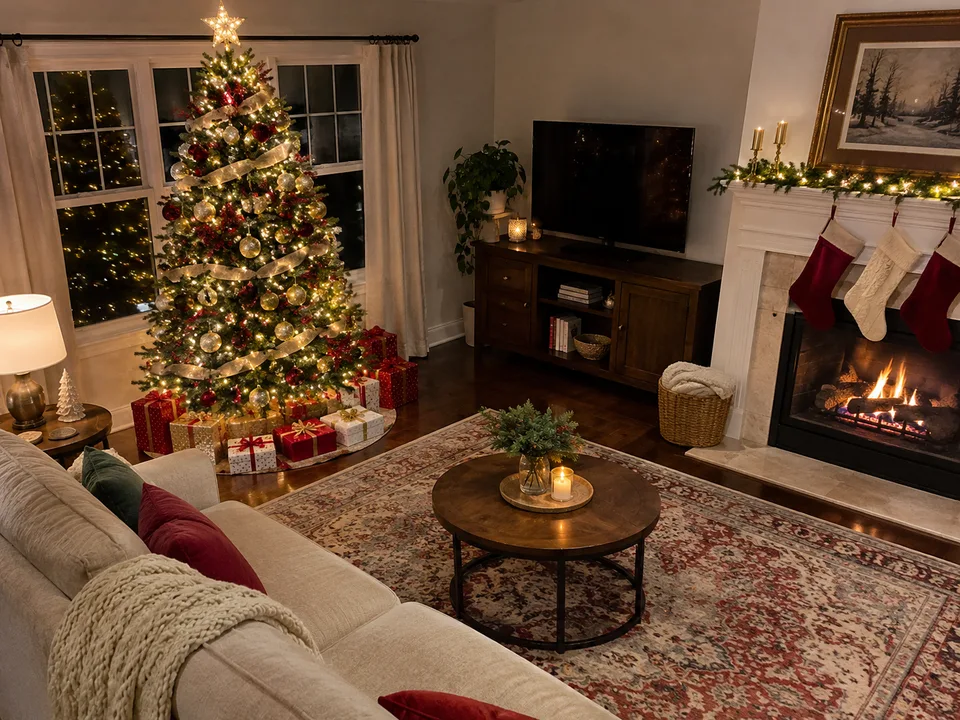
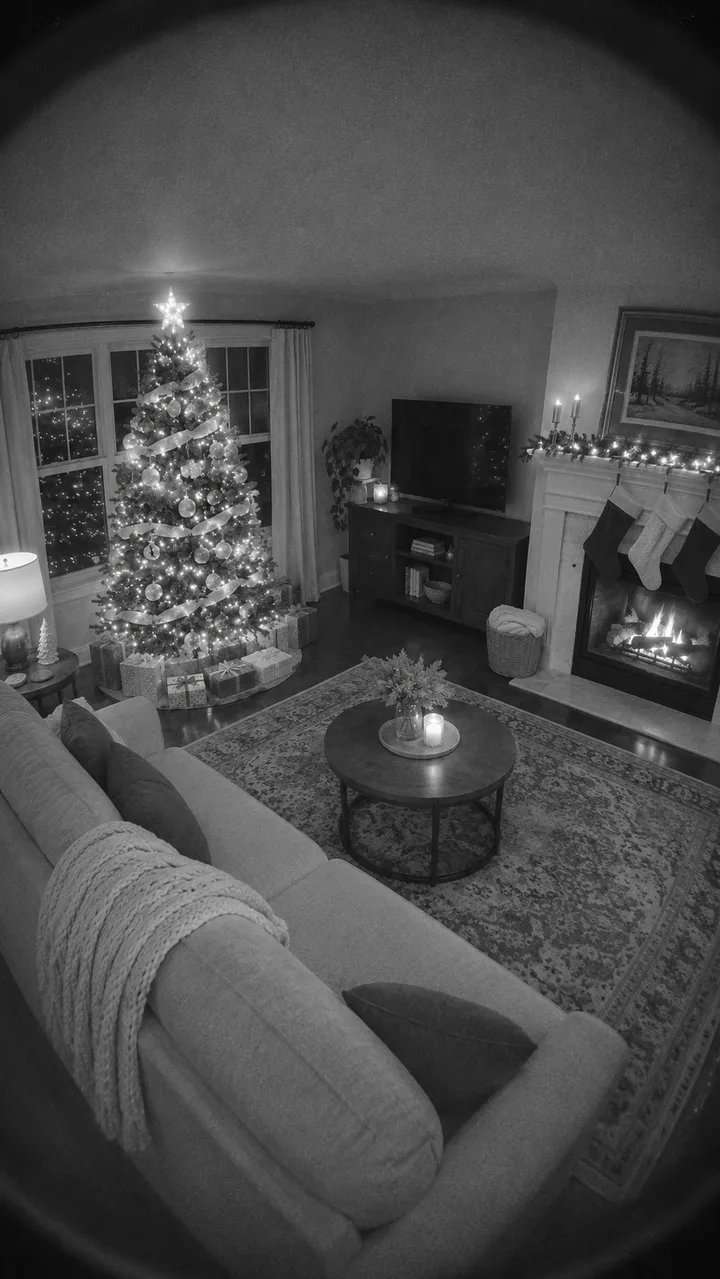
Room photo and night-cam still: GPT Image 2.5 Flare · Clip: Seedance 2.0 Fast from the still (9:16, 720p, 10 s) · room sound and a whisper, no music · made 2026-11-29
Upload one photo of your empty room and press Build the still for a black-and-white night-cam frame of it, then Animate it: Santa comes in, leaves the presents, shushes the lens and slips out. An AI-made holiday surprise clip, not real camera footage.
This session
My creationsYour results appear here. Every result is also saved in My creations; if a run fails, the credits go back to your balance.
Building the still costs 3 credits and the 5-second 720p clip costs 45 credits, so one finished video is 48 credits. Credits come in three one-time packs from $9.90 to $49.90; the $9.90 pack holds 250 credits. Compare credit packs →
Two rooms on night vision from a high corner: Santa leaves presents under the tree and shushes the lens, then eats a cookie in the kitchen, kneels with the golden retriever and raises a hand to the camera. Each Santa cam card shows the room photo, the night-cam still and the clip. In the living room the room sits empty for half a second, Santa walks in from the right with his sack at about 1 s, kneels by the tree until 4.5 s, turns to the lens with a finger to his lips from 5 to 7.5 s and slips out to the right by 10 s, with a whispered “Ho ho ho, Merry Christmas” around 6 s. In the kitchen he steps in very close to the lens at about 0.5 s, eats a cookie and sips the milk from 3.5 to 5.5 s, the dog wakes and trots over at about 6 s, and from 8 s he kneels with an arm around it, looks up and gives a thumbs-up.
Room photo and night-cam still: GPT Image 2.5 Flare · Clip: Seedance 2.0 Fast from the still (9:16, 720p, 10 s) · room sound and a whisper, no music · made 2026-11-29
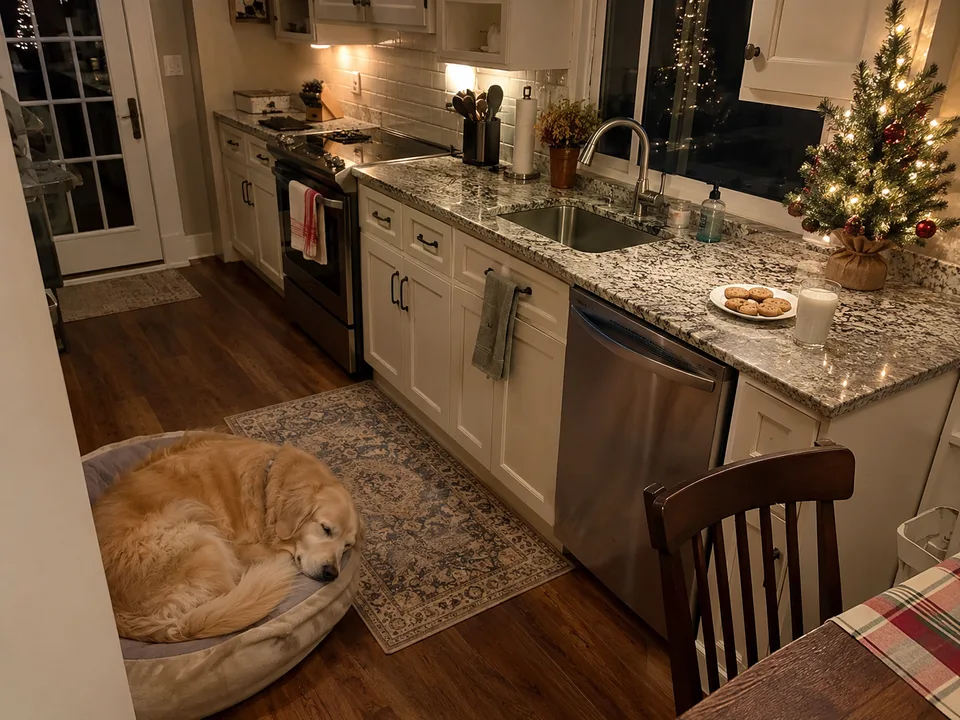
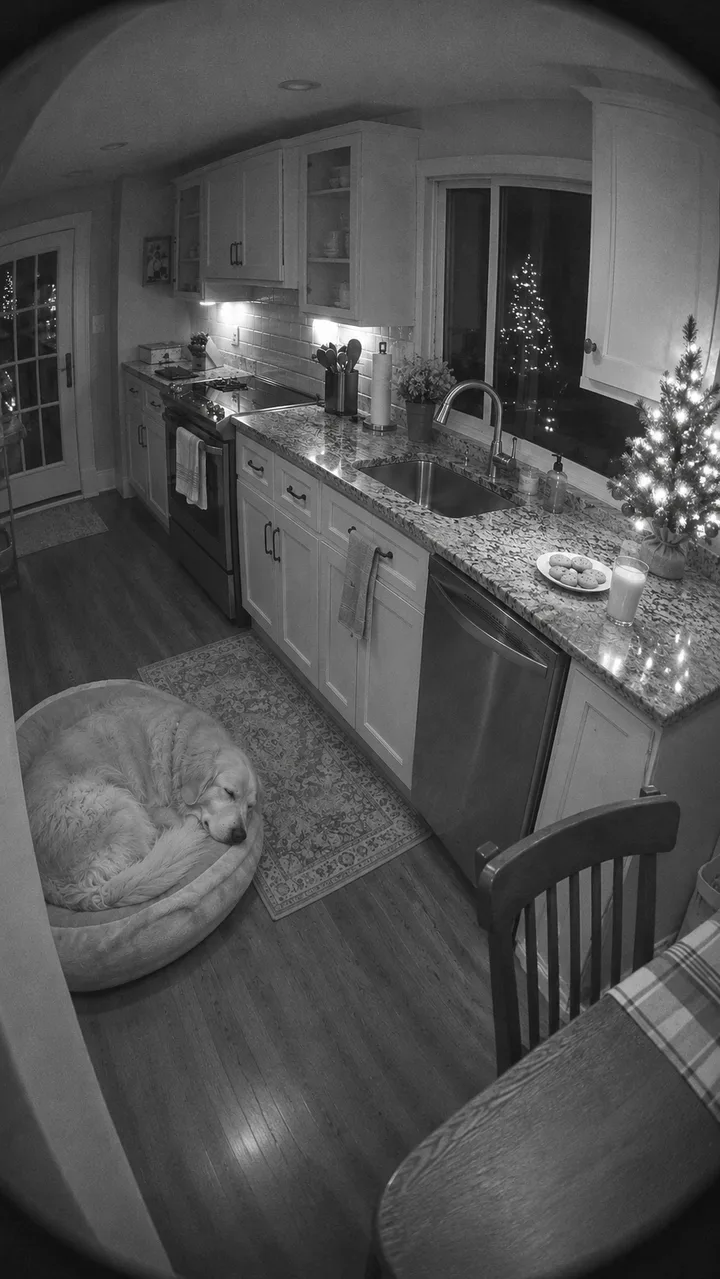
Room photo and night-cam still: GPT Image 2.5 Flare · Clip: Seedance 2.0 Fast from the still (9:16, 720p, 10 s) · room sound and a whisper, no music · made 2026-11-29
Room photo and night-cam still: GPT Image 2.5 Flare, 9:16 · still only · made 2026-11-29
Room photo and night-cam still: GPT Image 2.5 Flare, 9:16 · still only · made 2026-11-29
The rooms, the Santa and the dog are AI originals made for this sample set; no real home, person or pet, and no children. Each santa caught on camera clip here was made with Seedance 2.0 Fast from the night-cam still, 9:16, 720p, 10 seconds, with room sound and a whisper and no music. The picture is grainy and almost black and white; in the kitchen clip the suit keeps a faint red. No timestamp, no on-screen text. The two Still only cards are the night-cam frames on their own. A run in the workbench gives a shorter clip; the 10-second beats below work in Image to Video. Last checked .
Build the still turns your room photo into the same view on night vision, with no one in it yet; Animate it starts from that frame and brings Santa in, past the tree, up to the lens and back out. A Santa cam clip needs no app and no camera connection: one photo of an empty room is the whole input.
Upload a room with nobody in it. Please don’t upload photos of children. Take it at night with the tree lights on, the phone held high in a corner and tilted down so the tree and the floor show; a wide shot beats a close-up of the tree. Press Build the still and check that the room is still yours: same tree, same sofa, same windows, now grainy and grey from a high corner.
Press Animate it. The still becomes the first frame of your Santa caught on camera AI clip: Tree Corner brings him in with a sack, sets the presents down and ends on a shush at the lens; Kitchen Cookies has him take a cookie and, if a pet is in the photo, greet it. Every run is a new take, so run it again if he walks in too fast.
Type a first name in the optional Name box, spelled the way it sounds. Santa whispers “Merry Christmas” with that name; it is only spoken and never drawn on screen, so the night-cam frame stays clean. Leave it empty and he says the plain line.
Per peer page, sellers of AI Santa clips began posting them on TikTok in late October 2026, and by 4 November the #santacam tag counted more than 5,000 videos. People call it Santa caught on camera, Santa cam, Santa on security camera or a Santa doorbell camera video, and people after the AI version search catch Santa on camera AI; template names include Catch Santa at Your Tree and Santa Ate the Cookies.
On 29 October an account that sells AI Santa clips posted Santa walking up to a house at night, captioned as made from one photo of the house; on 3 November it posted a doorbell clip at 2:13 AM in which Santa says a name, and elf versions appeared the day before. The biggest single clip was a joke: on 1 November a porch-camera video showed a Santa taken for a decoration stopping a package thief. By 4 November #santacam had 5,013 videos and 55.4 million views, #santacaughtoncamera 329 videos and 6.7 million views, and #elfcaughtoncamera 417 videos and 19.1 million views (per peer page). Common scenes: presents under the tree with a finger to the lips, soot at the fireplace, a cookie on the sofa, tiptoeing down the stairs, a doorbell fisheye at the front door.
Every Santa caught on camera AI clip here is an AI-made holiday surprise made from your photo. No real Santa walked through, no camera recorded anything, and nothing appears on your actual camera or camera account. If you share it, say it is AI; if the children follow your account, keep the room photo off social media until after the 25th.
Last checked .
First ask for the same room from the same high corner as grainy black-and-white night vision with a slight fisheye and nobody in it; then write the visit in beats and keep the camera still, with no timestamp or text. Peers often add a date stamp, but AI video tends to draw the small digits wrong, so this Santa caught on camera AI prompt leaves it out. Paste the still prompt into Image to Image with your room photo, then the beats into Image to Video with the still as the first frame and 10 s as the length.
Pick the camera clip when the surprise is spotting Santa in your own house on night footage; pick a personalized Santa video when you want him up close, talking to them by name. The Santa caught on camera AI clip keeps a fixed high corner, a grey picture and a Santa who only whispers.
No. A Santa caught on camera AI clip is an AI-made holiday surprise built from the one room photo you upload. Nothing here connects to a camera, a doorbell or a camera account, and nothing shows up on your real camera.
The empty room at night with the tree lights on, taken with the phone held high in a corner and tilted down a little, so the tree and the floor both show. A wide shot of the room beats a close-up of the tree. Leave people out, and never upload a photo of a child.
Yes. Type a first name in the optional Name box, spelled the way it sounds, and Santa whispers it after “Merry Christmas”. The name is only spoken, never drawn on screen. The samples leave it empty.
Yes, if the dog is in your room photo. Pick Kitchen Cookies: in the sample the golden retriever wakes, gets off its bed and comes over, and Santa kneels beside it and raises a hand to the lens.
Build the still and Animate it each show their credits on the button before you press them. The figures come from the site settings, and the still costs less than the clip.
One finished video costs 48 credits: 3 for the still and 45 for the 5-second 720p clip. Rebuilding the still costs 3 credits each time. The $9.90 pack holds 250 credits, enough for about 5 finished videos. Packs are one-time purchases with no subscription, purchased credits do not expire, and a failed generation returns its credits to your balance.
After the Santa caught on camera AI clip, have Santa talk to them by name, turn a photo into a moving Christmas card, put your face on a dancing elf, or browse every effect.