Swing Sway
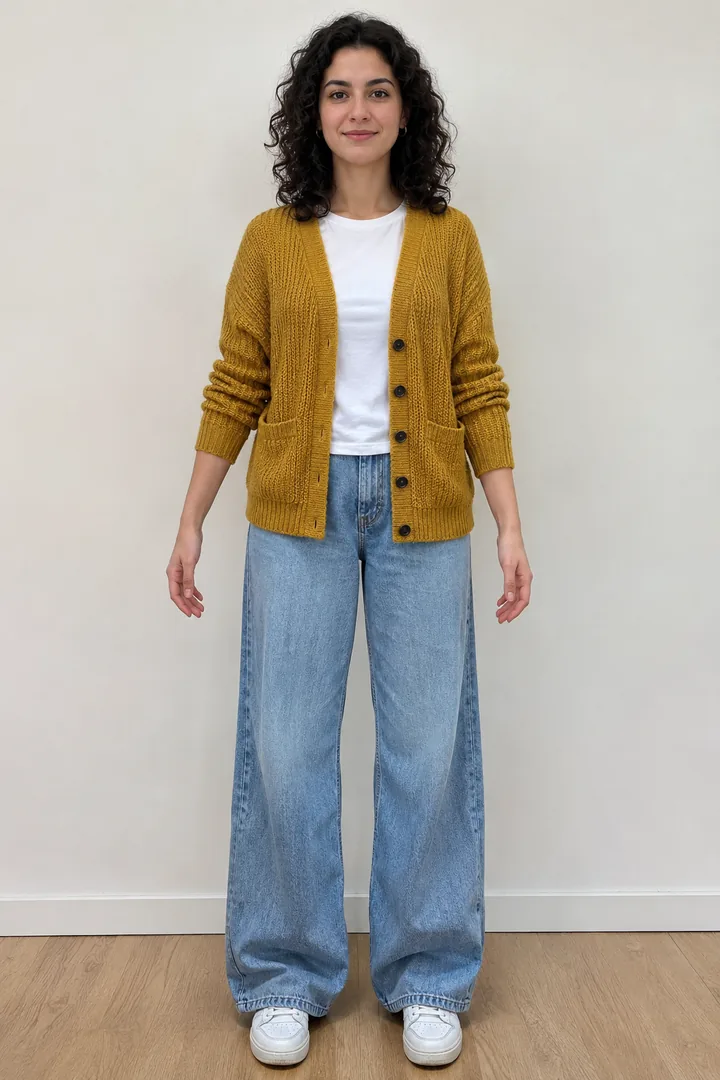
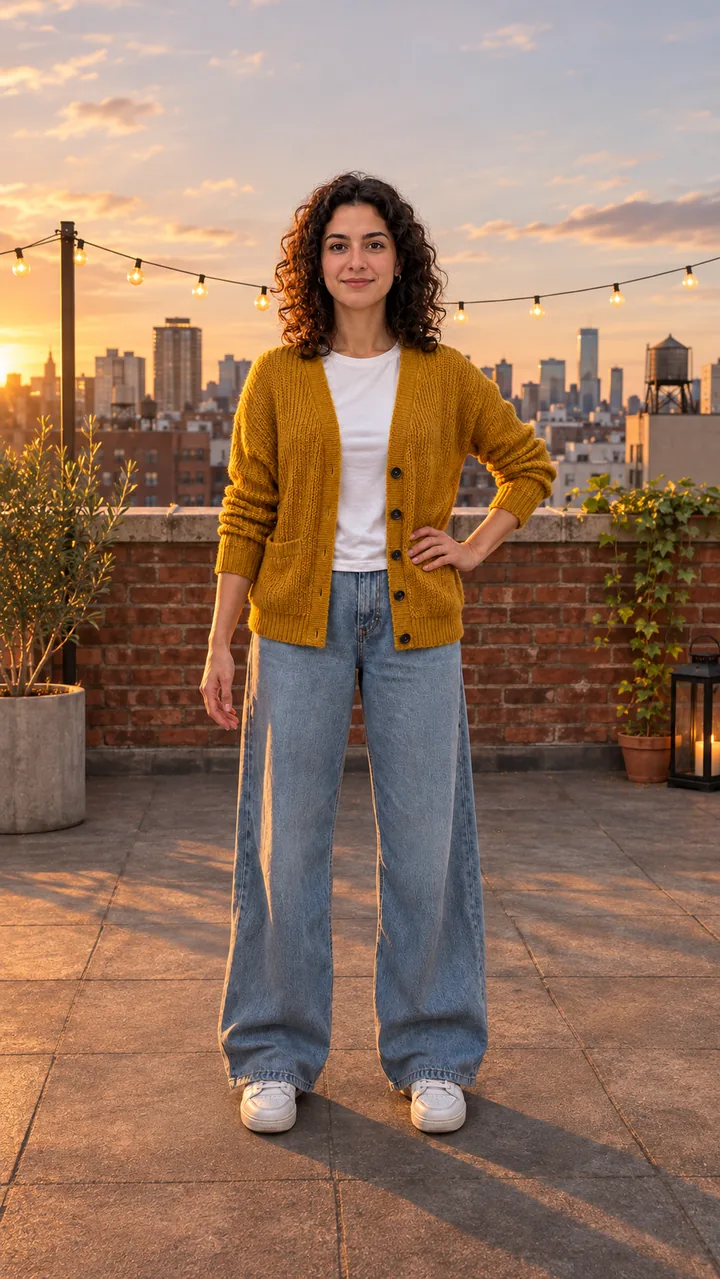
Still: GPT Image 2.5 Flare, image to image, 9:16 · Clip: Seedance 2.0 Fast, 720p, 10 s, 9:16 · made 2026-11-04
Upload one full-body photo, pick a dance, press Build the still to check yourself on the floor, then press Animate it.
This session
My creationsYour results appear here. Every result is also saved in My creations; if a run fails, the credits go back to your balance.
A woman in a mustard cardigan doing a swing sway on a rooftop and two friends dancing side by side in a park, each made from photos on this AI dance video generator.
Still: GPT Image 2.5 Flare, image to image, 9:16 · Clip: Seedance 2.0 Fast, 720p, 10 s, 9:16 · made 2026-11-04
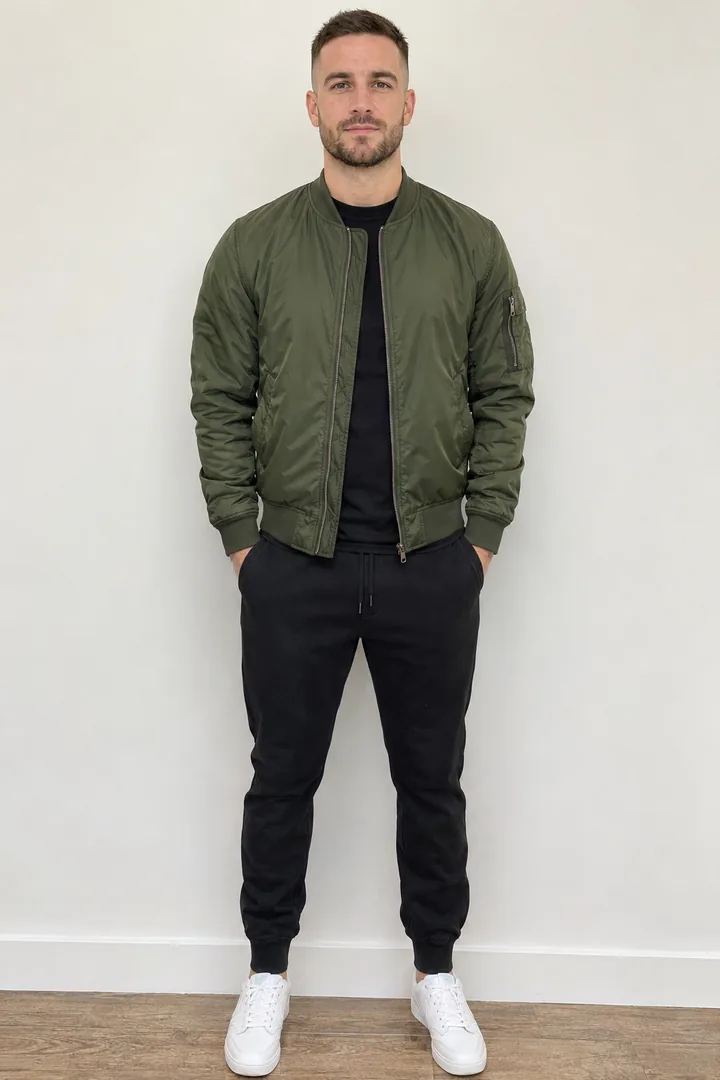
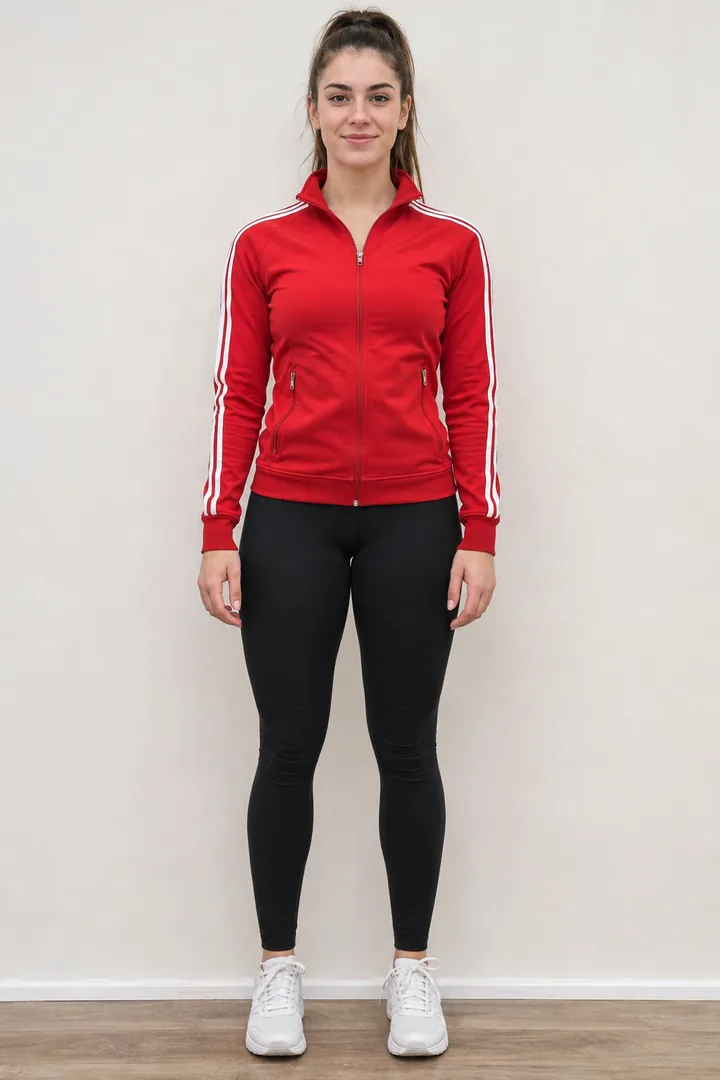
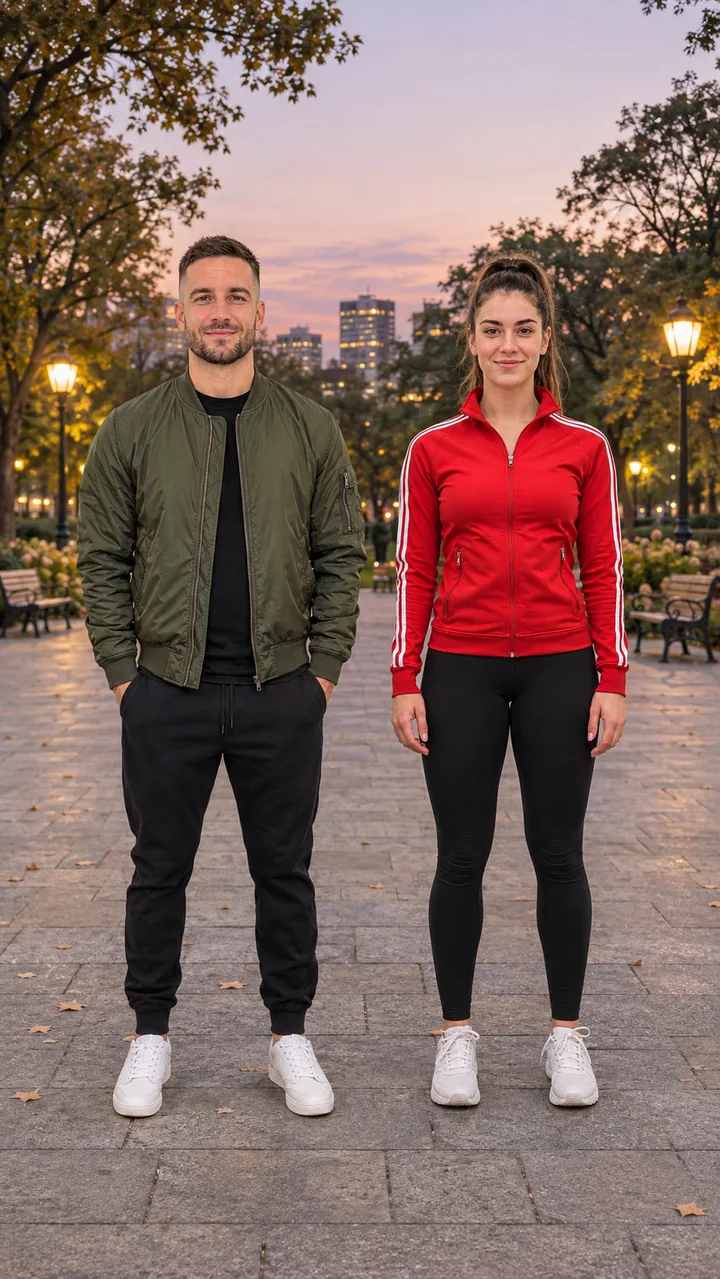
Still: GPT Image 2.5 Flare, image to image, 9:16 · Clip: Seedance 2.0 Fast, 720p, 10 s, 9:16 · made 2026-11-04
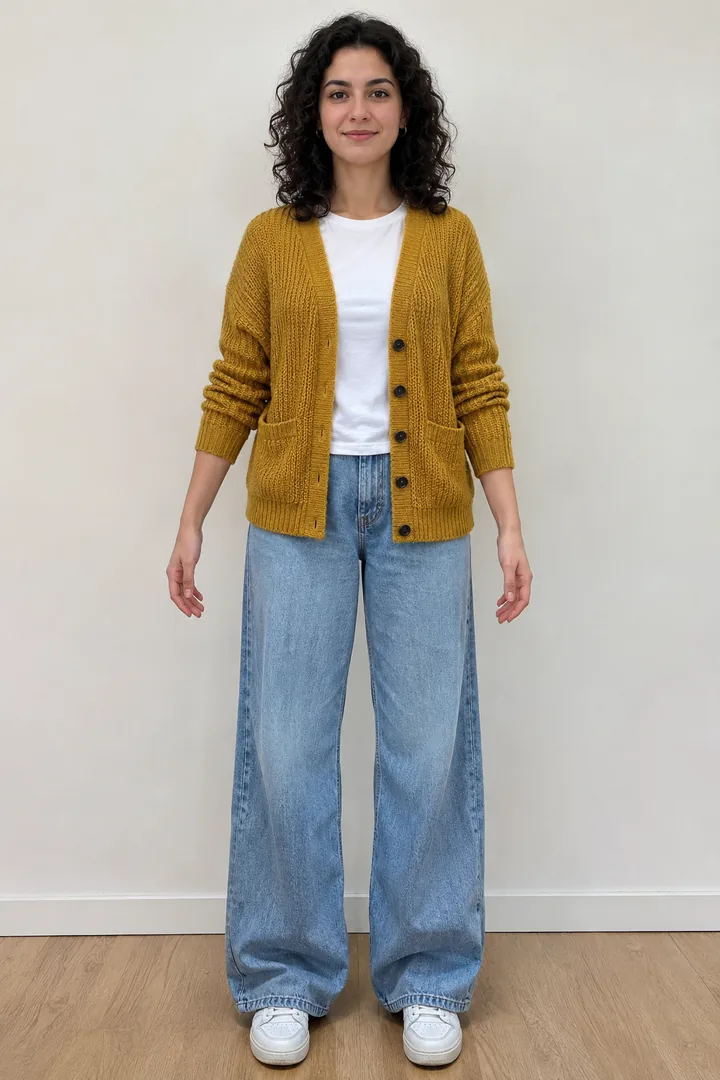
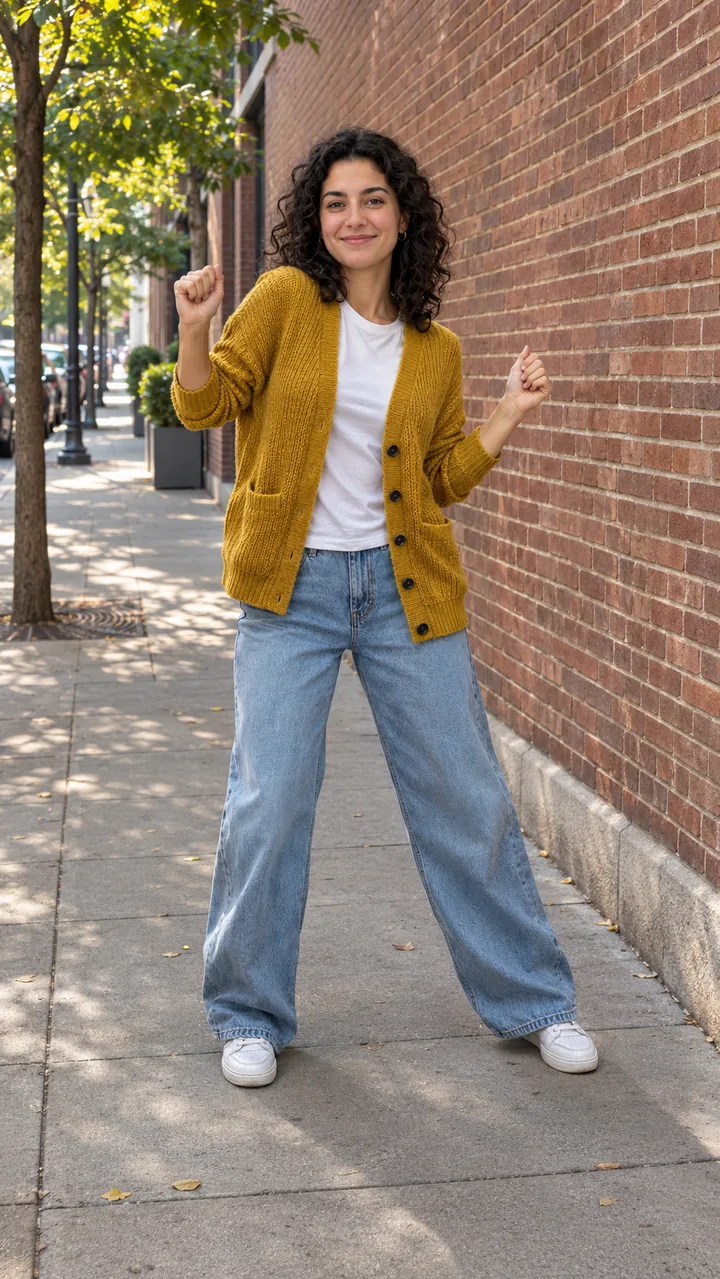
Still: GPT Image 2.5 Flare, image to image, 9:16 · still only · made 2026-11-04
Everyone in these samples is an original adult character generated for this page, not a customer or a real dancer. Stills were made with GPT Image 2.5 Flare from the photos; the two clips were made once with Seedance 2.0 Fast, 10 seconds, 9:16, 720p, on November 4, 2026. The beats are original, with no lyrics. Last checked .
Upload one full-body photo, pick a dance chip and press Build the still, then press Animate it once the face, clothes and feet look right. The still costs far less than the clip, so check it first.
One person, head to feet, facing the camera in good light, hands and feet in view. For a duet, pick Side by Side and add a second photo as Dance partner.
Tap Swing Sway, Hip-Hop Groove or Side by Side, then press Build the still. Check the face, the clothes and both feet; rebuild if anything is cut off.
Press Animate it and the still becomes the first frame of a 10-second vertical clip. To set your own last frame, open the still in Image to Video.
Build the still ↑ · Set a first and last frame in Image to Video
Swing Dance, Window Dance, Gangnam Style, I'm Not Yo B No More, Fuzzy Dream Dance, Puerto Rican Mami, Baile Charme, Bing Bing Bing Kicking, the Elf Dance and the Strike A Pole pet duet each have a page with its own preset.
One photo turned into a lively swing dance clip; the first dance effect on this site.
Open this dance →A night shot of one lit window: push in, dance, then the curtain closes.
Open this dance →The horse trot and the lasso, solo or with a friend.
Open this dance →A wide stance, fists up and seven moves in the living room.
Open this dance →Out of bed, a deep squat and a knee shake.
Open this dance →Seven moves on a porch, from the chest down to the knees.
Open this dance →Side steps, a lean and a turn in a Rio night square.
Open this dance →Two of you, or two pets, kicking side to side on a street.
Open this dance →Up to four friends as elves in one line.
Open this dance →Your cat or dog by a lamp post, dancing a move you pick.
Open this dance →Viggle gives a few watermarked free videos a day, most dance apps lock styles behind a weekly plan, and here every button shows its credit cost before you run, with a still to check first.
Yes: pick Side by Side and add a second photo for a duet, or open AI Elf Dance Video for up to four people in one line.
Pick Side by Side and the Dance partner slot appears. The first photo stands on the left and the second on the right; both stay in place for the whole clip.
AI Elf Dance Video takes up to four photos and lines everyone up as elves. Each photo should show one adult who agreed to it.
AI Elf Dance Video →Strike A Pole dances your cat or dog by a lamp post, and Gangnam Style and Window Dance also take a pet photo.
Strike A Pole →Use one person per photo, head to feet, facing the camera in good light, with hands and feet in view and a plain background.
Viggle gives a few watermarked free videos a day after sign-up, and most dance apps are free to download with a plan for the full style list. Here every button shows its credit cost before you run, and the still costs far less than the clip.
Yes. Pick Side by Side and add a second photo for a duet. For three or four people, open AI Elf Dance Video, which takes up to four photos.
Yes for one-photo dances: pick a preset dance here or open one of the ten dance pages, and build a still before the clip. Viggle copies the moves from a dance clip you upload instead.
About 10 seconds in vertical 9:16 by default, ready for TikTok, Reels and Shorts. Length options follow the video model you pick.
Clips come with an original beat when the model supports sound. Make your own track on Music, or pick a sound in the app when you post.
Usually a cropped or busy photo: hands in pockets, cut-off feet or a crowd behind. Use a sharp full-body photo, check the still before you animate, and keep the moves simple.
Pick Swing Sway or open any of the ten dance pages, upload one photo, and build your first still.