TRACK FIRST. THEN SECTION CLIPS.

AI Music Video Generator:
Track First, Then Section Clips

Make or bring a song, build a still for the chorus, press Animate it, then repeat for the verse and the drop and join the clips to the track.

One song. One clip per section.

PhotoCraftOpens its own page
  1. 1Build the still
  2. 2Check the face
  3. 3Animate
Scene
Edit the still prompt

Still: GPT Image 2.5 · 9:16 · 1K. The animate step shows its own credits after you approve the still.

Image model

Credits per run at your current settings.

Image settings

Aspect ratio
Resolutioncredits per run

This session

My creations
SampleOne song section in. A chorus clip on the beat out.

Your results appear here. Every result is also saved in My creations; if a run fails, the credits go back to your balance.

Choose a credit pack

One-time pack. Credits land in your balance and your run starts right after checkout.

This run3 credits
Your balance—

Included with Pro

  • 1000 credits included
  • Everything in Starter
  • Priority processing queue
  • HD quality output (1080p)
  • Advanced AI Agent Mode
  • Batch generation support
  • API access included
  • Priority email support
  • Early access to new features

One-time payment, no subscription · Purchased credits never expire · Payment by Stripe. You come back to this page after checkout. Compare packs

MADE FOR THIS PAGE

AI music video generator clips cut from one song

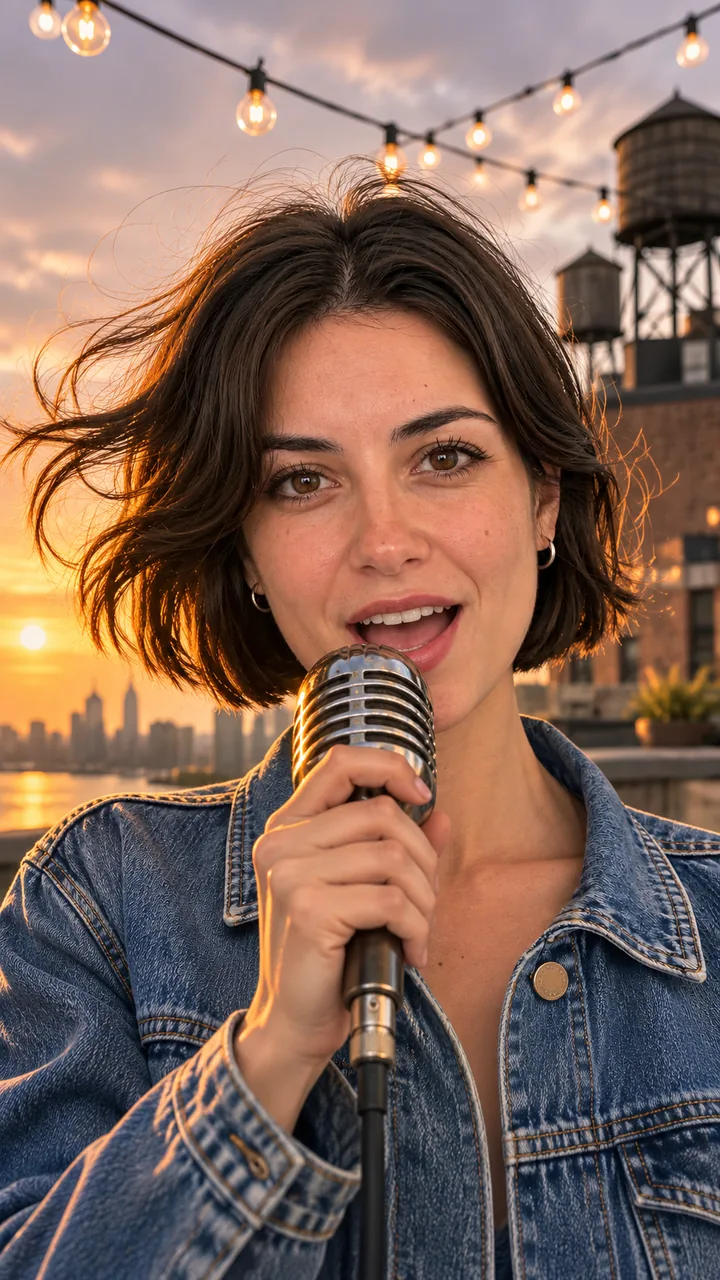
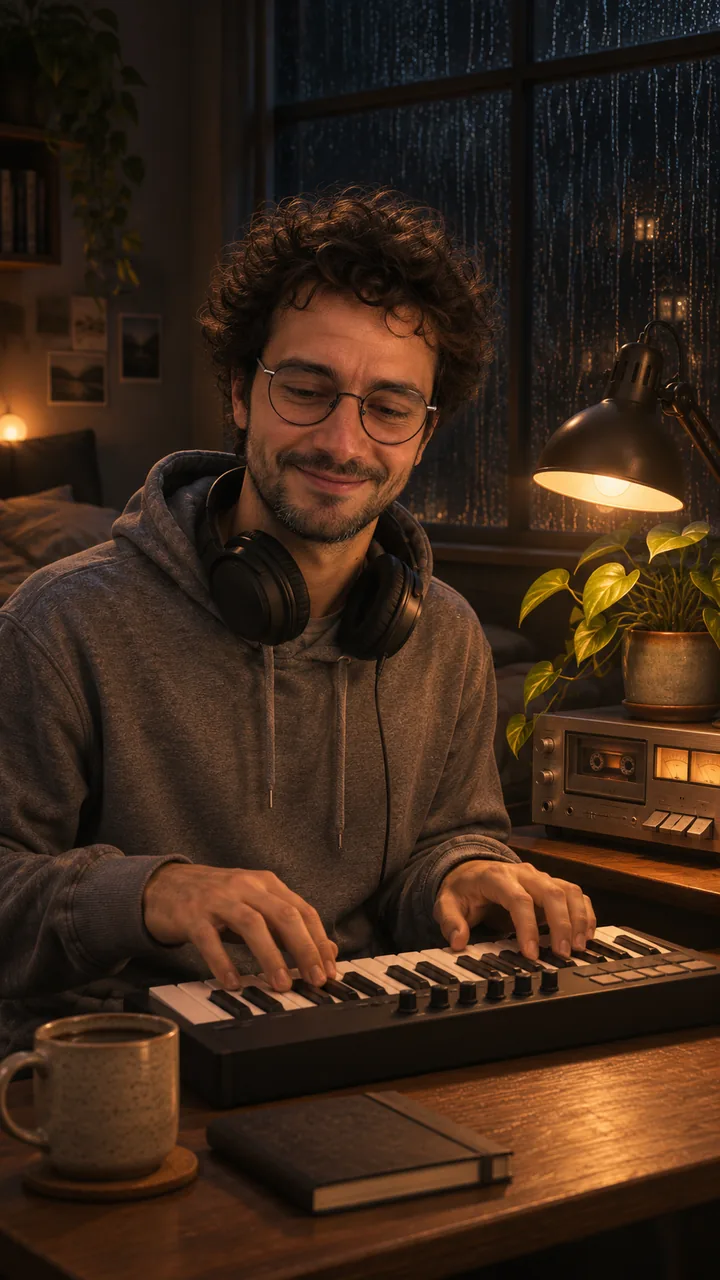
Two vertical clips from original tracks, a synth-pop chorus and a lo-fi verse, remixed for this page from 10-second lovart.me originals, with the four section stills beside them. Chorus cut, about 8 seconds at about 122 BPM: two seconds close on the singer at a vintage mic, then a cut to her profile as the camera pulls back to the whole rooftop at golden hour. Verse loop, about 9.5 seconds at about 77 BPM: a musician playing a small keyboard, the camera drifting to the rainy window and the desk lamp and back to him. Both have sound; turn it on in the player.

Chorus

Input photo: an original adult singer with a short dark bob and a cropped denim jacket
Photo
Chorus section still
Still
Video

Remixed from a lovart.me clip: Seedance 2.0 Fast, 10 s, 9:16, 720p, with a 12-second clip of an original synth-pop chorus with a wordless la-la hook (Suno V6) as the audio reference; the sound was generated by the model from that reference · re-cut on the beat, reframed, colour graded · no new AI generation · made 2026-11-05

Verse

Input photo: an original adult musician with curly hair, round glasses and a grey hoodie
Photo
Verse section still
Still
Video

Remixed from a lovart.me clip: Seedance 2.0 Fast, 10 s, 9:16, 720p, with a 12-second clip of an original lo-fi instrumental (Suno V6) as the audio reference; the sound was generated by the model from that reference · re-cut on the beat, reframed, colour graded · no new AI generation · made 2026-11-05
Intro

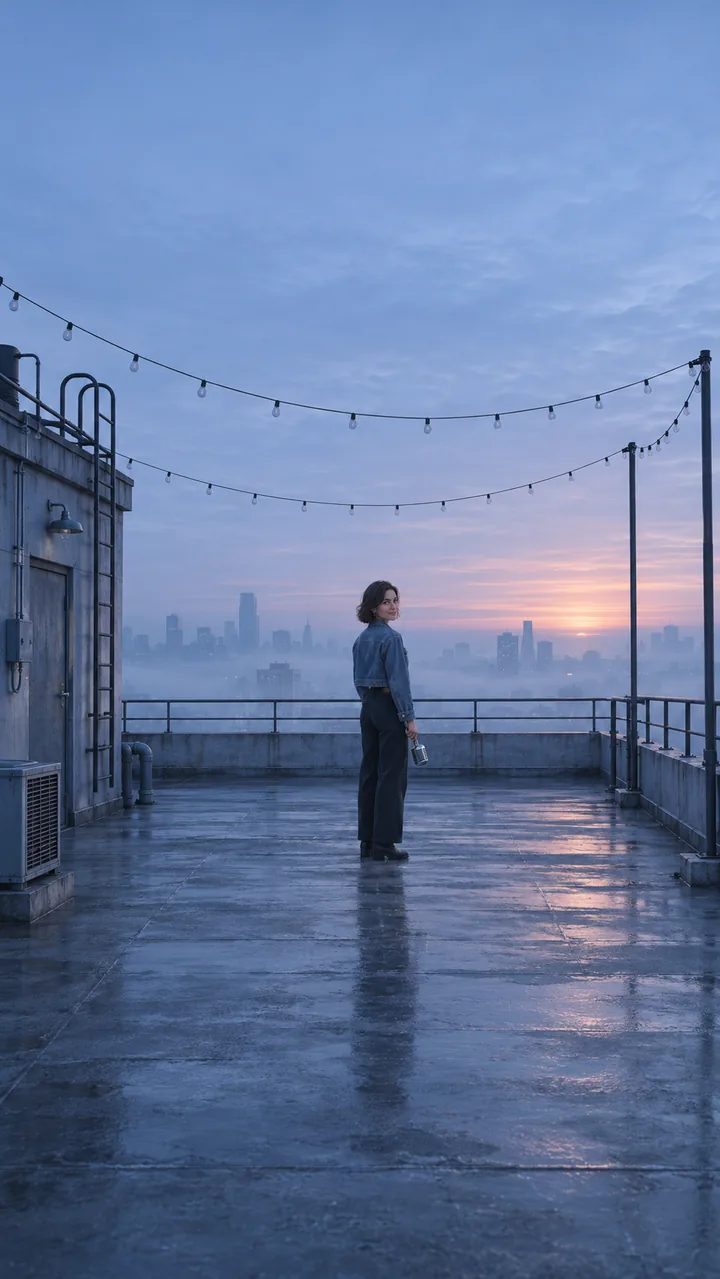
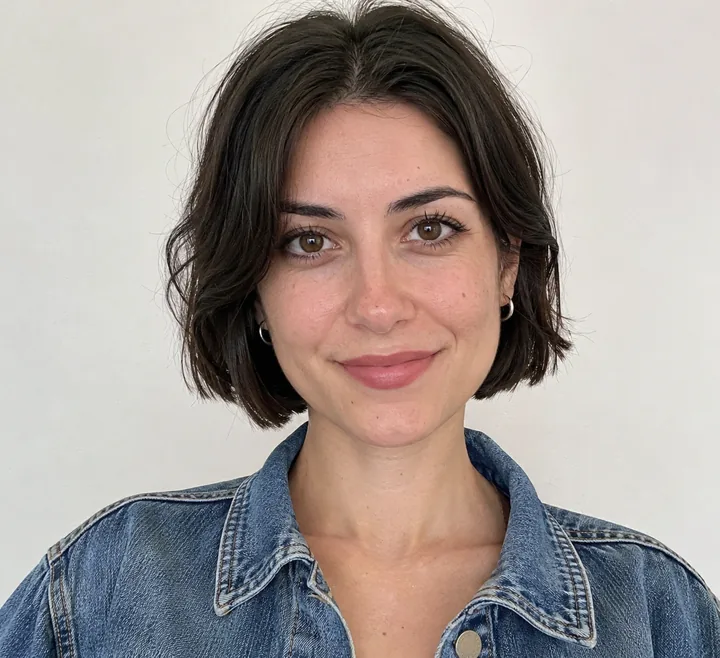
Input photo: an original adult singer with a short dark bob and a cropped denim jacket
Photo
Intro section still
Still
Still only
Video

Still: GPT Image 2.5 Flare, image to image, 9:16 · still only · made 2026-11-04

Verse

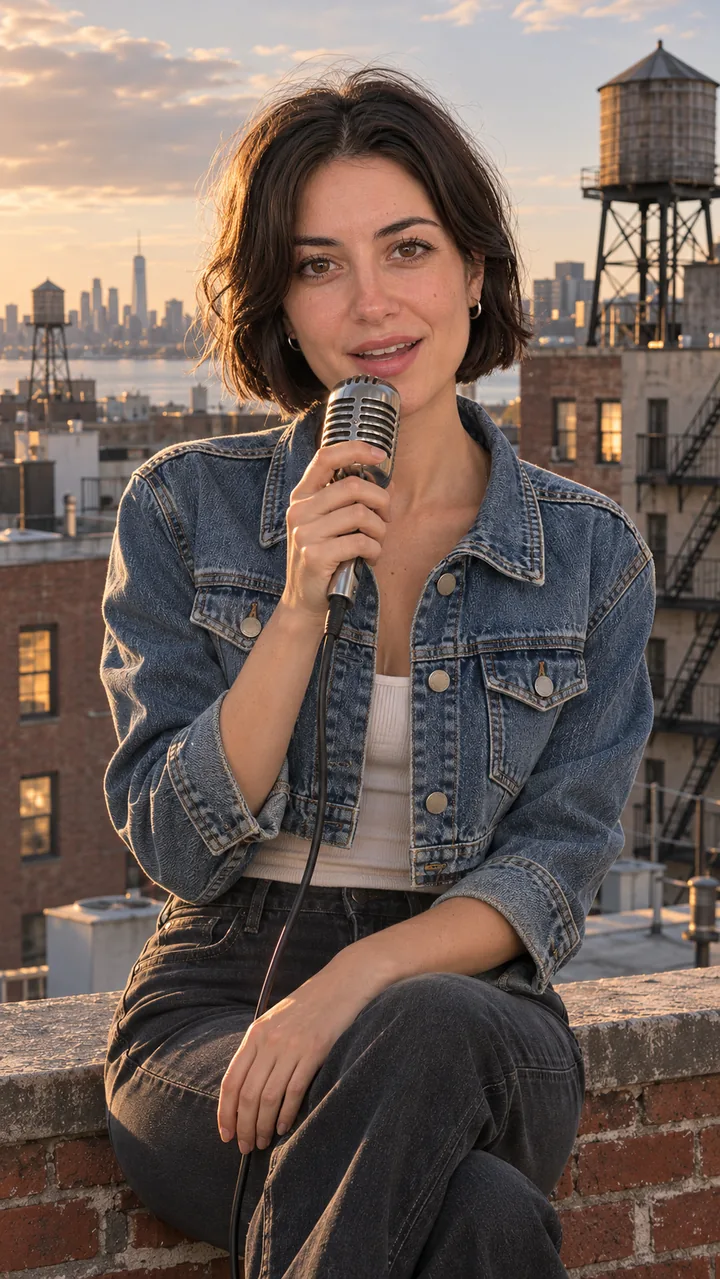
Input photo: an original adult singer with a short dark bob and a cropped denim jacket
Photo
Verse section still
Still
Still only
Video

Still: GPT Image 2.5 Flare, image to image, 9:16 · still only · made 2026-11-04

Chorus

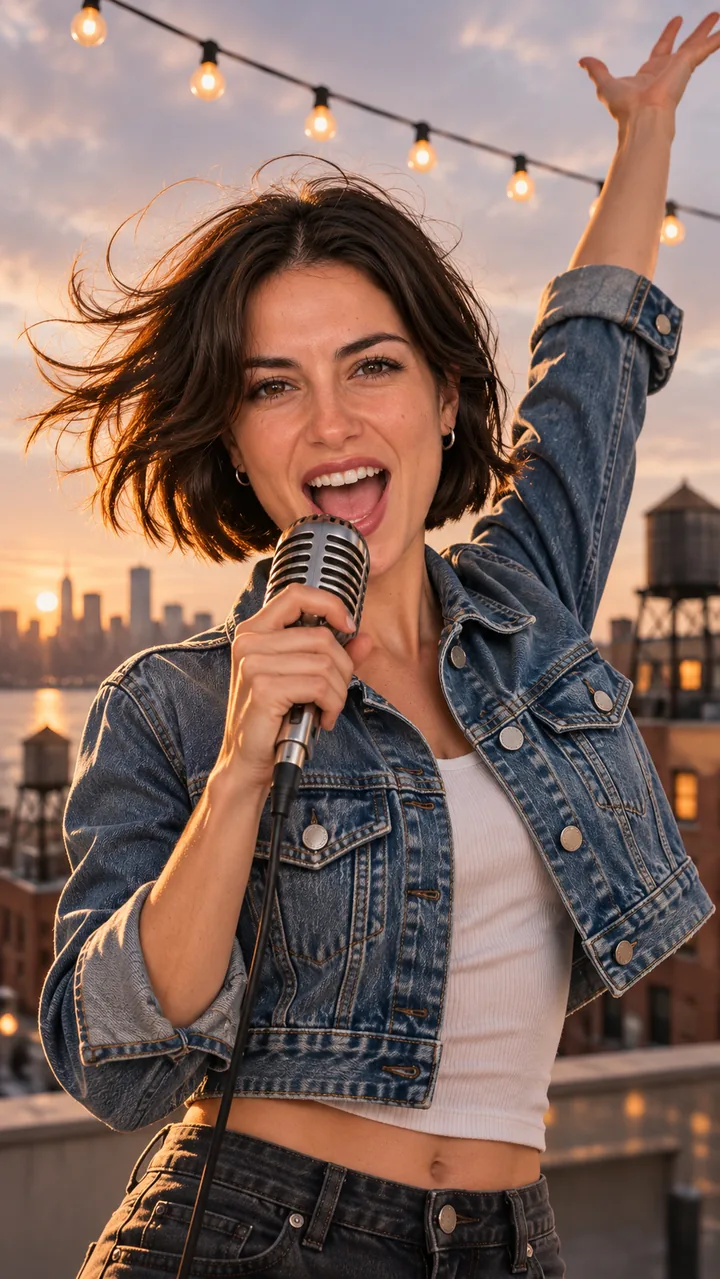
Input photo: an original adult singer with a short dark bob and a cropped denim jacket
Photo
Chorus section still
Still
Still only
Video

Still: GPT Image 2.5 Flare, image to image, 9:16 · still only · made 2026-11-04

Drop

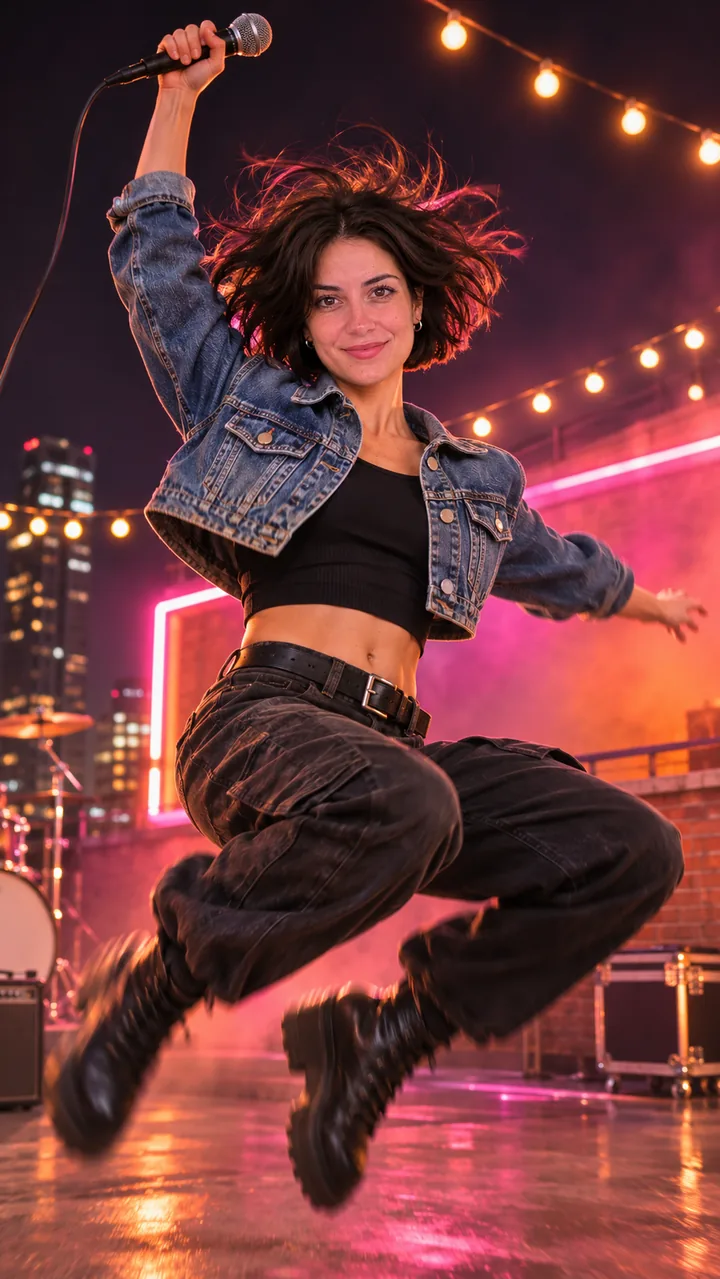
Input photo: an original adult singer with a short dark bob and a cropped denim jacket
Photo
Drop section still
Still
Still only
Video

Still: GPT Image 2.5 Flare, image to image, 9:16 · still only · made 2026-11-04

Both singers are original adult characters, not real artists, and both songs are original. The two clips were made once on lovart.me with Seedance 2.0 Fast, each with a 12-second clip of a Suno V6 song attached as an audio reference, so the sound you hear was generated by the model from that reference rather than taken from the song file. For this page they were re-cut on the beat, reframed and colour graded, with no new AI generation. Section stills were made with GPT Image 2.5 Flare on November 4, 2026. Last checked .

TWO STEPS

Two steps with this AI music video generator

Step one: write the track on AI Music or bring your own; step two: build a still for each section, animate it, and join the clips to the song in any editor.

  1. 01

    Write or bring the track

    Describe the song on AI Music in one line, or upload your own. Note the BPM and the second where the chorus starts.

  2. 02

    Build the section still

    Upload one singer photo, pick Chorus, Intro, Verse or Drop, and press Build the still. Keep the same photo for every section.

  3. 03

    Animate and join to the song

    Press Animate it for each section, download the clips and line them up on the song in any editor, cutting on bar lines.

SHOT LIST

Plan AI music video generator clips by song section

Mark intro, verse, chorus and drop, give each one still, and set clip length by bars: at 118 BPM, eight bars is about 16 seconds, so make two 8-second clips.

Intro

  • Bars — 4
  • Length — ≈ 8 s
  • First frame — Intro still
  • End frame — Verse still
  • Move — Slow push-in, singer turns on the last beat

Verse

  • Bars — 8
  • Length — ≈ 16 s (two 8 s clips)
  • First frame — Verse still
  • End frame — Chorus still
  • Move — Nods on every beat, camera drifts sideways

Chorus

  • Bars — 8
  • Length — ≈ 16 s (two 8 s clips)
  • First frame — Chorus still
  • End frame — Chorus still
  • Move — Arm down on the downbeat, a step every two beats

Drop

  • Bars — 4
  • Length — ≈ 8 s
  • First frame — Drop still
  • End frame — none
  • Move — Land, bounce, spin; lights pulse on the beat

Build the still ↑

FREE ROUTES

What does a free AI music video generator give you?

Usually a short, smaller or watermarked clip: HeyGen and Freebeat start free with limits, and here the still step and AI Music let you test the idea before a video run.

Free tiers on song-to-video sites

Input
Your song file or link
Result
Short or lower-resolution clips, limited downloads
Best when
You want the site to cut to the beat for you

Free editor plus your clips

Input
The song and clips you already have
Result
A full video cut by hand on bar lines
Best when
You have time and an editor

AI Generator stills and section clips (uses credits on this site)

Input
A song from AI Music or your own, and one singer photo
Result
One still per section to check, then section clips to join to your song
Best when
You want the same singer in every section

Start with one photo ↑ · Write the track on AI Music

COPY AND EDIT

AI music video generator prompts for each section

Write who, where, the motion on the beat and the camera move, and end each prompt on the frame the next section starts from.

Chorus · 8 s

Chorus prompt

Keep the same person from my photo: same face, hair and clothes. They sing full voice into a vintage handheld microphone on a city rooftop at golden hour, one arm raised, wind in the hair, string lights overhead, low angle, shallow depth of field. Vertical 9:16 music video frame, the singer fully in view. No text, no lyrics on screen, no logos, no real celebrities. Use the photo as the first frame. One continuous shot, no cuts. Arm swings down on the downbeat, a step toward the camera every two beats, hair moving in the wind, the camera rises slowly from a low angle. Keep the same face, hair and clothes in every frame. No text, no logos.

Verse · 8 s

Verse prompt

Keep the same person from my photo: same face, hair and clothes. They sit on a low brick parapet on a city rooftop in late afternoon light, singing softly into a vintage handheld microphone, medium shot at eye level, water towers behind. Vertical 9:16 music video frame, the singer fully in view. No text, no lyrics on screen, no logos, no real celebrities. Use the photo as the first frame. One continuous shot, no cuts. Small head nods on every beat, the free hand taps the knee, the camera drifts slowly to the side. Keep the same face, hair and clothes in every frame. No text, no logos.

SOUND

Can an AI music video generator lip-sync to my track?

Not in effect mode, which animates frames without your audio; for motion that follows the song, attach it as an audio reference on the Seedance 2.5 model page, and keep close-up singing short.

Silent clips, song added after

Effect mode and Image to Video take a first frame and an optional end frame; your song is not sent to the model, so any sound on the clip will not follow your track. Mute it and cut on the beat in your editor, where the song is the timeline.

Image to Video →

Audio reference on Seedance 2.5

The Seedance 2.5 model page makes 4 to 30 second clips and accepts the song as an audio reference, so motion can follow the music. Frames and references are used separately there. The two samples on this page used an audio reference too, with Seedance 2.0 Fast on lovart.me, and their sound was generated by the model from the reference clip.

Open Seedance 2.5 →
POSTING

Post an AI music video generator clip online

Export 9:16 for TikTok and Reels, add YouTube's AI label when the music or scene looks real, and trim a 3 to 8 second loop without singing for Spotify Canvas.

TikTok and Reels

Vertical 9:16. Post the chorus clip first: it carries the hook.

YouTube

Disclose realistic AI-made music or scenes in YouTube Studio; clearly animated visuals do not need the label. Songs from a Suno free plan are non-commercial.

Spotify Canvas

A 3 to 8 second vertical loop, 720 to 1,080 px tall, MP4 or JPG, with no singing and no rapid cuts or flashing.

Tiny Desk AI Video →

Build the still ↑

FAQ

AI music video generator FAQ

Can I make a music video for free?

You can start free: HeyGen and Freebeat have free tiers with limits on length, resolution or downloads. Here you can check each section still before any video run, and the cost shows on each button.

Do I need a song first?

Yes, or make one: describe the track on AI Music, download it, and note the BPM and where the chorus starts. Those two numbers set every clip length.

How many clips does a whole song need?

Count bars: at 118 BPM eight bars last about 16 seconds, so a three-minute song is roughly 12 to 20 clips joined in an editor.

Can I make a lyric video?

Yes. Build the section clips, then add timed lyric captions in your editor. Keep words off the generated frames, because image and video models misspell them.

Is a Suno free-plan song OK for monetised uploads?

No. Songs made on Suno's free plan are for non-commercial use and Suno keeps ownership; songs made during a Pro or Premier subscription carry commercial use rights. Lyrics you wrote stay yours.

Why does the face change between clips?

Each clip is a new run. Use the same still as the first frame of every section and keep the singer description word for word.

NEXT

More to try after the AI music video generator

Write the track first, or put the singer on a fixed stage.

Build the still ↑ · Browse all video effects →